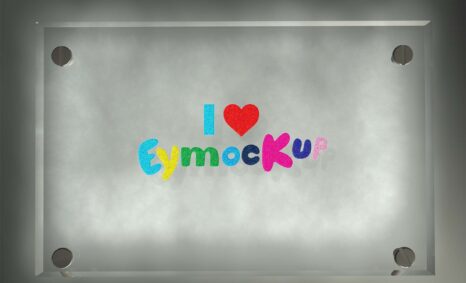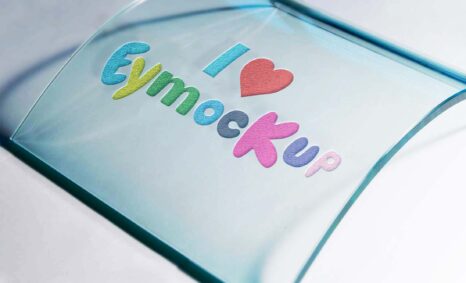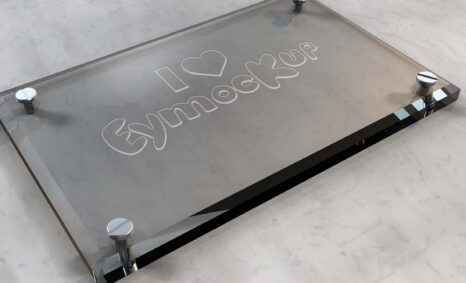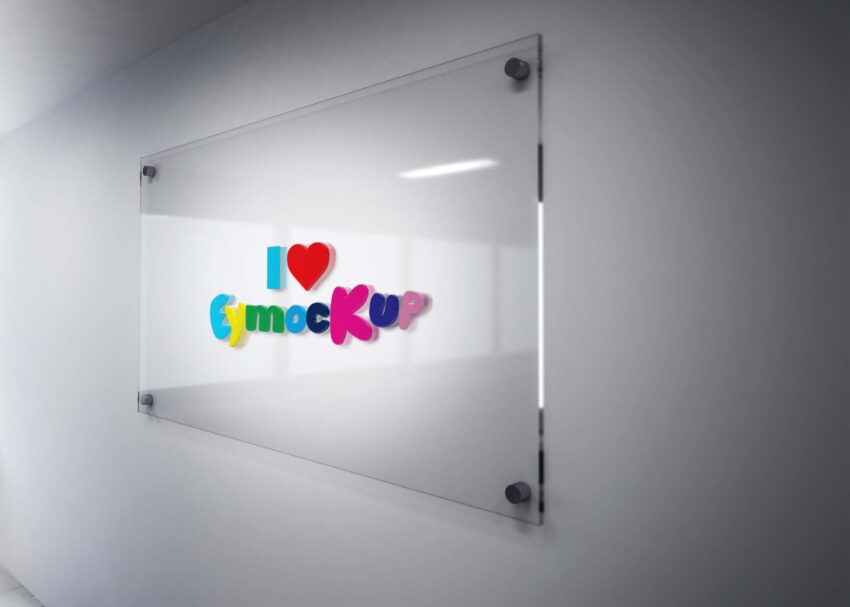
Elevate your brand’s visual appeal with our Free 3D Logo Presentation Mockup. This versatile mockup allows you to showcase your logo design in a stunning three-dimensional format, perfect for portfolios, presentations, or social media. Simply insert your logo into the designated smart layer, and watch as your design comes to life with realistic shadows and lighting effects.
Our mockup is designed for easy editing with Adobe Photoshop, making it accessible for both beginners and experienced designers. With high-resolution quality, your logo will stand out in any setting. Whether you’re crafting a modern look or a classic vibe, this mockup is adaptable to various styles. Download now to start creating eye-catching presentations that will impress clients and audiences alike.
I made this 3D Logo Mockup Presentation to show off my logo design skills! I found a nice tutorial on how to use Photoshop to make a reflective 3D logo. I was able to do this all with tools and actions in Photoshop. I am still new to Photoshop so this took some time, but I think the final result is worth the time and effort. The most challenging part of this project was figuring out how to make this work in different sizes, because my original image was quite large.
Here’s what we’re going to do:
Create a High-Resolution 3D Logo Mockup
Create an Action/Script that can be used on any size logo and still look good
Use Photoshop Actions to automate the process and make it easier
All of these resources are easy to use and can present your information beautifully. Some are free, while others cost a few dollars. ( premium mockups )
More great & free PSD Mockups Collection
- Top 10 New Fabric Logo Mockup
- Top 10 Paper Logo Mockup
- Latest 10+ Paper Logo Mockups
- 10+ 3D Logo Mockup For Presentation
- Top 5 Wall 3D logo Mockup
- Logo Mock-ups 2017
Description:
Available Format: Layered PSD through smart object insertion
License: Free for personal and commercial use
Zip File Includes: Photoshop PSD File
Resolution: 2200 x 1500 px
Advertisement:
FAQs – Free 3D Logo Presentation Mockup
Can I edit the 3D Logo Presentation Mockup?
Yes, the mockup is fully editable in Adobe Photoshop. Just replace the placeholder with your logo using the smart layer.
Does the mockup support different logo formats?
Absolutely! You can use various formats like PNG, JPEG, or even vector files for the best results.
What Photoshop version is needed for the mockup?
The mockup is compatible with Adobe Photoshop CS6 and later versions, ensuring a smooth editing experience.
Is it easy to customize the lighting in the mockup?
Yes, you can easily adjust the lighting and shadows in Photoshop to suit your logo and desired presentation style.
Do I need any special skills to use the mockup?
No special skills are required! The user-friendly design allows anyone to create stunning presentations with minimal effort.