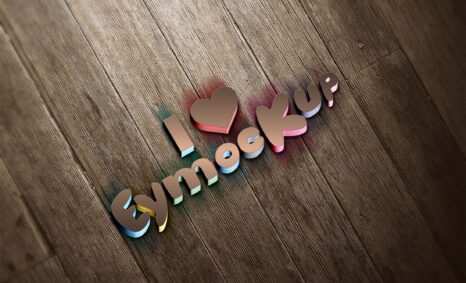
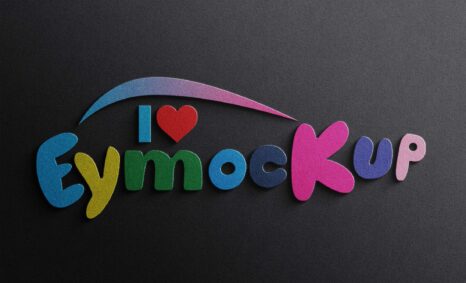
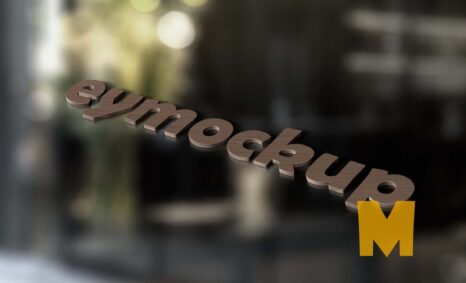
Elevate your branding with our free 3D logo mockup, designed for easy customization. This mockup allows you to showcase your logo in a professional and eye-catching way, suitable for presentations, portfolios, and marketing materials. With its high-quality rendering, your designs will stand out and impress clients or stakeholders.
Our mockup is compatible with Photoshop and includes smart layers for effortless editing. Just drag and drop your logo into the designated area, adjust the lighting if necessary, and you’re ready to go. Perfect for any designer looking to present their work creatively, this mockup will enhance your projects and help you communicate your vision effectively.
This free mockup is a realistic 3D logo mockup that can be used for any kind of branding and identity design. The mockup is created in PSD format and you can easily customize it to your needs.
This mockup was created using Photoshop and the smart objects feature. You can easily change the colors, images or fonts of this mockup by simply double-clicking on the smart object layer. The large image resolution (3000×2000) makes it easy to work with this mockup on any size monitor or device.
All of these Resources are easy to use and can present your information beautifully. Some are free, while others cost a few dollars. ( premium mockups )
More great & free PSD Mockups Collection
- 120+ Wood PSD Mockup Collection
- 15+ New Tattoo Design PSD Mockup
- 25+ Newspaper PSD Mockup Download
- 100+ 3D Logo Mockup
- 100+ Free PSD Logo Mockup Collection 2022
Description:
Available Format: Layered PSD through smart object insertion
License: Free for personal use
Zip File Includes: Photoshop PSD File
Resolution: 2000 x 2250 px
FAQs – Free Download 3D Logo Mockup
Can I edit the 3D logo mockup in Photoshop?
Yes, the 3D logo mockup is fully editable in Photoshop using smart layers for a seamless experience.
What file format is the 3D logo mockup available in?
The mockup is available in PSD format, making it easy to work with in Adobe Photoshop.
Does the mockup support various lighting effects?
Yes, you can easily adjust lighting effects within Photoshop to match your branding style.
Is it easy to customize the logo in the mockup?
Absolutely! You can customize the logo effortlessly by simply dragging your design into the smart layer.
What are the dimensions of the 3D logo mockup?
The dimensions of the mockup are optimized for high-resolution displays, ensuring your logo looks sharp and professional.