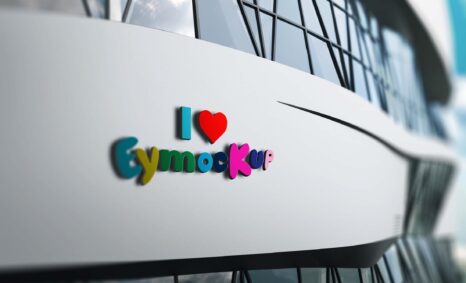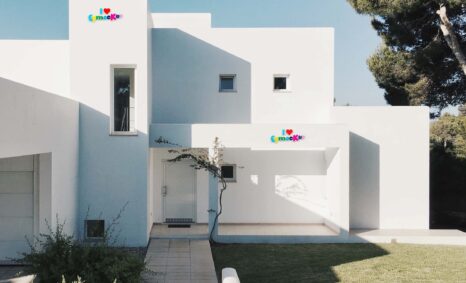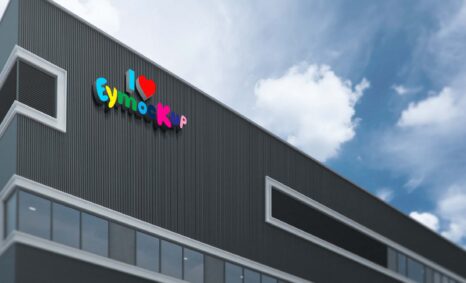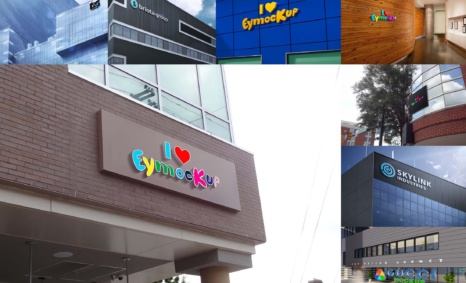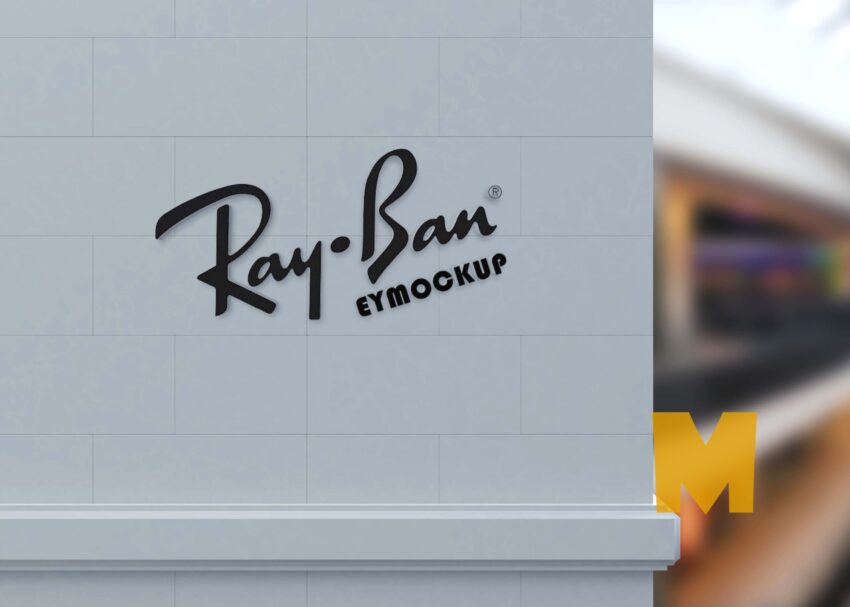
Elevate your branding with our free building wall logo mockup, designed for showcasing your logo in a realistic urban environment. This mockup provides a high-quality, photorealistic representation that captures the essence of your brand on a textured wall. Perfect for presentations, portfolios, and marketing materials, this mockup allows you to visualize how your logo will look in a real-world setting.
Our mockup is easy to use and customizable in Photoshop, allowing you to simply drag and drop your logo into the designated area. The background provides natural lighting and shadows that enhance the overall presentation of your design. Whether you’re a graphic designer, marketer, or business owner, this free wall logo mockup is an invaluable tool for creating stunning visuals that resonate with your audience.
All of these Resources are easy to use and can present your information beautifully. Some are free, while others cost a few dollars. ( premium mockups )
More great & free PSD Mockups Collection:
- 50+ Latest Mockup Collection
- 299+ Business Card Mockup Free Download 2021
- 305+ Product Packaging Mockups (Only Free)
- 800+ Logo Mockup PSD Free Download
Description:
Available Format: Layered PSD through smart object insertion
Zip File Includes: Photoshop PSD File
Resolution: 2000 x 2250 px
FAQs – Free Building Wall logo mockup
Can I edit the wall logo mockup in Photoshop?
Yes, the mockup is fully editable in Photoshop. You can easily customize it by inserting your logo and adjusting various elements.
Does it support different logo formats?
Absolutely! You can use various logo formats such as PNG, JPEG, or even vector files for the best results in the mockup.
Is the mockup resolution high enough for printing?
Yes, the mockup is designed with high resolution, making it suitable for both digital use and high-quality prints.
What lighting options are available in the mockup?
The mockup features natural lighting effects that enhance the realism of your logo, ensuring it looks great in various settings.
Do I need any special skills to use the mockup?
No special skills are required! The mockup is user-friendly, and step-by-step instructions are included for ease of use.