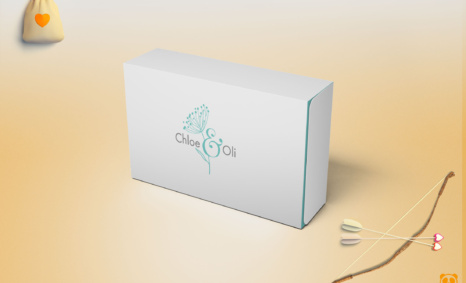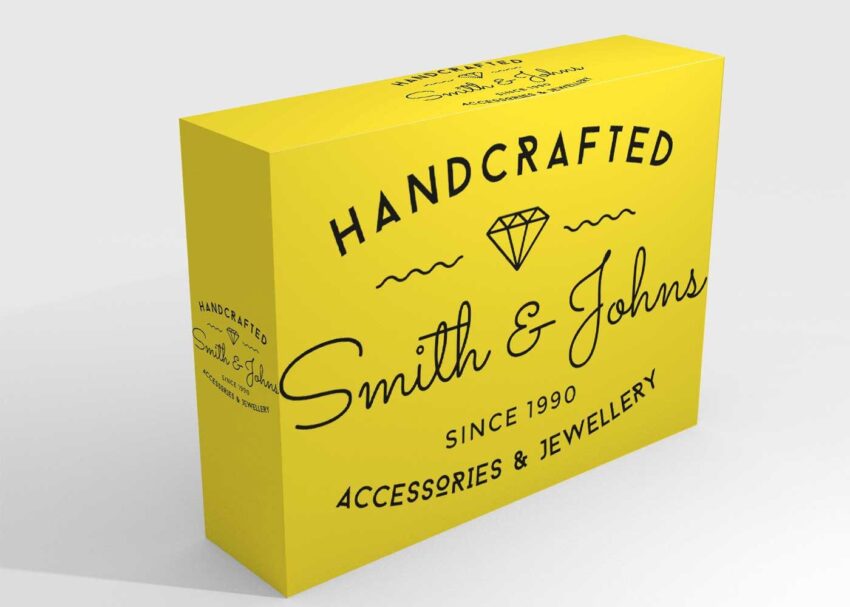
Introducing our Plain Box Mockup, a versatile and user-friendly template designed for designers and brands looking to showcase their packaging ideas with clarity. This mockup allows you to present your designs in a realistic setting, making it easier for clients to visualize the final product. Simply insert your artwork into the template using Photoshop and see your designs come to life in an elegant plain box format.
This mockup is perfect for various applications, including product packaging, branding projects, and promotional materials. The adjustable lighting and shadows enhance the realism of your presentation, ensuring that your designs stand out. Whether you’re a freelancer, agency, or a creative enthusiast, this Plain Box Mockup is a valuable tool to elevate your portfolio and impress clients.
All of these Resources are easy to use and can present your information beautifully. Some are free, while others cost a few dollars. ( premium mockups )
Description:
Available Format: Layered PSD through smart object insertion
License: Free for personal use
Zip File Includes: Photoshop PSD File
Resolution: 2000 x 2250 px
FAQs – Plain Box Mockup
Can I edit the Plain Box Mockup in Photoshop?
Yes, the Plain Box Mockup is fully editable in Photoshop, allowing you to customize colors, artwork, and shadows easily.
What file formats does the Plain Box Mockup come in?
The mockup is provided in PSD format, compatible with various Photoshop versions for seamless editing.
Is it easy to change the design on the Plain Box Mockup?
Absolutely! You can quickly replace the design by using the smart object layers in Photoshop.
Does the Plain Box Mockup include different angles?
Yes, the mockup includes multiple angles, giving you the flexibility to showcase your design from various perspectives.
What are the recommended dimensions for designs on the Plain Box Mockup?
For best results, designs should be created at 300 DPI and fit the dimensions specified in the mockup file.