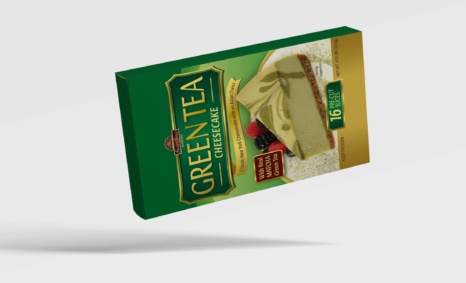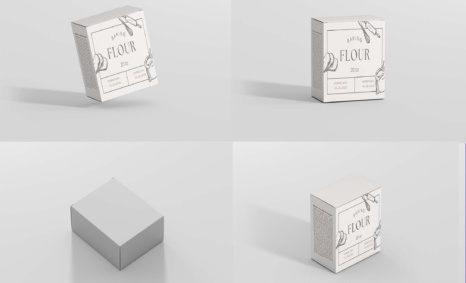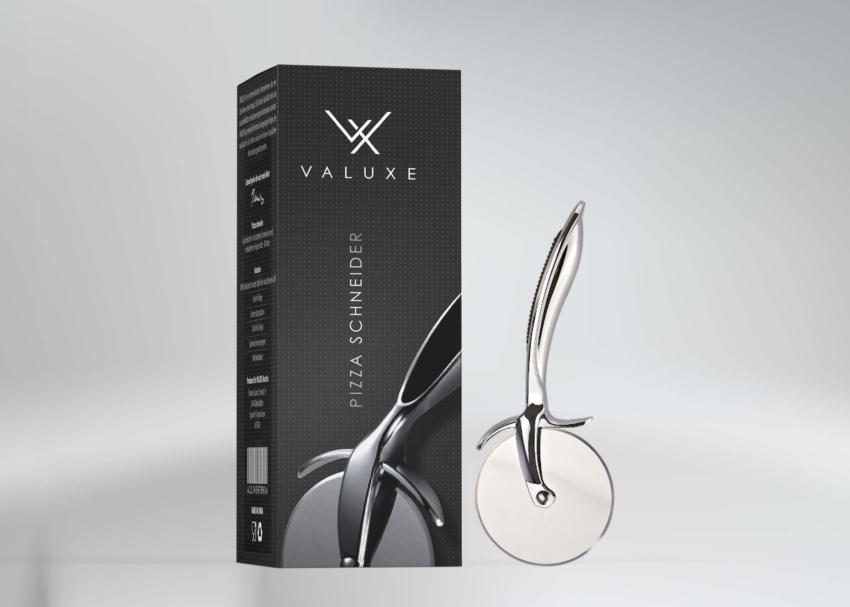
Product packaging mockups are essential tools for brands looking to present their designs in a realistic manner. They help visualize how packaging will look in real life, making them invaluable for marketing and promotional purposes. By using high-quality mockups, designers can showcase their creativity and provide clients with a clear picture of the final product. Whether for digital presentations or print media, mockups elevate the perception of any packaging project.
Utilizing product packaging mockups allows for quick adjustments and feedback. Designers can manipulate elements like colors, textures, and lighting to align with brand identity. These mockups are often available in various formats, including PSD for editing in Photoshop, giving users the flexibility to customize the design to their liking. Overall, incorporating mockups into the design process streamlines collaboration and enhances the overall impact of packaging designs.
Best quality free mockups, business card mockups, t-shirt mockups, and many more PSD mockups Collections!
Mockups are used by graphic designers, eCommerce store owners, and more to give customers a realistic view of their product – without having to order and photograph samples of everything.
Here are some tips for using product packaging design mockups effectively:
- Choose the right mockup template. There are a variety of different product packaging design mockups available online, so it is important to choose one that is appropriate for your specific needs. Consider the type of product you are designing packaging for, as well as the style of your design.
- Upload your design correctly. When you upload your design to the mockup template, make sure that it is the correct size and that it is positioned correctly. You may also need to adjust the opacity of your design to ensure that it looks good on the product.
- Experiment with different settings. Most product packaging design mockups allow you to adjust the lighting, shadows, and other aspects of the mockup. Experiment with different settings to create a final image that you are happy with.
Do you want to sell a design online but don’t have the time or resources to photograph the product? You have to create a realistic mockup.
Description:
Available Format: Layered PSD through smart object insertion
License: Free for personal and commercial use
Zip File Includes: Photoshop PSD File
Resolution: 2200 x 1500 px
Advertisement:
FAQs – Product Packaging Mockup
Can I edit the product packaging mockup in Photoshop?
Yes, the mockup is provided in PSD format, allowing you to easily edit layers and customize designs in Photoshop.
What file formats are available for the mockup?
The product packaging mockup is typically available in PSD, PNG, and sometimes JPG formats for versatile use.
Does the mockup include realistic lighting effects?
Yes, the mockup features realistic lighting effects to enhance the presentation of your product packaging design.
Is it easy to change colors in the mockup?
Absolutely! You can easily change colors using the adjustment layers in the PSD file for a personalized touch.
What types of products can I showcase with this packaging mockup?
You can showcase a variety of products, including food items, cosmetics, and beverages, using this versatile packaging mockup.