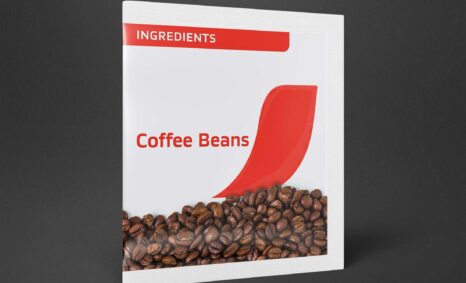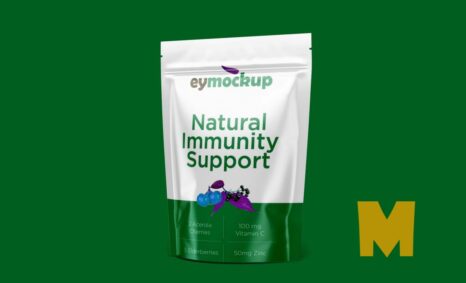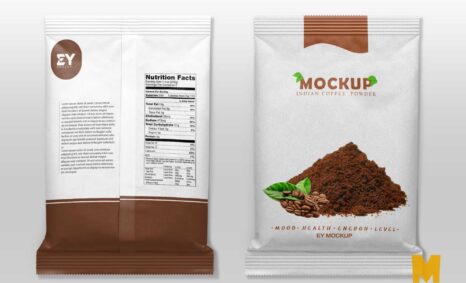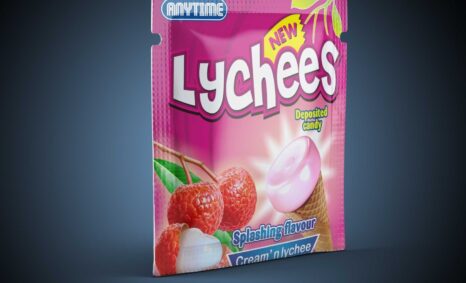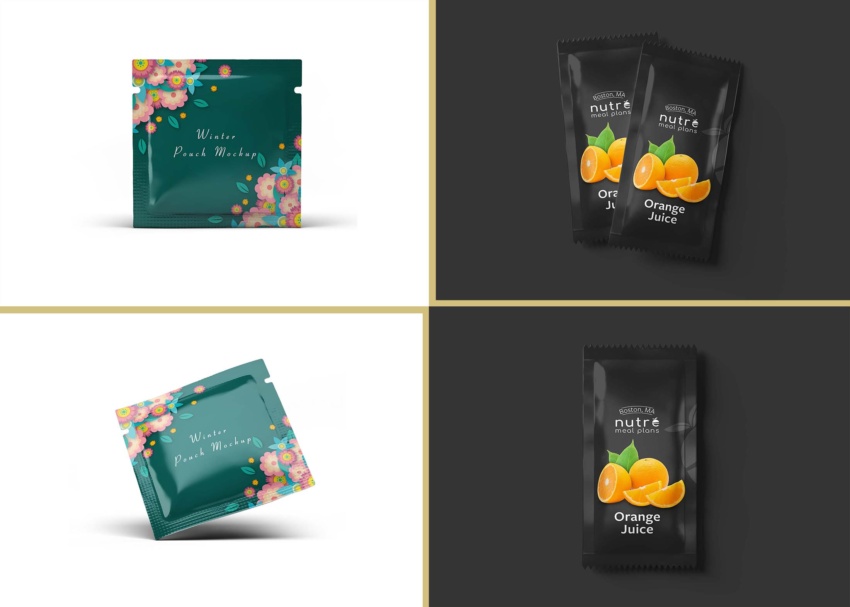
Sachet mockups are essential tools for designers looking to showcase packaging concepts effectively. These mockups help visualize how your designs will appear in a real-world setting, making it easier to communicate ideas to clients and stakeholders. By utilizing high-quality, realistic mockups, you can elevate your presentations and enhance your portfolio, attracting more interest in your work.
Our free downloadable sachet mockups come in various styles and formats, catering to different design needs. Whether you’re working on food, cosmetics, or other products, these mockups allow for easy customization in software like Photoshop. You can easily adjust colors, textures, and backgrounds to match your brand identity, ensuring that your sachet designs stand out and make a lasting impression.
Best-quality free Sachet Mockups are a great way to present your designs in a realistic setting and to get feedback from others before you start coding or printing. Sachet Mockups can also be used to create marketing materials, such as website banners and social media graphics.
Mockups are used by graphic designers, eCommerce store owners, and more to give customers a realistic view of their product – without having to order and photograph samples of everything.


Here are a few tips for using free mockups:
- Make sure to check the license of the mockup before using it. Some mockups may be free for personal use only, while others may be free for commercial use as well.
- Choose a mockup that has a high resolution. This will ensure that your design looks sharp and professional.
- Pay attention to the lighting and shadows in the mockup. Make sure that your design matches the lighting and shadows in the mockup so that it looks realistic.
- Don’t be afraid to experiment with different mockups. There are many different types of mockups available, so take some time to find one that you like and that works well for your design.
- Do you want to sell a design online but don’t have the time or resources to photograph the product? You have to create realistic designs.
Description:
Available Format: Layered PSD through smart object insertion
License: Free for personal and commercial use
Zip File Includes: Photoshop PSD File
Resolution: 2200 x 1500 px
Advertisement:
FAQs – Sachet Mockups
Can I edit sachet mockups in Photoshop?
Yes, our sachet mockups are designed for easy editing in Photoshop. Simply open the file and follow the included instructions to customize your design.
What file formats do the sachet mockups come in?
The sachet mockups are typically available in PSD format, ensuring compatibility with most design software, especially Adobe Photoshop.
Is it easy to change colors in the mockups?
Absolutely! You can quickly change colors and textures in our sachet mockups, allowing you to match your branding seamlessly.
Do I need advanced skills to use these mockups?
While basic knowledge of Photoshop is helpful, our mockups come with user-friendly instructions, making them accessible for designers at any skill level.
What types of products can I showcase with sachet mockups?
You can use sachet mockups for a variety of products, including food items, cosmetics, and samples, providing versatility in your design presentations.