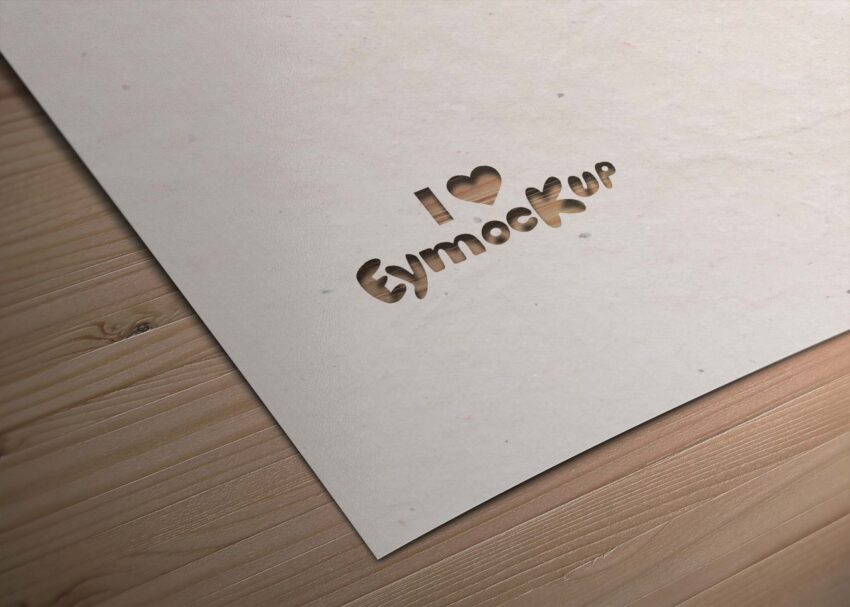
Showcase your branding with our free paper cutout logo mockup. This versatile design allows you to present your logo in a unique and creative way, adding depth and character to your projects. The realistic paper texture and shadows enhance the visual appeal, making it perfect for both digital and print presentations. Whether you’re a designer or a business owner, this mockup is an essential tool for elevating your brand’s identity.
Our paper cutout logo mockup is easy to customize using Adobe Photoshop. Simply insert your logo into the smart object layer, and see it transformed into a stunning presentation within seconds. The high-resolution file ensures that your logo maintains clarity and detail, even when displayed on larger screens. Ideal for portfolios, social media posts, or client presentations, this mockup is designed to impress and inspire.
All of these Resources are easy to use and can present your information beautifully. Some are free, while others cost a few dollars. ( premium mockups )
More great & free PSD Mockups Collection
- 245+ Latest Book Mockups PSD Download
- 800+ Logo Mockup PSD Free Download
- Best Free Products Mockup to Download
- Best Free T-Shirt Mockups for 2021
Description:
Available Format: Layered PSD through smart object insertion
License: Free for personal use
Zip File Includes: Photoshop PSD File
Resolution: 2000 x 2250 px
FAQs – Paper Cutout Logo Mockup
Can I edit the paper cutout logo mockup in Photoshop?
Yes, the mockup is designed for easy editing in Adobe Photoshop. Simply replace the logo in the smart object layer.
Is it possible to change the background color of the mockup?
Absolutely! You can customize the background color in Photoshop to match your branding or project needs.
Do I need advanced skills to use the paper cutout logo mockup?
No, basic knowledge of Photoshop is sufficient. We provide a straightforward process for quick customization.
What file format is the paper cutout logo mockup available in?
The mockup is available in PSD format, which is compatible with Adobe Photoshop for editing.
Can I use the mockup for both digital and print presentations?
Yes, the high-resolution quality of the mockup makes it suitable for both digital displays and print materials.
Does the mockup include realistic lighting effects?
Yes, the mockup features realistic lighting and shadows, adding depth and authenticity to your logo presentation.