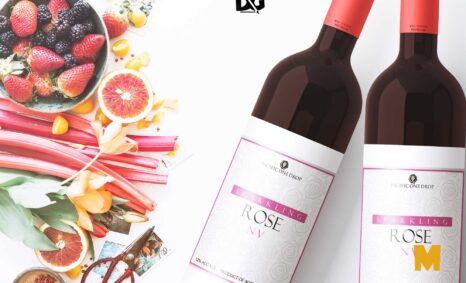
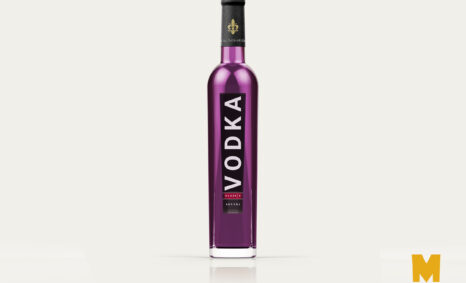
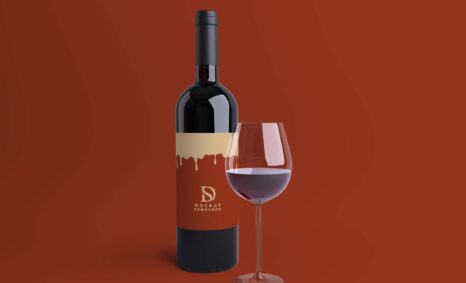
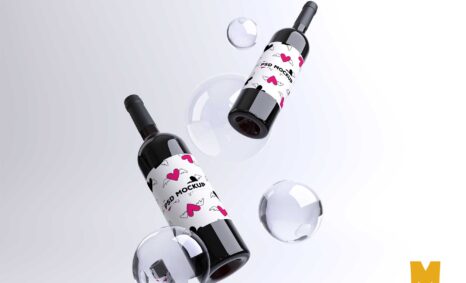
Enhance your branding projects with our free wine bottle mockup. This high-quality, customizable template allows you to showcase your wine label design in a realistic setting. Perfect for wine brands looking to create stunning presentations for marketing or portfolio purposes.
The mockup is easy to use; simply drag and drop your design into the template using Adobe Photoshop. It includes smart object layers for seamless editing, enabling you to adjust colors and lighting to suit your brand’s aesthetic. Download now and elevate your wine branding effortlessly.
If you are looking for a high quality, realistic and beautiful mockup of a wine bottle to add your artwork or design, then you are at the right place. This mockup can be used for different types of graphic design, branding and logo.
Free Wine Bottle Mockup Template to present your label designs in a more realistic way. Use this mockup with smart objects to showcase your latest design in just seconds.
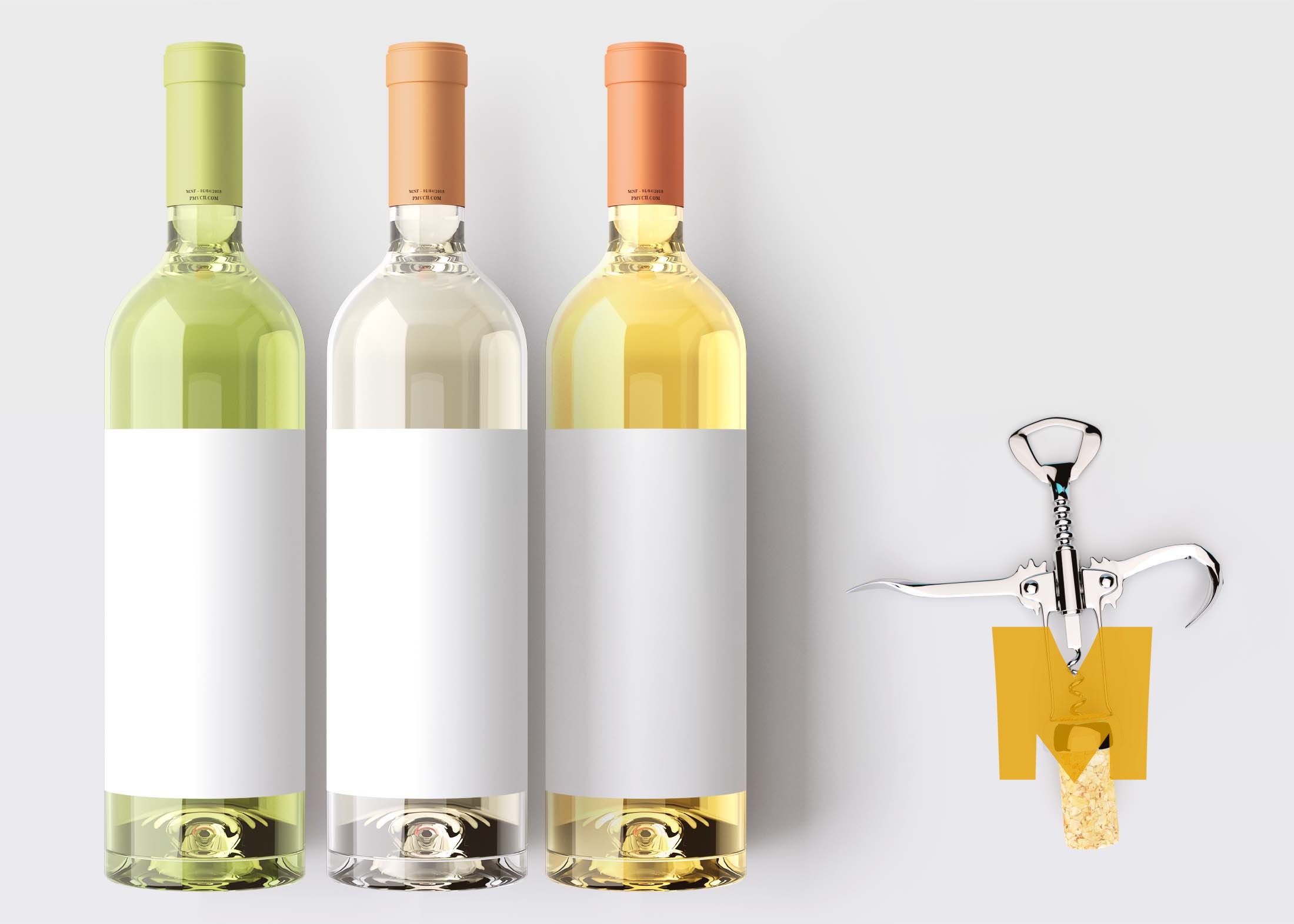

Create a beautiful presentation for your wine label with our Wine Bottle Mockup. This mockup features a label on a bottle, allowing you to customize the design of your bottle label and preview what it would look like against the backdrop of an elegant tabletop.
This photorealistic Wine Bottle Mockup will help you impress your clients. It contains all the elements that allow you to use it to its full potential. This mockup contains a fully customizable white label and requires Photoshop to edit it.
This is a modern and clean wine bottle mockup to help you showcase your product in an exciting way. This free mockup is extremely easy to use and includes an organised PSD file with a smart object layer that you can use to quickly place your design.
Download it for free and Enjoy!
Description:
Available Format: Layered PSD through smart object insertion
License: Free for personal and commercial use
Zip File Includes: Photoshop PSD File
Resolution: 2200 x 1500 px
Advertisement
FAQs – Free Wine Bottle Mockup
Can I customize the free wine bottle mockup?
Yes, the mockup is fully customizable using Adobe Photoshop. You can easily change colors, adjust labels, and modify the lighting effects.
Does the mockup support different bottle shapes?
This particular mockup features a standard wine bottle shape, but you can manipulate the design slightly to fit other similar bottle styles.
Is it easy to edit the mockup in Photoshop?
Absolutely! The mockup uses smart object layers, making it straightforward to insert your design and make adjustments quickly.
What file format is the mockup available in?
The free wine bottle mockup is available in PSD format, which is compatible with Adobe Photoshop for easy editing.
Do I need any special skills to use the mockup?
Basic knowledge of Adobe Photoshop is helpful, but the mockup is designed to be user-friendly, even for beginners.