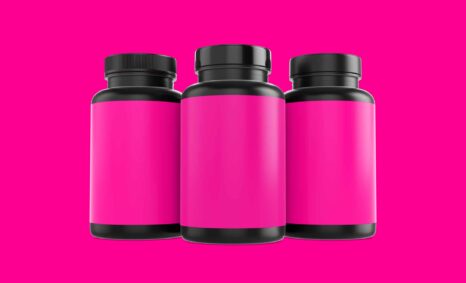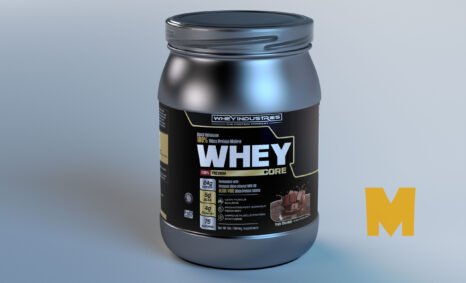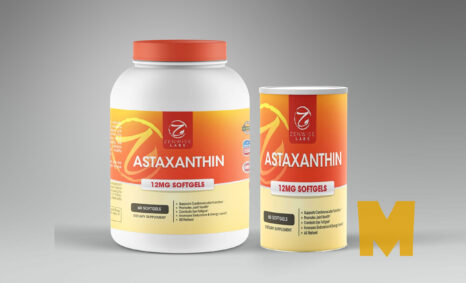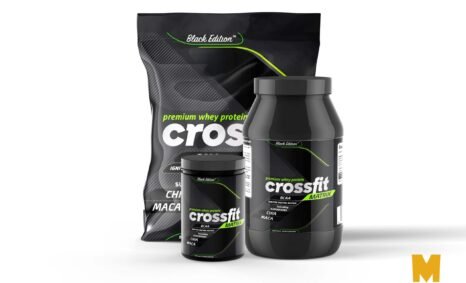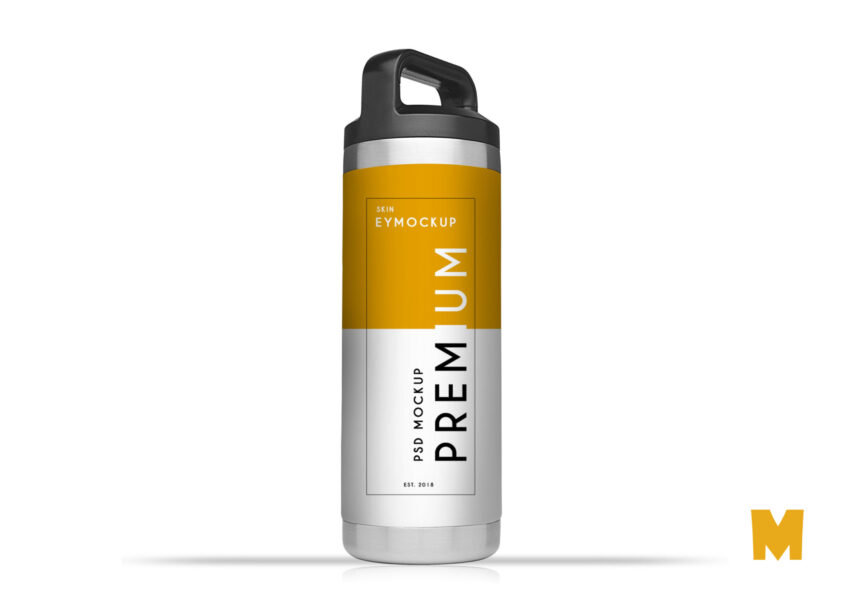
Elevate your marketing materials with our free gym water bottle mockup. This high-quality, photorealistic mockup allows you to showcase your designs in a realistic setting. Ideal for fitness brands, personal trainers, and gyms, this mockup helps you present your logo and branding in a professional manner. The customizable layers make it easy to add your design and adjust the colors to match your brand’s aesthetics.
Using this mockup is simple, whether you’re a graphic designer or a business owner. With easy-to-follow instructions, you can quickly insert your design using Adobe Photoshop. The mockup features natural lighting and shadows that enhance the realism of the presentation. Perfect for digital portfolios or social media promotions, this free gym water bottle mockup is an essential tool for anyone looking to create eye-catching visuals that attract potential clients.
All of these resources are easy to use and can present your information beautifully. Some are free, while others cost a few dollars. ( premium mockups )
More great & free PSD Mockups Collection:
- Best Free T-Shirt Mockups for 2021
- Free Tag mockups PSD 2021
- 55+ Free Website Mockups 2021
- Best Wood Mockup
Description:
Available Format: Layered PSD through smart object insertion
License: Free for personal use
Zip File Includes: Photoshop PSD File
Resolution: 2000 x 2250 px
FAQs – Free Gym Water Bottle Mockup
Can I edit the gym water bottle mockup in Photoshop?
Yes, the mockup is fully editable in Photoshop, allowing you to easily insert your design and customize colors.
Does the mockup include different angles?
The free gym water bottle mockup typically includes multiple angles to provide a comprehensive view of your design.
What file format is the mockup provided in?
The mockup is usually provided in PSD format, compatible with Adobe Photoshop for easy editing.
Is it possible to change the background of the mockup?
Yes, you can change the background in the mockup to better suit your branding or presentation needs.
Do I need advanced skills to use this mockup?
No, basic Photoshop skills are sufficient to use the mockup effectively and achieve great results.