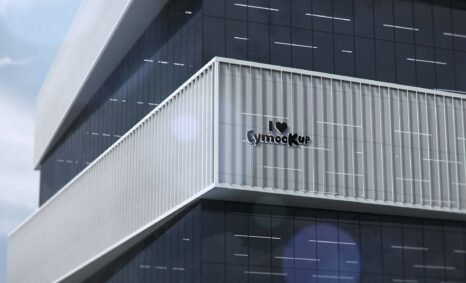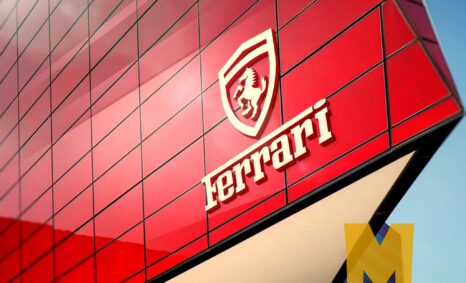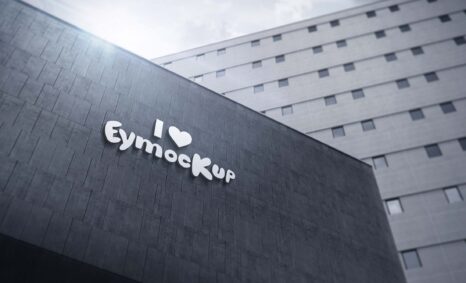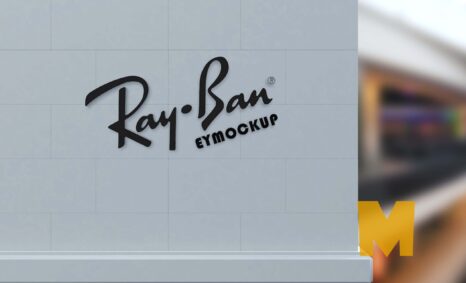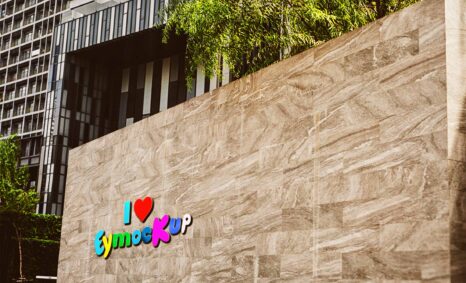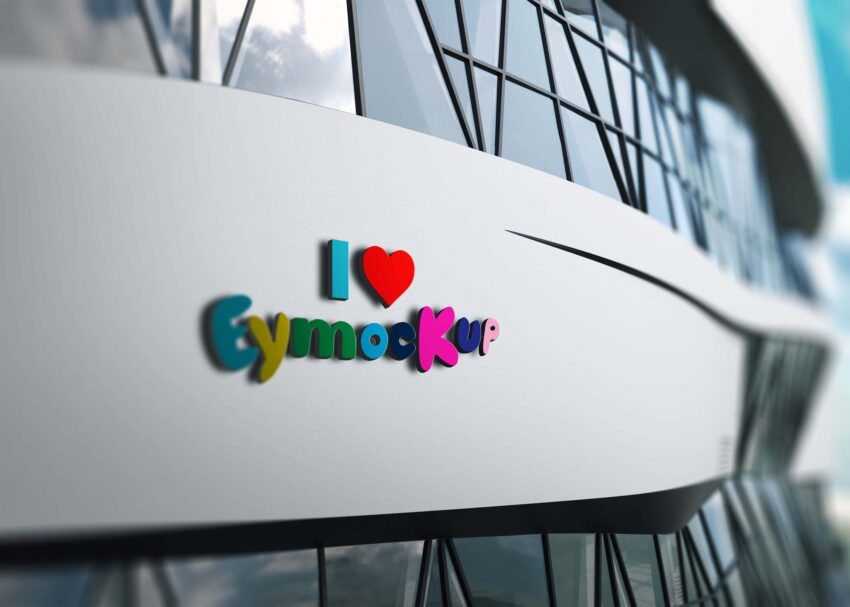
Elevate your branding with our Free Clean Wall 3D Logo Mockup. This versatile mockup is perfect for showcasing your logo designs in a realistic and appealing environment. With its clean background and 3D rendering, your logo will stand out and attract attention. Ideal for presentations, portfolios, or social media, this mockup will enhance your visual storytelling and impress clients and stakeholders alike.
Using the mockup is simple. Just replace the placeholder logo with your own in Photoshop, adjust the lighting and shadows, and you’re ready to go. Whether you’re a designer looking to showcase your work or a business wanting to visualize your brand, this mockup is tailored to meet your needs. Download it now and give your logo the professional touch it deserves.
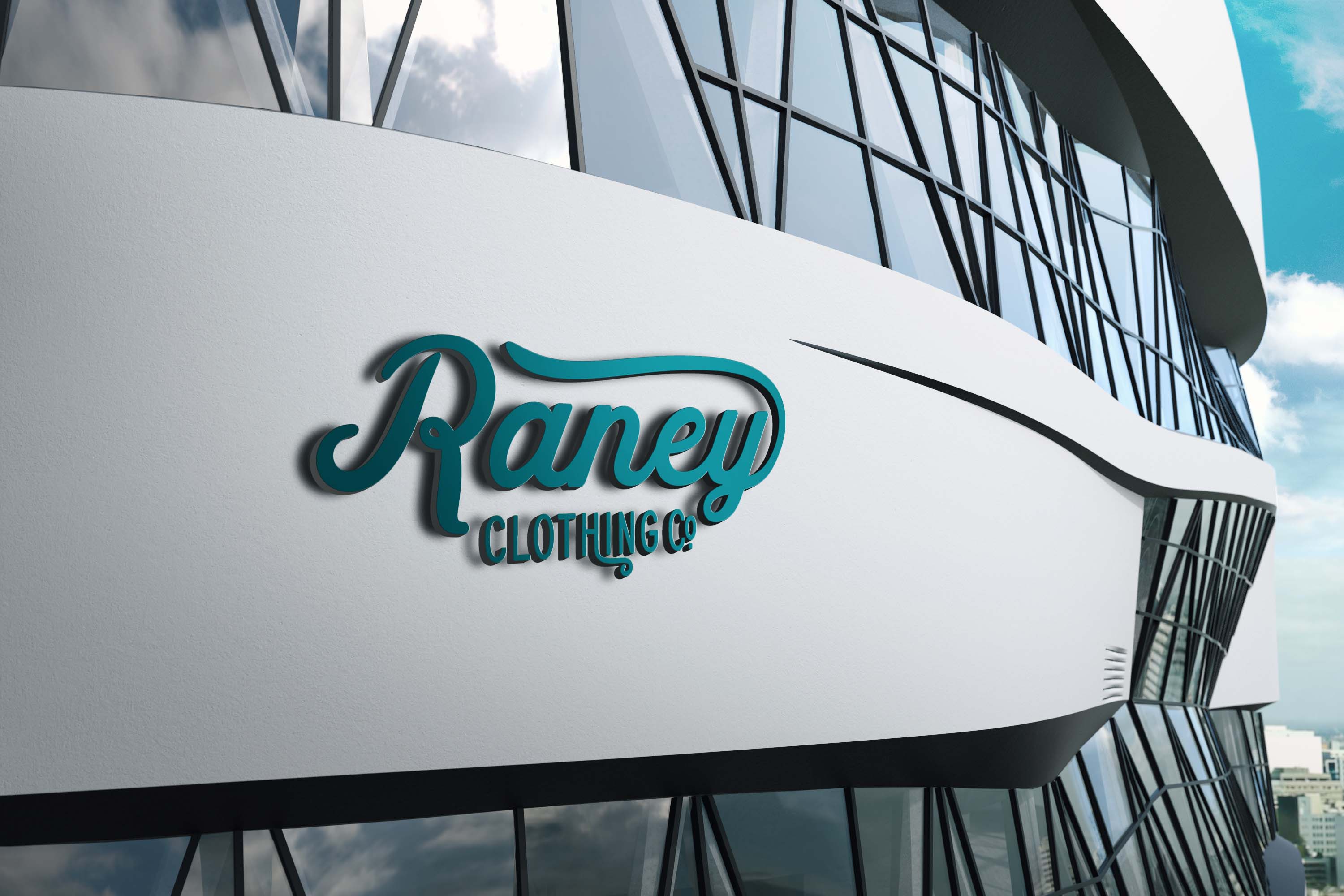
If you’re one of the creative logo designers that have an awesome logo, you may need some logo mockups to present your design to your clients. If your presentation looks bad. It would be a disaster for you personally. Before finishing the work, you might want to test it out first and see how it would appear in real-time.

That said, pick up any of the logo mockups below and further investigate your creation. Whether you are presenting it to your client or you are building a portfolio, do display your masterpieces in a distinct and attention-grabbing way. Impress and win them over.
All of these Resources are easy to use and can present your information beautifully. Some are free, while others cost a few dollars. ( premium mockups )
Description:
Available Format: Layered PSD through smart object insertion
License: Free for personal use
Zip File Includes: Photoshop PSD File
Resolution: 2000 x 2250 px
FAQs – Free Clean Wall 3d Logo Mockup
Can I customize the Free Clean Wall 3D Logo Mockup?
Yes, you can easily customize the mockup in Photoshop by replacing the logo and adjusting the lighting to fit your design.
Does the mockup support different logo formats?
Absolutely! The mockup is compatible with various formats like PNG, JPEG, and SVG, giving you flexibility in presentation.
Is it easy to edit the 3D logo in Photoshop?
Yes, editing the 3D logo is straightforward. Simply open the file, replace the logo layer, and make any necessary adjustments.
What are the dimensions of the mockup?
The mockup is designed at high resolution, typically around 3000×2000 pixels, ensuring your logo looks sharp and professional.
Do I need any special skills to use this mockup?
No special skills are required. Basic knowledge of Photoshop is sufficient to effectively use and edit the mockup.