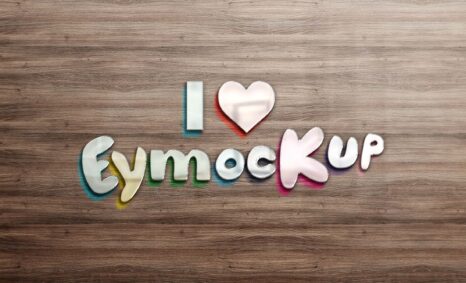
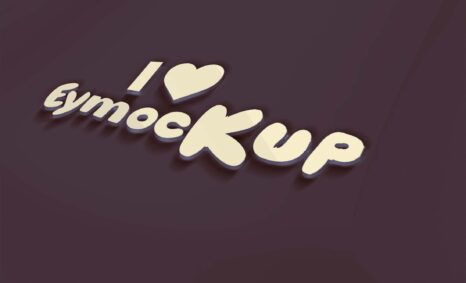
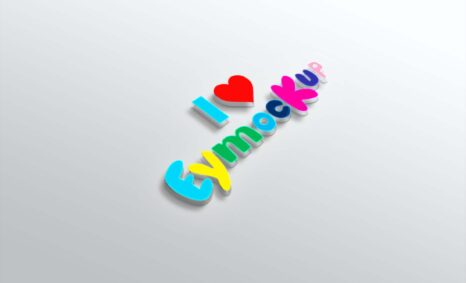
Designing a captivating logo is essential for any brand, and having a professional mockup can elevate your design’s presentation. Our free 3D logo maker mockup allows you to showcase your logo in a stunning and realistic way, helping you attract attention and impress your audience. With user-friendly features, you can easily customize your mockup to reflect your brand’s style and personality.
Whether you’re a designer or a business owner, this mockup can enhance your portfolio or marketing materials. Simply upload your logo, adjust the lighting, and choose from various angles to create the perfect display. The mockup is compatible with popular design software, making it easy to incorporate into your projects. Start creating eye-catching visuals with our free 3D logo maker mockup today!
Hello Everyone,
The Best Graphics Resources & Mockups shared by our talented creators
Do you need to present your design in a creative way in front of your clients?
Designing isn’t only about design. Presentation is equally important as design. Chances are that you feel pretty confident with your work, but most of us feel anxious when it comes to presenting it.
thanks
Description:
Available Format: Layered PSD through smart object insertion
License: Free for personal and commercial use
Zip File Includes: Photoshop PSD File
Resolution: 2200 x 1500 px
Advertisement:
FAQs – Free 3D Logo Maker Mockup
Can I customize the lighting in the 3D logo mockup?
Yes, you can adjust the lighting within the mockup to enhance your logo’s visibility and aesthetic appeal.
Does the free 3D logo maker mockup support Photoshop?
Absolutely! The mockup is designed to be easily editable in Photoshop, ensuring a smooth experience for users.
What file formats are available for the mockup?
The mockup is typically provided in PSD format, allowing for easy access and editing in Photoshop.
Is it easy to edit the 3D logo mockup?
Yes, the editing process is straightforward, enabling you to quickly upload your logo and adjust settings as needed.
Do I need advanced skills to use the mockup?
No, the user-friendly interface is designed for all skill levels, making it accessible to beginners and experienced designers alike.