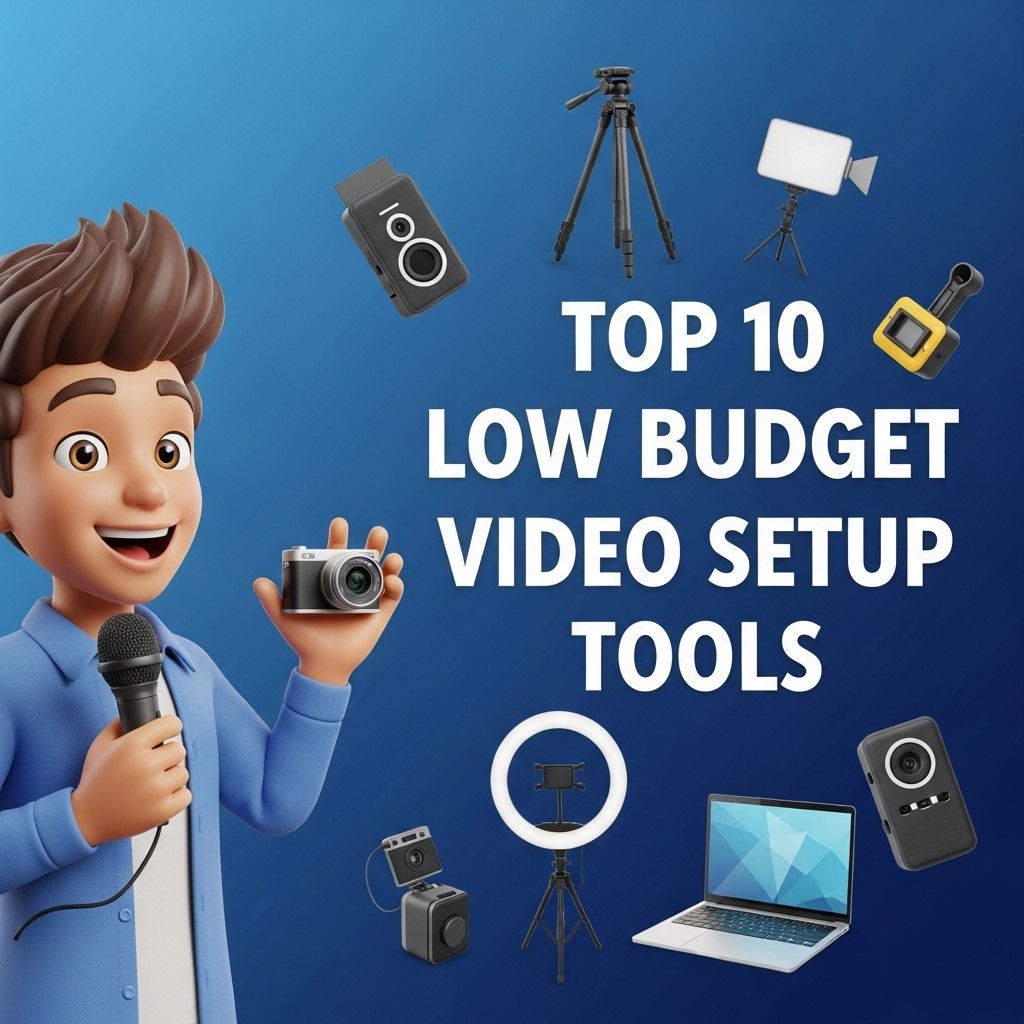
Creating high-quality videos on a budget has become increasingly achievable in today’s digital landscape. With the right tools and resources, anyone can produce engaging video content without breaking the bank. Whether you’re a budding YouTuber, a small business owner, or just someone looking to create content for fun, having the right gear is crucial. This article will explore ten low-budget video setup tools that can elevate your production quality while remaining affordable.
Creating high-quality video content doesn’t have to break the bank. In this article, we’ll explore the top 10 affordable video setup tools for creators that can elevate your production value without draining your budget. Plus, if you’re looking to optimize your channel, consider delving into understanding YouTube analytics to enhance your strategy.
1. Smartphones
Modern smartphones come equipped with powerful cameras capable of shooting in high resolution. Using your smartphone for video production offers flexibility and portability. Consider using the following tips for best results:
- Utilize the back camera for better quality.
- Adjust settings like resolution and frame rates.
- Use a tripod for stability.
2. Tripods
A sturdy tripod is essential for maintaining stable shots. Here are some budget-friendly options:
| Tripod Brand | Price Range | Features |
|---|---|---|
| AmazonBasics Tripod | $20 | Compact, lightweight, adjustable height |
| Joby GorillaPod | $30 | Flexible legs, can attach to various surfaces |
| Neewer Aluminum Tripod | $40 | Durable, quick-release plate, 360-degree rotation |
3. Lighting Kits
Good lighting dramatically improves video quality. Here are a few budget-friendly lighting options:
- Softbox lights: Provide diffused light and are often sold in pairs.
- Ring lights: Great for close-up shots, particularly for beauty or tutorial videos.
- LED panel lights: Portable and adjustable, suitable for various lighting conditions.
Best DIY Lighting Solutions
Using natural light can significantly cut costs. Shoot during the day when light is abundant, and use reflective surfaces (like white boards or walls) to bounce light onto your subject.
4. External Microphones
Audio quality is vital in video production. A good microphone can be a game changer. Here are a few affordable options:
- Lavalier Mic: Clips onto clothing and provides close audio capture.
- Shotgun Mic: Directional microphone that captures sound from one direction.
- USB Microphone: Ideal for voiceovers and straightforward recording.
Recommended Microphones
| Microphone Type | Price | Best For |
|---|---|---|
| Rode VideoMicro | $60 | DSLR or smartphone recording |
| Zoom H1n | $120 | Field recording and interviews |
| Fifine USB Mic | $30 | Voiceovers and streaming |
5. Video Editing Software
Edit your videos with budget-friendly software that packs a punch. Here are some options:
- DaVinci Resolve: A powerful free software with professional-grade features.
- HitFilm Express: Offers a free version with extensive capabilities.
- Lightworks: Another excellent editing software with both free and paid versions.
6. Screen Recording Software
For tutorial creators and gamers, screen recording software is essential. Consider these low-cost options:
- OBS Studio: Free and open-source software for screen capture and streaming.
- ShareX: Another free tool that allows for customizable screen capture settings.
- Screencast-O-Matic: Offers affordable plans suitable for beginners.
7. Backgrounds and Backdrops
Setting can impact the professionalism of your video. Here are budget choices:
- Fabric Backdrops: Inexpensive and customizable, available in various colors.
- Green Screens: Allow for creative editing and backdrops using chroma keying.
- Natural Settings: Filming outdoors or in well-decorated rooms can add character.
8. Gimbals and Stabilizers
For dynamic shots, a gimbal or stabilizer can help avoid shaky footage. Look for:
- Smartphone gimbals: Affordable and lightweight options can help you get smooth shots.
- Handheld stabilizers: Useful for DSLR or mirrorless cameras.
Examples of Affordable Gimbals
| Gimbal Brand | Price | Compatibility |
|---|---|---|
| Hohem iSteady Mobile Plus | $80 | Smartphones |
| Zhiyun Crane-M2 | $200 | Compact cameras and smartphones |
| DJI Osmo Mobile 3 | $100 | Smartphones |
9. Stock Footage and Music
Using stock footage and music can enhance your videos without the need for expensive shoots. Check out these resources:
- Pexels: Offers free stock videos and images.
- Artlist: Subscription-based service for music and sound effects.
- Videvo: Provides access to free stock footage and motion graphics.
10. Online Learning Resources
Finally, to get the most from your low-budget setup, invest time in learning. Consider the following platforms:
- YouTube: Countless free tutorials on video production.
- Skillshare: Subscription service with extensive courses on filmmaking.
- Coursera: Offers courses from reputable institutions on video editing and production.
Conclusion
Producing quality video content on a budget is not only possible but also rewarding. By utilizing these ten low-budget tools and resources, you can create professional-looking videos that engage your audience. Remember, it’s not just about the equipment but also about your creativity and dedication. With practice and the right techniques, you can elevate your video content without the need for high-end gear.
FAQ
What are the best low budget video setup tools for beginners?
Some of the best low budget video setup tools include a smartphone tripod, affordable LED lights, a basic microphone, and free editing software like DaVinci Resolve.
Can I shoot high-quality videos on a low budget?
Yes, you can shoot high-quality videos on a low budget by using your smartphone, investing in good lighting, and utilizing free editing tools.
What lighting equipment is recommended for low budget video setups?
Softbox lights, ring lights, and affordable LED panels are great options for low budget video setups.
How can I improve audio quality without spending much?
Using an external microphone, such as a lavalier mic or a shotgun mic, can significantly improve audio quality without breaking the bank.
What editing software is best for low budget video editing?
Free editing software like DaVinci Resolve, HitFilm Express, and Lightworks are excellent choices for low budget video editing.
Are there affordable alternatives to professional video cameras?
Yes, many smartphones offer excellent video capabilities, and you can also consider budget-friendly camcorders or mirrorless cameras for quality video production.