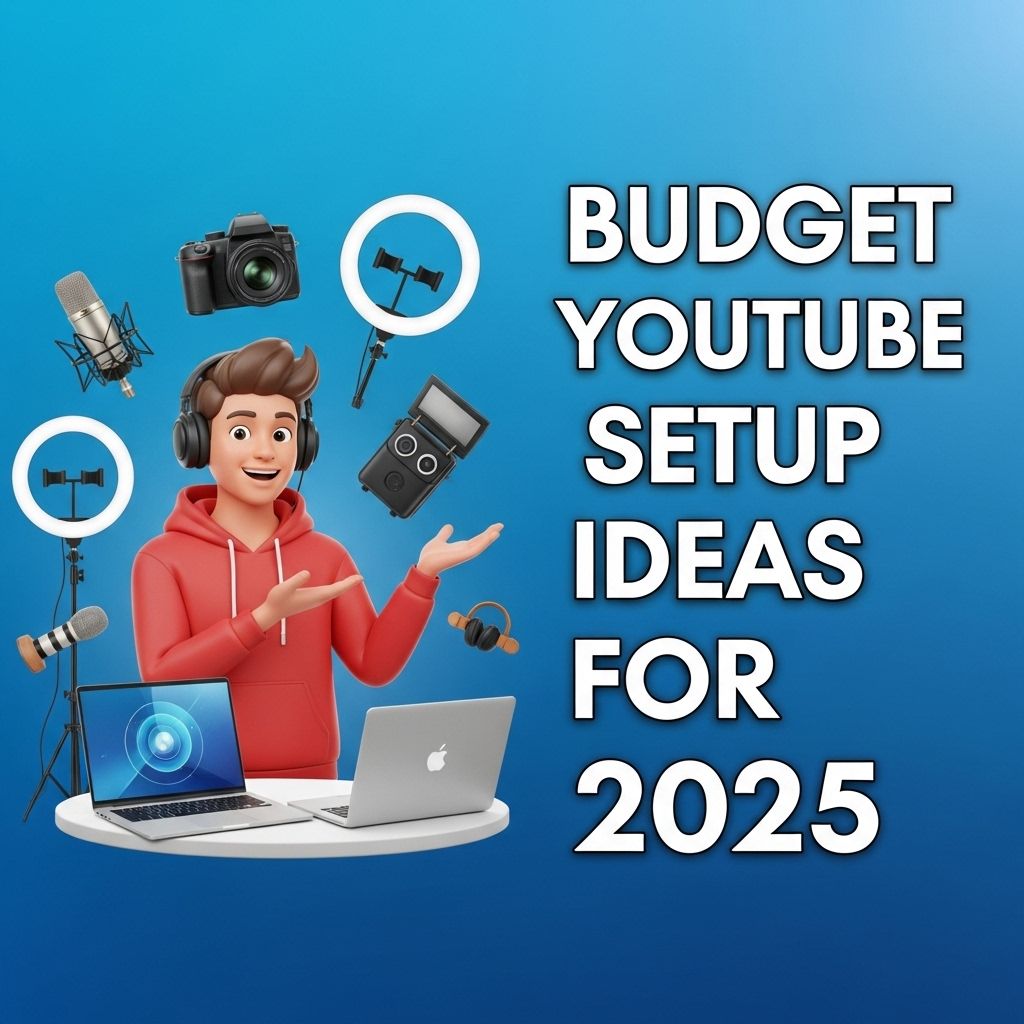
As the digital landscape continues to evolve, creating content on platforms like YouTube has become more accessible than ever. With advancements in technology and a growing community of aspiring creators, the question arises: how can you set up a budget-friendly YouTube studio in 2025? In this article, we’ll explore various components you can incorporate into your YouTube setup without breaking the bank, ensuring you can produce high-quality content that engages your audience.
As the landscape of content creation continues to evolve in 2025, establishing an affordable YouTube setup is more accessible than ever. From budget-friendly cameras to DIY lighting solutions, aspiring creators can equip themselves without breaking the bank. To effectively grow your channel, it’s also crucial to understand how to analyze your performance, which you can explore further in this resource on understanding YouTube analytics.
Understanding the Basics of a YouTube Setup
Before diving into specific product recommendations and budget options, let’s outline the essential components of a YouTube setup:
- Camera: A quality camera is key to delivering crisp video.
- Microphone: Clear audio is crucial; poor sound can ruin even the best visuals.
- Lighting: Good lighting can dramatically enhance video quality.
- Editing Software: To polish your videos post-production.
- Background/Set Design: An appealing backdrop can elevate your content.
Choosing the Right Camera
In 2025, there are several budget-friendly camera options that provide excellent video quality:
Top Budget Cameras
| Camera Model | Price Range | Key Features |
|---|---|---|
| Canon EOS M50 Mark II | $600 – $700 | 4K video, Vari-angle touchscreen, Good autofocus |
| Panasonic Lumix G7 | $500 – $600 | 4K video, Interchangeable lenses, Great low-light performance |
| Logitech StreamCam | $170 – $200 | 1080p video, Built-in microphone, Easy streaming |
Audio Equipment: Don’t Skimp on Sound
Quality audio is often more important than video quality. Viewers will forgive lower video resolution but not poor sound. Here are some budget-friendly microphones:
Affordable Microphone Options
- Blue Yeti USB Microphone – $130: Offers great sound quality for voiceovers and interviews.
- Rode VideoMic GO – $99: Ideal for on-camera use, provides clear audio for vlogs and reviews.
- Fifine K669B USB Microphone – $30: A great entry-level microphone without sacrificing sound quality.
Lighting: Brighten Up Your Videos
Good lighting can make a huge difference in your video’s overall look. Here are some cost-effective lighting solutions:
Lighting Solutions for YouTube
- Softbox Lights – $50 to $100: They provide soft, diffused lighting that’s perfect for interviews.
- Ring Lights – $30 to $80: Popular among beauty and lifestyle creators, they produce flattering light for close-ups.
- LED Panels – $100: These are versatile and can be adjusted for brightness and color temperature.
Editing Software: Bringing Your Vision to Life
Post-production is where your creativity can shine. Here are some budget-friendly editing software options:
Best Free or Low-Cost Editing Software
- DaVinci Resolve – Free: A powerful video editing software with professional-level tools.
- HitFilm Express – Free: Offers a wide range of editing features and visual effects.
- Adobe Premiere Elements – $100: A simplified version of Premiere Pro that’s user-friendly and affordable.
Creating a Background or Set Design
The background of your videos should reflect your brand and engage viewers. Here are creative ideas for your backdrop:
Budget-Friendly Set Design Ideas
- DIY Backdrops: Use fabric, paper, or even paint to create a unique backdrop.
- Green Screens: Use a green screen for dynamic backgrounds in your videos.
- Bookcases or Plants: Simple decor that adds depth and interest without spending much.
Essential Accessories for Your Setup
Enhancing your setup can be done through various accessories that don’t cost much:
Must-Have Accessories
- Tripod: A steady shot is vital. Look for a quality tripod under $50.
- Camera Remote: These can be as low as $10; they help start and stop recording without needing to touch the camera.
- External Hard Drive: Store your videos safely, with options starting at $50.
Final Thoughts
Setting up a budget-friendly YouTube studio in 2025 is achievable with the right knowledge and tools. By focusing on quality equipment, effective lighting, clear audio, and a cohesive backdrop, you can create professional-looking videos that resonate with your audience without a hefty price tag. Start small, invest wisely, and grow your setup as you gain subscribers and revenue!
FAQ
What are the best budget cameras for YouTube in 2025?
In 2025, some of the best budget cameras for YouTube include the Canon EOS M50 Mark II, Sony ZV-1, and the Panasonic Lumix G7, offering excellent video quality at affordable prices.
How can I improve my YouTube audio quality on a budget?
To improve your YouTube audio quality on a budget, consider using an external microphone like the Rode VideoMic Go or a lapel mic, which can significantly enhance sound clarity without breaking the bank.
What affordable lighting options should I consider for my YouTube setup?
For affordable lighting, look into ring lights or softbox kits from brands like Neewer or Godox, which provide good lighting for videos and are budget-friendly.
Is it necessary to invest in a green screen for YouTube videos?
While not necessary, a green screen can enhance your video production value by allowing for creative backgrounds. Budget options are available, but it can also be done effectively with good lighting and editing.
What software should I use for editing YouTube videos on a budget?
For budget-friendly video editing, consider software like DaVinci Resolve, HitFilm Express, or OpenShot, which offer powerful features without the high costs.
How can I create engaging thumbnails for my YouTube videos without spending money?
You can create engaging thumbnails using free tools like Canva or GIMP, which provide templates and design features to help you craft eye-catching thumbnails easily.