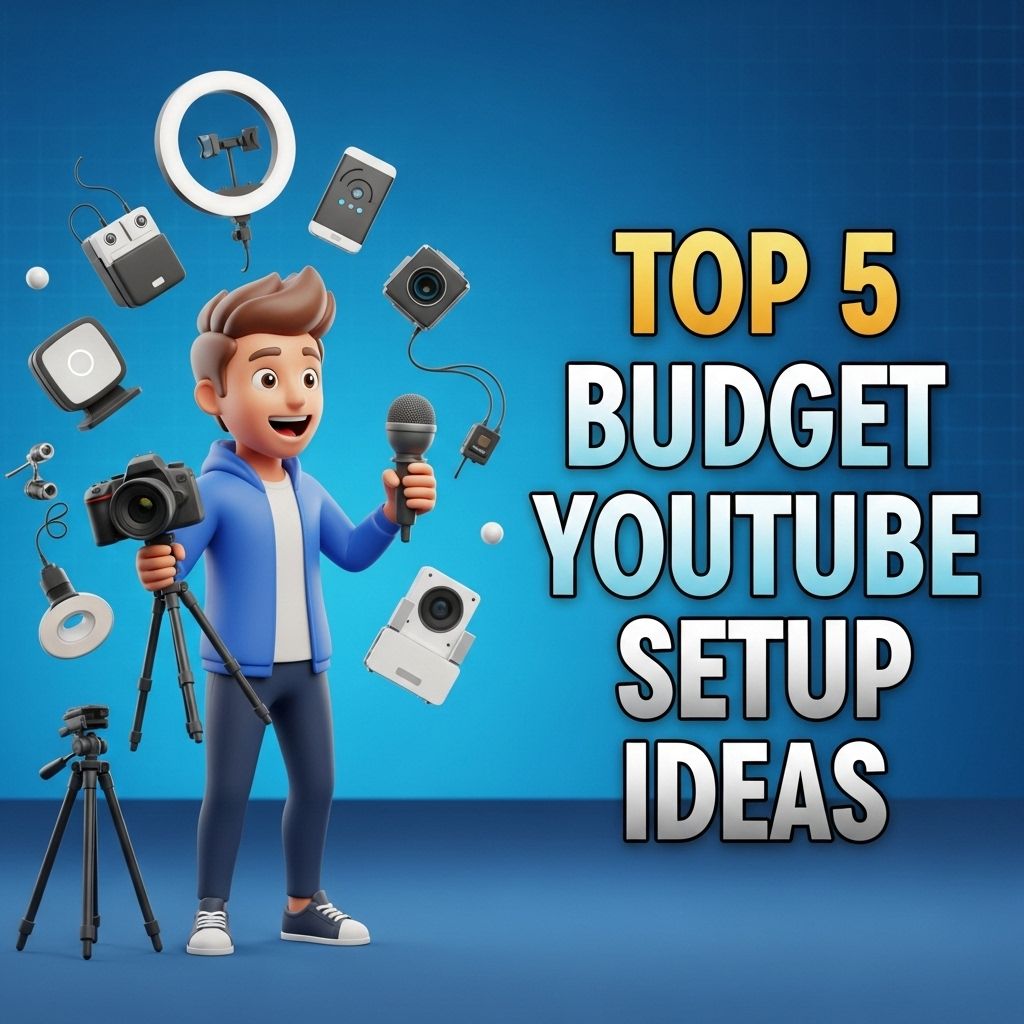
Creating engaging content for YouTube has never been more popular, with millions of creators sharing their passions and expertise with the world. However, many aspiring YouTubers often feel overwhelmed by the thought of investing in expensive equipment and setups. The good news is that you can achieve high-quality results without breaking the bank. In this article, we will explore five budget-friendly YouTube setup ideas that can help you launch your channel effectively and creatively.
Starting a YouTube channel can be exciting, but it doesn’t have to break the bank. In this guide, we’ll explore the top 5 budget YouTube setup ideas for beginners that maximize quality without requiring a hefty investment. For more insights on effective content creation, check out these YouTube content creation strategies.
1. The Essential Starter Kit
Your first step towards a successful YouTube channel starts with acquiring the essential equipment. Here’s a basic starter kit that won’t drain your wallet:
- Smartphone: Most modern smartphones have high-quality cameras capable of recording HD video.
- Tripod: A sturdy tripod is crucial for steady shots. Look for budget options or even DIY solutions.
- Lighting: Natural light works wonders, but if you need artificial lighting, consider affordable LED lights or softbox kits.
- Microphone: Good audio quality is vital. USB and lapel microphones can improve your sound without high costs.
- Editing Software: Free software like DaVinci Resolve or iMovie can get you started on editing.
Where to Buy
Check online marketplaces like Amazon, eBay, or local electronics stores for budget options. Refurbished items can also be a great way to save.
2. Setting Up Your Space
Your filming location plays a significant role in the overall quality of your videos. Here are some tips to set up a functional and appealing filming space:
Choosing a Location
Consider these factors when selecting a location:
- Quiet Environment: Choose a place with minimal background noise.
- Good Lighting: As mentioned, natural lighting is your best friend. Find a spot near a window.
- Aesthetics: Select a backdrop that enhances your content. A clean, clutter-free wall or a bookshelf can add character.
DIY Sound Treatment
To improve audio quality, consider DIY sound treatment options:
- Thick Curtains: Hang thick curtains to dampen sound reflection.
- Egg Cartons: Use egg cartons on walls to create a makeshift soundproofing solution.
- Blankets: Drape blankets over furniture for additional sound absorption.
3. Content Creation Tools
Having the right tools can significantly enhance your content quality. Here are some budget-friendly options to consider:
Graphic Design
Visuals play a key role in attracting viewers. Use these tools to create eye-catching thumbnails and graphics:
- Canva: A user-friendly platform for designing thumbnails, banners, and social media posts.
- GIMP: A free, powerful alternative to Photoshop that enables you to edit photos and graphics.
Screen Recording Software
If your content includes tutorials or gameplay, consider these free screen recording tools:
- OBS Studio: Open-source software for streaming and recording.
- Screencast-O-Matic: A simple tool for screen recording and video editing.
4. Engaging with Your Audience
Building a community around your channel is crucial for growth. Here are some strategies to engage with your viewers:
Social Media Integration
Promote your videos through various social media platforms:
- Twitter: Share snippets, updates, and engage with followers.
- Instagram: Use visually appealing stories and posts to keep your audience updated.
- Facebook Groups: Join or create groups related to your content theme to connect with potential viewers.
Respond to Comments
Make it a habit to respond to viewer comments. This encourages community interaction and can provide valuable feedback.
5. Growing Your Channel Organically
While paid advertising can boost visibility, there are effective organic methods to grow your YouTube channel:
Consistency is Key
Establish a regular posting schedule to keep your audience anticipating new content:
- Set a realistic frequency (weekly, bi-weekly) that you can maintain.
- Use a content calendar to plan and organize your topics.
Collaborations
Partnering with fellow creators can expose your channel to new audiences:
- Reach out to creators with a similar audience size and content theme.
- Plan joint videos, shoutouts, or social media collaborations.
Conclusion
Starting a YouTube channel on a budget is entirely feasible with the right mindset and tools. By focusing on essential equipment, optimizing your filming space, utilizing free tools for content creation, and engaging organically with your audience, you can build a successful channel that resonates with viewers. Remember, quality content and consistency will always trump expensive gear. So, begin your journey today and let your creativity shine!
FAQ
What equipment do I need for a budget YouTube setup?
For a budget YouTube setup, you will need a decent camera (like a smartphone), a good microphone, basic lighting (such as ring lights), and simple editing software.
Can I use my smartphone for YouTube videos?
Yes, many successful YouTubers use smartphones to create high-quality videos. Ensure your phone has a good camera and consider using stabilization tools for better footage.
What is the best budget microphone for YouTube?
A popular choice for budget YouTube setups is the Rode VideoMicro or the Boya BY-M1 lavalier microphone, both of which offer good sound quality without breaking the bank.
How important is lighting for my YouTube videos?
Lighting is crucial for video quality. Natural light works well, but if you’re shooting indoors, invest in affordable softbox lights or ring lights to enhance your video’s overall look.
What editing software should I use for YouTube videos on a budget?
For budget-friendly video editing, consider using software like DaVinci Resolve, HitFilm Express, or iMovie (for Mac users), which offers powerful features at no cost.
Can I create a YouTube channel without spending a lot of money?
Absolutely! Many successful channels started with minimal investment. Focus on creating engaging content with the equipment you already have, and upgrade as you grow.