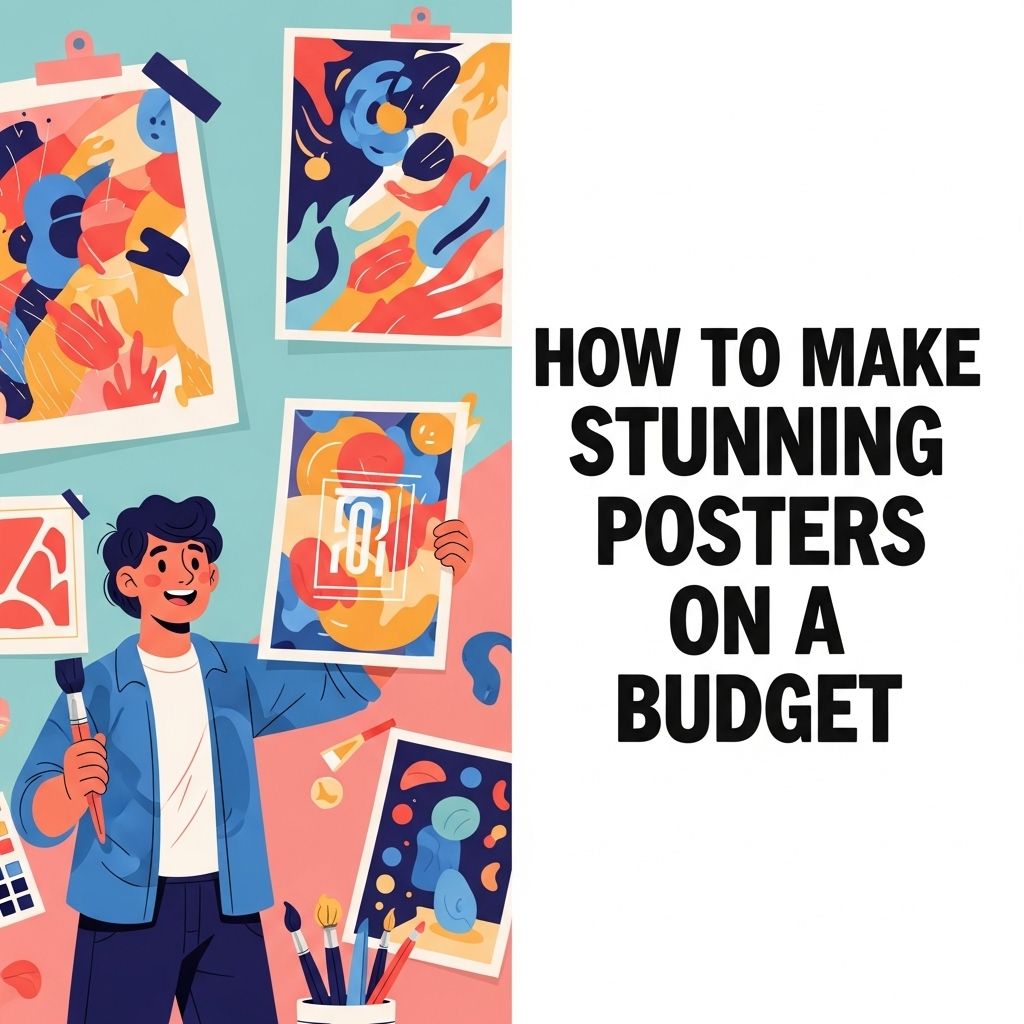
Creating stunning posters on a budget is not just about saving money; it’s about using creativity and resourcefulness to communicate your message effectively. Whether you’re promoting an event, showcasing artwork, or spreading awareness for a cause, a well-designed poster can capture attention and convey information succinctly. In this article, we will explore various methods and tips for designing eye-catching posters without breaking the bank.
Creating stunning posters doesn’t have to strain your budget. With the right tools and resources, you can design eye-catching visuals that stand out. For those new to design, consider getting started with brushes to enhance your creativity in Photoshop.
Understanding the Basics of Poster Design
Before diving into the practicalities of design, it’s essential to understand some fundamental principles that contribute to effective poster creation. Here are key elements to consider:
1. Purpose and Audience
Clearly define the purpose of your poster and understand your target audience. This will inform your design choices, including imagery, color, and typography.
2. Visual Hierarchy
Utilize visual hierarchy to guide the viewer’s eye. Important information should be highlighted, while secondary details can be less prominent. This can be achieved through:
- Font size and weight
- Color contrast
- Image placement
3. Color Theory
Colors evoke emotions and can significantly impact how your message is received. Choose a color palette that aligns with the message you want to convey. Tools like Adobe Color or Coolors can help you find complementary colors.
Tools for Creating Posters on a Budget
There are various affordable or free tools available for designing posters. Here, we will discuss some popular options:
1. Canva
Canva is a user-friendly graphic design platform that offers a plethora of templates and design elements. Its drag-and-drop functionality makes it easy for beginners to create professional-looking posters. Additionally, Canva offers:
- A free version with plenty of resources
- A wide array of customizable templates
- Collaboration features that allow for team editing
2. Adobe Spark
Adobe Spark allows you to create visually stunning graphics quickly. With its intuitive interface and access to Adobe’s stock photo library, you can enhance your poster designs effortlessly.
3. GIMP
If you’re looking for advanced editing capabilities without the price tag of Adobe Photoshop, GIMP is a viable alternative. Although it requires a steeper learning curve, it offers a wide range of tools for photo manipulation and design.
Steps to Design Your Poster
Now that you know the tools available, here are the steps to follow when designing your poster:
1. Define Your Message
Be clear about what you want to communicate. Write down your main message and any supporting details. Limit the text to essential information to maintain clarity.
2. Choose a Template
Select a template that aligns with your theme. Whether you’re going for a minimalist look or something more vibrant, starting with a template can streamline your design process.
3. Customize with Images
Images can significantly enhance your poster’s appeal. Consider the following sources for high-quality visuals:
- Free stock photo websites like Unsplash or Pexels
- Your own photographs
- Illustrations from sites like Freepik
4. Typography
Choose fonts that are legible from a distance. Use no more than two to three different fonts to maintain consistency. Consider combining a bold typeface for headings with a clean, sans-serif font for body text.
5. Incorporate Your Branding
If applicable, include branding elements such as your logo, brand colors, and fonts. This helps in creating a cohesive identity across your promotional materials.
Cost-Effective Printing Options
Once your design is complete, it’s time to print your poster. Here are some cost-effective printing options to consider:
1. Local Print Shops
Check out local print shops for competitive pricing on poster sizes. They often provide discounts for bulk orders, which is great for events.
2. Online Printing Services
Web-based printing services like Vistaprint or Moo offer affordable rates for poster printing. Benefits include:
- Convenient online ordering
- Variety of paper types and finishes
- Promotional discounts
3. DIY Printing
If you have access to a high-quality printer, consider printing your posters at home. For larger sizes, you can print in sections and assemble them together.
Distribution Strategies
After printing, it’s time to get your posters into the right hands. Here are some effective distribution strategies:
1. Community Boards
Post your designs on community bulletin boards in coffee shops, libraries, or community centers where your audience is likely to visit.
2. Events and Conferences
If you’re promoting an event, make sure to display your posters at related conferences or gatherings. This not only spreads the word but also allows for networking opportunities.
3. Social Media
Leverage social media platforms by sharing digital versions of your poster. Encourage followers to share your posts for greater reach.
Measuring Effectiveness
After your posters are out in the world, it’s important to track their effectiveness. Here’s how:
1. Use QR Codes
Incorporate QR codes on your posters that link to a website or social media page. This allows you to measure engagement.
2. Feedback
Ask for feedback from viewers or track how many people attend an event as a result of your poster.
3. Analytics
If your poster directs traffic to a website, use tools like Google Analytics to track visitors arriving from your poster campaign.
Wrap-Up
Designing stunning posters on a budget is entirely achievable with the right tools, creativity, and strategic planning. By understanding design principles, utilizing affordable resources, and effectively distributing your work, you can create impactful posters that not only look great but also serve their purpose effectively. Remember, the key to success lies in your ability to communicate your message clearly while engaging your audience creatively.
FAQ
What materials do I need to create stunning posters on a budget?
You can use basic materials like poster board, markers, paints, and digital tools like Canva or Adobe Spark to design your posters affordably.
Are there any free online tools for designing posters?
Yes, platforms like Canva, Crello, and Adobe Express offer free versions with templates to help you design beautiful posters without spending money.
How can I print my posters without breaking the bank?
Consider printing at local print shops or using online services that offer discounts. You can also print at home if you have a quality printer.
What design tips can I follow to make my posters eye-catching?
Use bold colors, large fonts, and high-quality images. Keep your design simple and focus on a clear message to attract attention.
Can I use recycled materials to create posters?
Absolutely! Using recycled materials like old magazines, newspapers, or cardboard can add a unique touch to your posters and save money.
How do I promote my posters effectively?
Share your posters on social media platforms, local community boards, and through email newsletters to reach a wider audience at no cost.