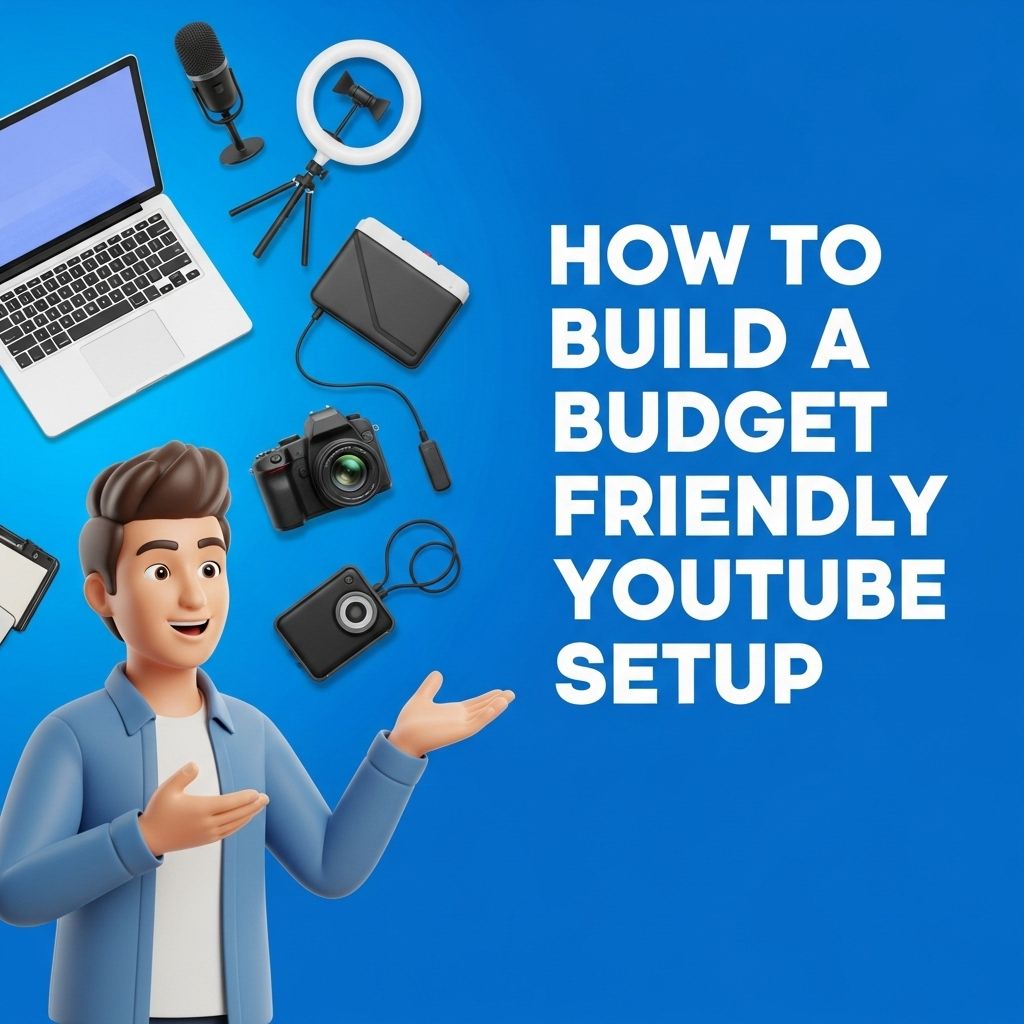
In the digital age, creating content on platforms like YouTube has become both a passion and a profession for many. Setting up a YouTube studio, however, can often seem daunting due to the perceived high costs involved. Fortunately, with a budget of just $200, you can establish a functional and efficient studio that caters to your content creation needs. This article will guide you through the essential components and considerations to set up your own YouTube studio without breaking the bank.
Creating your own YouTube studio doesn’t have to break the bank. With just $200, you can set up a professional-looking environment that enhances the quality of your videos. For helpful insights, check out these YouTube video editing tips.
Fundamental Components of a YouTube Studio
A successful YouTube studio requires several key components:
- Camera
- Lighting
- Audio equipment
- Backdrop
- Editing software
Budget Breakdown
To stay within the $200 budget, careful planning and selection of equipment is crucial. Below is a breakdown of potential expenditures:
| Item | Estimated Cost |
|---|---|
| Camera | $80 |
| Lighting | $50 |
| Microphone | $40 |
| Backdrop | $20 |
| Editing Software | $10 |
Choosing Your Equipment Wisely
Camera Options
While professional DSLR cameras can be expensive, there are affordable alternatives:
- Smartphone Camera: Modern smartphones often come equipped with excellent cameras that can shoot in high definition.
- Webcam: Good quality webcams such as the Logitech C920 can provide clear video at a lower cost.
Lighting Solutions
Lighting is crucial for video quality. Consider the following options:
- Softbox Lights: These provide a diffused light that reduces shadows.
- Ring Lights: Perfect for direct-to-camera shots, they offer even lighting for face shots.
Audio Equipment
Clear audio is essential for maintaining viewer engagement. Affordable microphones include:
- Lavalier Microphone: Clip-on mics like the Boya BY-M1 are effective and inexpensive.
- USB Microphone: Options like the Blue Snowball are great for direct recording.
Creating the Right Environment
The space where you record should be quiet and free from distractions. Consider these tips:
- Backdrop: Use a solid color sheet or a dedicated backdrop to avoid distractions.
- Soundproofing: Minimize echoes by using rugs, curtains, or even foam panels if possible.
Editing Your Content
Editing software can make or break your videos. While premium options exist, here are some free or low-cost tools:
- OpenShot: A user-friendly, open-source video editor.
- Shotcut: A free, cross-platform video editor that is powerful and versatile.
The Importance of Thumbnails
Creating eye-catching thumbnails is crucial for attracting viewers. Use free tools like Canva to design professional-looking thumbnails that reflect your video content.
Content Creation Strategy
Now that you have your studio set up, it’s time to focus on content. Here are some steps to create engaging videos:
- Plan Your Content: Script or outline your videos to ensure clarity and coherence.
- Engage with Your Audience: Ask for feedback and interact with comments to build a community.
- Consistency is Key: Maintain a regular upload schedule to keep your audience engaged.
Conclusion
Setting up a YouTube studio for $200 is not only feasible but can also be a rewarding experience that allows you to engage with a global audience. By prioritizing essential equipment, creating a suitable environment, and focusing on quality content, you can kickstart your YouTube journey without a hefty investment. Remember, the key to success lies in passion, creativity, and perseverance. Happy filming!
FAQ
What equipment do I need to create a YouTube studio for $200?
To create a YouTube studio for $200, consider getting a decent camera or smartphone for filming, a tripod for stability, basic lighting equipment like softbox lights or ring lights, and a microphone for improved audio quality.
Can I set up a YouTube studio in a small space?
Yes, you can set up a YouTube studio in a small space. Use a corner of your room and optimize the area with collapsible furniture and portable equipment to save space.
What are some budget-friendly lighting options for a YouTube studio?
Budget-friendly lighting options include using natural light from windows, inexpensive LED ring lights, or softbox kits that can be found online or at local stores.
How can I improve audio quality in my YouTube studio on a budget?
To improve audio quality on a budget, consider using a lavalier microphone, a shotgun microphone, or even recording in a quiet space with minimal background noise.
What background setup works best for a YouTube studio?
A clean, uncluttered background works best for a YouTube studio. You can use a simple colored wall, a bookshelf, or a fabric backdrop to enhance your video aesthetic.
Are there free editing tools I can use for my YouTube videos?
Yes, there are several free editing tools available, such as DaVinci Resolve, HitFilm Express, and Lightworks, which can help you edit your videos professionally without spending money.