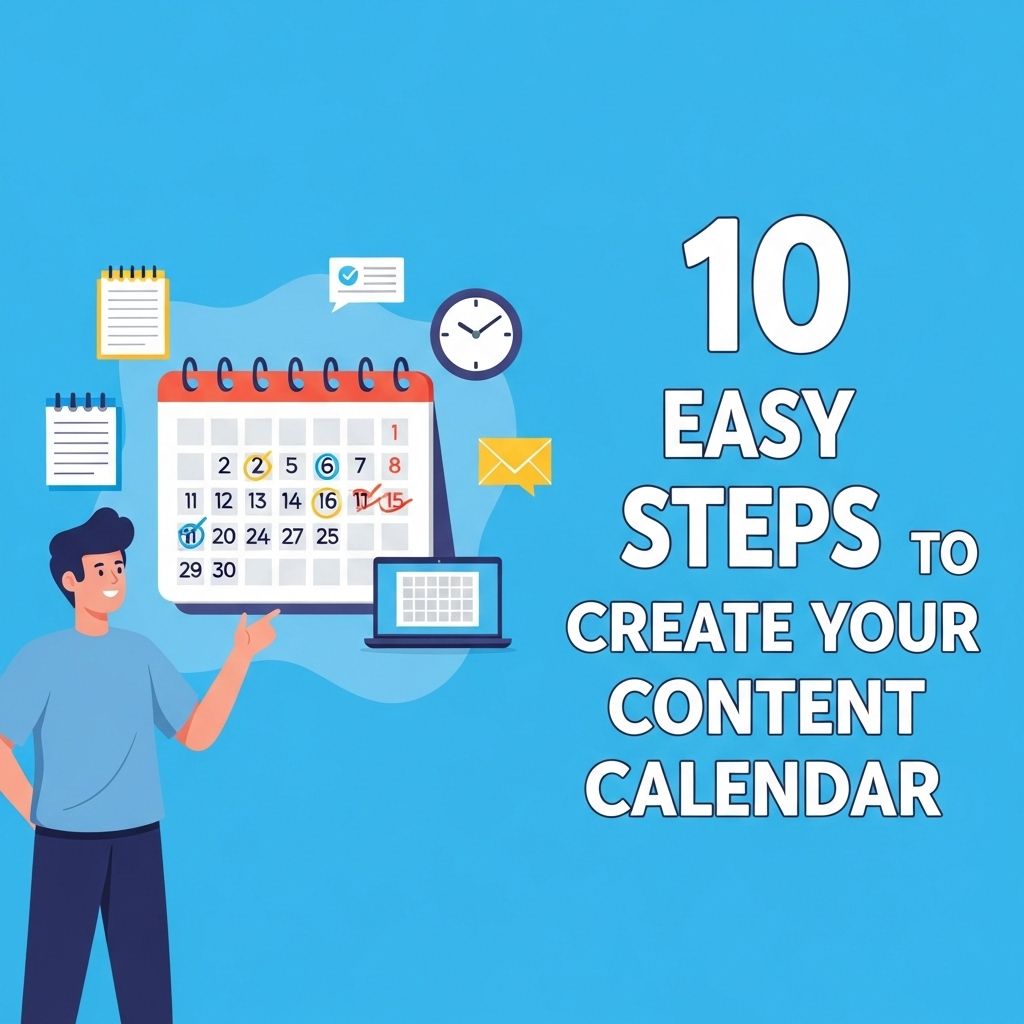
Creating a content calendar is essential for any business or individual looking to establish a consistent online presence. A well-structured content calendar not only helps in planning and organizing content but also ensures that your messaging aligns with your overall strategy. This article walks you through a systematic approach to creating an effective content calendar in just ten easy steps.
Creating a content calendar can streamline your content creation process and keep you organized throughout the year. In just 10 easy steps, you can develop a calendar that not only enhances your productivity but also helps in maintaining consistency across your platforms. For additional guidance on tools and resources, check out these content creation tools and resources.
Understanding the Importance of a Content Calendar
Before diving into the steps, it’s crucial to understand why a content calendar is vital. Here are some key benefits:
- Consistency: It ensures steady content delivery.
- Organization: Helps in tracking content across multiple platforms.
- Collaboration: Facilitates teamwork by keeping everyone on the same page.
- Strategy Alignment: Ensures content aligns with marketing goals and KPIs.
Step 1: Define Your Goals
The first step in creating your content calendar is to define what you want to achieve. Goals may vary based on your audience and industry but should be SMART (Specific, Measurable, Achievable, Relevant, Time-bound). For example:
Examples of Possible Goals
- Increase website traffic by 30% in six months.
- Grow social media engagement rates by 15% in three months.
- Generate 100 leads per month through content marketing.
Step 2: Know Your Audience
Understanding your audience is crucial for creating relevant content. Conduct audience research to gather insights about their preferences, interests, and demographics. Consider creating user personas to visualize your target audience.
Step 3: Choose Your Content Types
Decide on the types of content you will produce. Different formats can generate various levels of engagement. Here are some popular content types:
| Content Type | Benefits |
|---|---|
| Blog Posts | Enhances SEO, educates audience |
| Videos | High engagement, easily shareable |
| Infographics | Visual representation, easy to digest |
| Podcasts | Builds community, great for on-the-go content |
Step 4: Brainstorm Content Ideas
Once you have chosen your content types, it’s time for brainstorming. Gather your team for a creative session to generate ideas. You can use tools like:
- Google Trends: To find trending topics.
- BuzzSumo: To explore popular content in your niche.
- Answer the Public: To derive questions people are asking.
Step 5: Create a Publishing Schedule
A content calendar should detail not just the content type and topic but also the publishing schedule. Decide how often you’ll publish content. Some common frequencies include:
- Daily
- Weekly
- Monthly
Sample Publishing Schedule
| Day | Content Type |
|---|---|
| Monday | Blog Post |
| Wednesday | Social Media Post |
| Friday | Email Newsletter |
Step 6: Assign Responsibilities
Whether you have a team or are working solo, it’s important to assign responsibilities for each piece of content. This not only ensures accountability but also helps in streamlining the production process. An example assignment could look like this:
Example Roles
- Content Creator: Writes articles, creates videos.
- Editor: Reviews and finalizes content.
- Designer: Creates visuals or graphics.
Step 7: Use Tools for Organization
Utilizing the right tools can significantly enhance your content calendar’s effectiveness. Consider using:
- Google Sheets: A simple way to create and share your calendar.
- Trello: Visual project management tool to track tasks.
- Asana: Task management tool for team collaboration.
Step 8: Monitor Performance Metrics
Once your content starts rolling out, it’s essential to monitor its performance. Use analytics tools such as:
- Google Analytics for website performance.
- Social media insights to track engagement.
- Email marketing software analytics for newsletters.
Step 9: Adjust Your Strategy
Based on the performance data you’ve gathered, be prepared to adjust your strategy. If certain types of content perform better than others, consider focusing more on those formats. Regularly revisiting your goals and audience insights is key to continuous improvement.
Step 10: Stay Flexible
Lastly, remember that a content calendar is not set in stone. Flexibility is crucial in adapting to real-time events or trending topics that may arise. Build in some buffer space in your calendar for ad-hoc content that can capitalize on sudden trends or news stories.
Conclusion
Creating a content calendar can seem daunting, but by following these ten easy steps, you can simplify the process and enhance your content strategy. A well-planned calendar will not only improve your workflow but also engage your audience more effectively, leading to better results in your content marketing efforts.
FAQ
What is a content calendar?
A content calendar is a schedule that outlines all the content you plan to publish over a specific period, helping you to organize and plan your content strategy effectively.
Why is a content calendar important?
A content calendar is important because it helps streamline your content creation process, ensures consistency in posting, and allows for better strategic planning.
How do I choose the right tools for my content calendar?
You can choose tools like Google Sheets, Trello, or specialized software like Asana or CoSchedule based on your team’s needs and the complexity of your content strategy.
What should I include in my content calendar?
Your content calendar should include the content title, type, publication date, target audience, distribution channels, and any relevant notes or deadlines.
How often should I update my content calendar?
You should update your content calendar regularly, ideally on a weekly or monthly basis, to reflect any changes in strategy, new ideas, or upcoming events.
Can a content calendar help with SEO?
Yes, a content calendar can help with SEO by allowing you to plan keyword-focused content, track trends, and ensure timely publication to maximize engagement and visibility.