Indoor photography can be a challenge for even the most seasoned photographers. With limited natural light and harsh artificial lighting, it requires a good understanding of lighting techniques to create stunning images. In this article, we will explore various methods and tips to enhance your indoor photography lighting, ensuring that you capture breathtaking shots every time.
Mastering indoor photography lighting techniques is essential for capturing stunning images in various settings. Whether using natural light or artificial sources, understanding how to manipulate and enhance your environment can make a significant difference in your work. To complement your skills, you can learn about Photoshop brushes to fine-tune your edits.
Understanding Light Sources
The first step to mastering indoor photography lighting is to understand the different types of light sources available:
- Natural Light: This includes sunlight and ambient light from windows. It can create beautiful, soft images but is often unpredictable.
- Artificial Light: This includes lamps, overhead lights, and flash units. These can be controlled and modified for desired effects.
- Mixed Lighting: A combination of both natural and artificial light can add depth and interest to images.
Using Natural Light Effectively
Timing and Placement
Natural light changes throughout the day, affecting the mood and quality of your photos. Here are some strategies to take advantage of it:
- Golden Hour: Shoot during sunrise or sunset for soft, warm light.
- Window Placement: Position your subject near windows for diffused light.
- Reflectors: Use reflectors to bounce natural light back onto your subject and reduce shadows.
Diffusing Natural Light
To soften harsh sunlight, consider these techniques:
- Sheer Curtains: Hang sheer curtains to diffuse the light coming through the window.
- White Foam Boards: Use foam boards to reflect and soften light on your subject.
- Light Tents: For small objects, light tents can create an even, diffused lighting environment.
Artificial Lighting Techniques
Types of Artificial Lighting
There are various types of artificial lighting that can enhance your indoor photography:
| Type | Description | Best Use |
|---|---|---|
| Continuous Lighting | Light sources that remain on, providing constant illumination. | Close-up shots, product photography. |
| Flash Lighting | Short bursts of light that freeze motion, often used with cameras. | Action shots, low-light conditions. |
| LED Panels | Energy-efficient panels that provide adjustable lighting. | Versatile for various setups. |
Positioning and Modifying Artificial Light
Proper positioning of artificial light is crucial. Here are some tips:
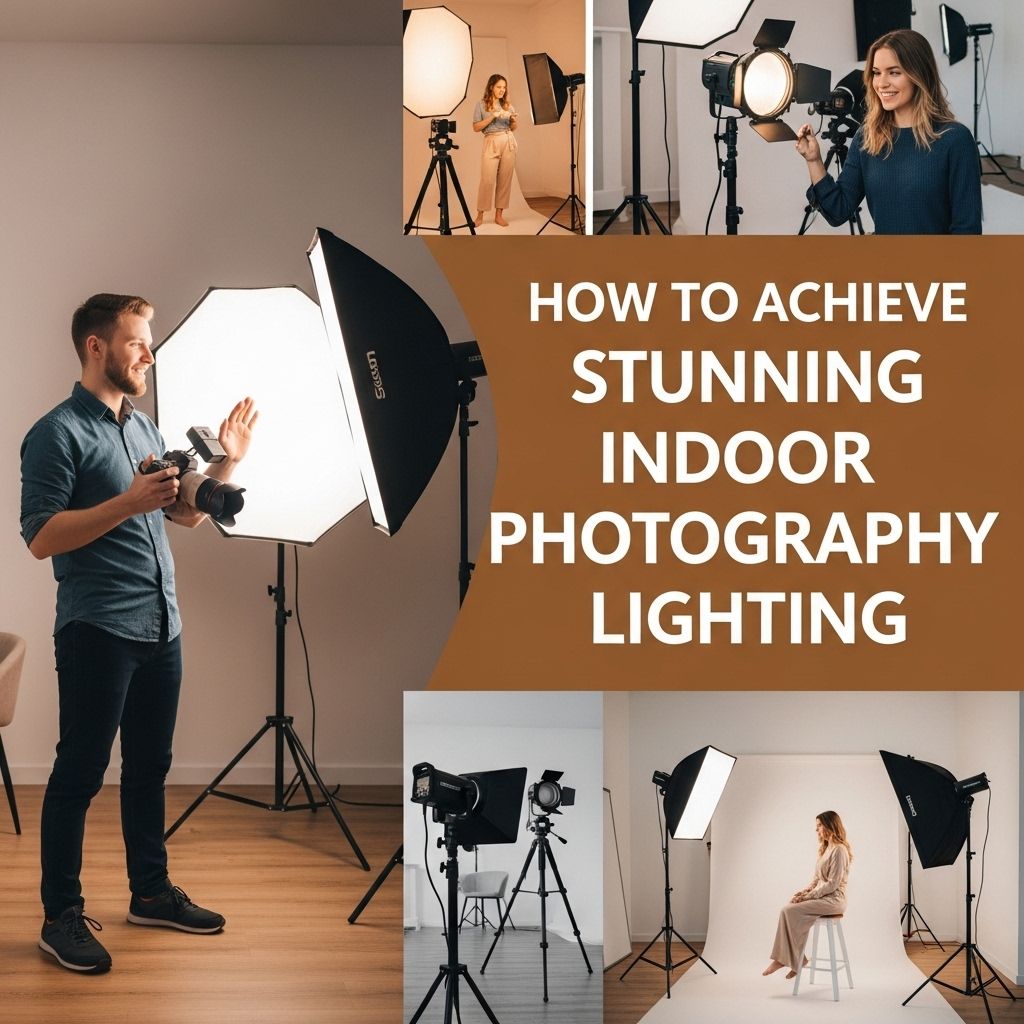
- Key Light: Your main source of light should be placed at a 45-degree angle to your subject.
- Fill Light: Use a secondary light source to reduce shadows created by the key light.
- Backlighting: Place a light source behind your subject to create a halo effect or highlight edges.
Creative Lighting Techniques
Using Color in Your Lighting
Incorporating color can add vibrancy to your indoor photographs:
- Colored Gels: Use gels over your light sources to create colored effects.
- Difficult Conditions: When using mixed lighting, be aware of color temperature differences.
- White Balance: Adjust your camera’s white balance settings to match the light sources for accurate color reproduction.
Experimenting with Shadows
Shadows can add depth and dimension to your photography:
- Hard Shadows: Create dramatic effects by using strong, direct light sources.
- Soft Shadows: Use diffused light to create gentle, soft shadows for a dreamy effect.
Essential Tools for Indoor Photography
Tripods and Stabilizers
Stability is key in low-light situations:
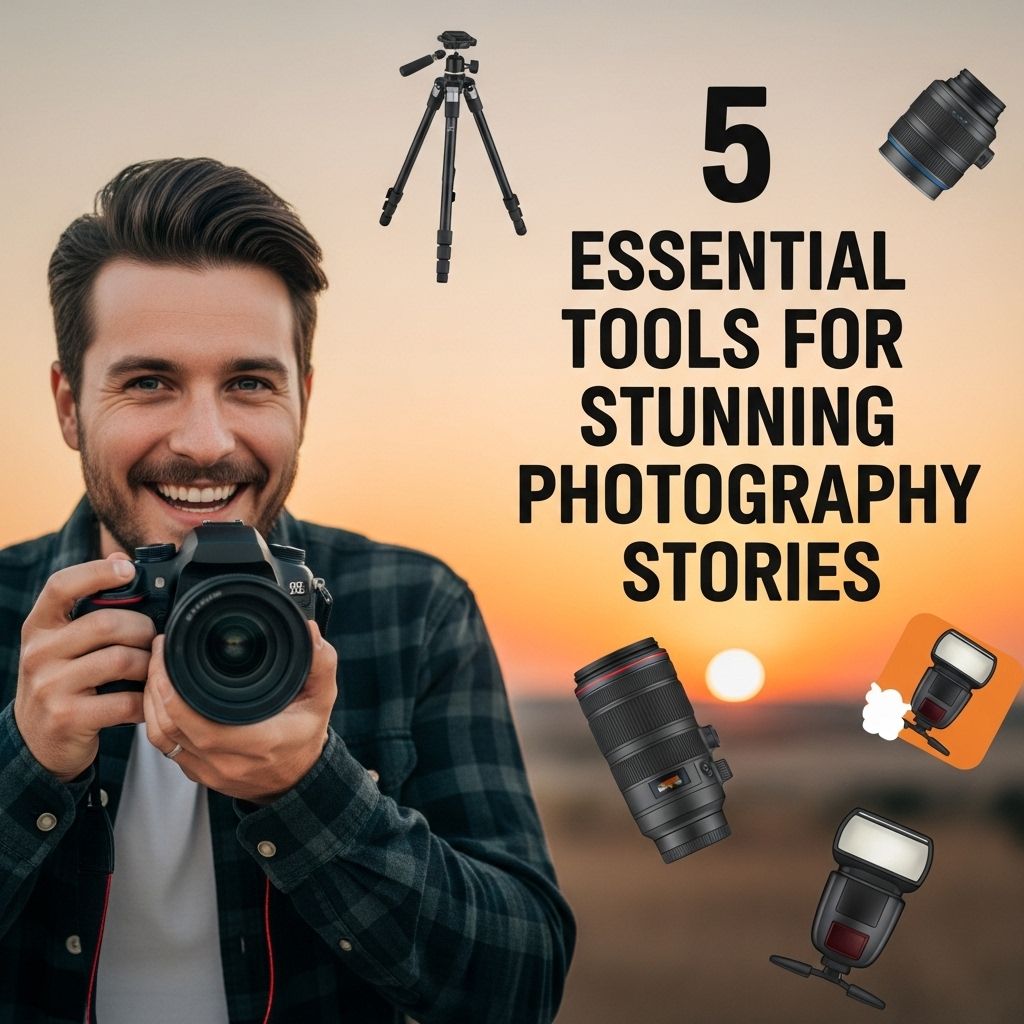
- Tripods: Use a sturdy tripod to prevent camera shake.
- Gimbals: For video shoots, gimbals provide stabilization for smooth footage.
Light Modifiers
Enhance your lighting setup with these modifiers:
- Softboxes: Create soft light with minimal harsh shadows.
- Umbrellas: Bounce light and soften it for a natural look.
- Reflectors: Control and redirect light to fill in shadows.
Post-Processing Techniques
Editing for Better Lighting
After capturing your images, use software like Adobe Lightroom or Photoshop to enhance lighting:
- Exposure Adjustments: Fine-tune the exposure levels to brighten or darken your images.
- Contrast: Increase contrast to make your subjects pop against the background.
- Color Correction: Adjust colors to match the mood and lighting you intended.
Dodging and Burning
This technique can selectively lighten or darken areas of your photo:
- Dodging: Lighten specific areas to draw attention.
- Burning: Darken areas to add drama and depth.
Conclusion
Achieving stunning indoor photography lighting requires a combination of understanding light sources, using creative techniques, and utilizing the right tools. By experimenting with natural and artificial light, adjusting your camera settings, and enhancing your images through post-processing, you can transform ordinary indoor shots into extraordinary works of art. So grab your camera, experiment with different lighting setups, and let your creativity shine!
FAQ
What are the best indoor lighting setups for photography?
The best indoor lighting setups include natural light from windows, softboxes, ring lights, and LED panels to create soft, even illumination.
How can I use natural light for indoor photography?
To use natural light effectively, position your subject near windows during the golden hour for warm light, and use reflectors to bounce light onto your subject.
What are some tips for using artificial lighting in indoor photography?
When using artificial lighting, consider the color temperature, use diffusers to soften the light, and experiment with multiple light sources to reduce harsh shadows.
How do I balance indoor lighting with ambient light?
To balance indoor lighting with ambient light, adjust your camera settings to accommodate the different light sources, or use gels on your lights to match the ambient color temperature.
What camera settings are best for indoor photography?
For indoor photography, use a wide aperture (low f-stop) for shallow depth of field, a slower shutter speed, and adjust ISO settings to avoid noise.
How can I enhance indoor photos in post-processing?
Enhance indoor photos in post-processing by adjusting exposure, contrast, and color balance, and consider using noise reduction tools to improve image quality.