In an age where visual content reigns supreme, making your iPhone videos stand out is essential for capturing attention and engagement. Whether you’re a budding filmmaker or simply looking to enhance your social media content, there are numerous techniques and tools available to elevate your video quality. In this article, we’ll explore a variety of methods to help you create stunning, eye-catching iPhone videos that will captivate your audience.
If you’re looking to make your iPhone videos truly stand out, you’re in luck. With a few simple tips and tricks, you can enhance your footage and captivate your audience on platforms like Instagram. Check out these effective techniques to boost your video quality and engagement, including Instagram growth techniques.
Understanding the Basics of Video Composition
Before diving into advanced techniques, it’s essential to grasp the fundamentals of video composition. Here are some key elements to consider:
- Rule of Thirds: Imagine breaking your image down into three horizontal and three vertical sections. Positioning your subject along these lines creates balance and interest.
- Leading Lines: Use natural lines in your environment to guide the viewer’s eyes toward the main subject.
- Framing: Utilize elements within your scene to frame your subject, adding depth and context.
Utilizing Natural Light
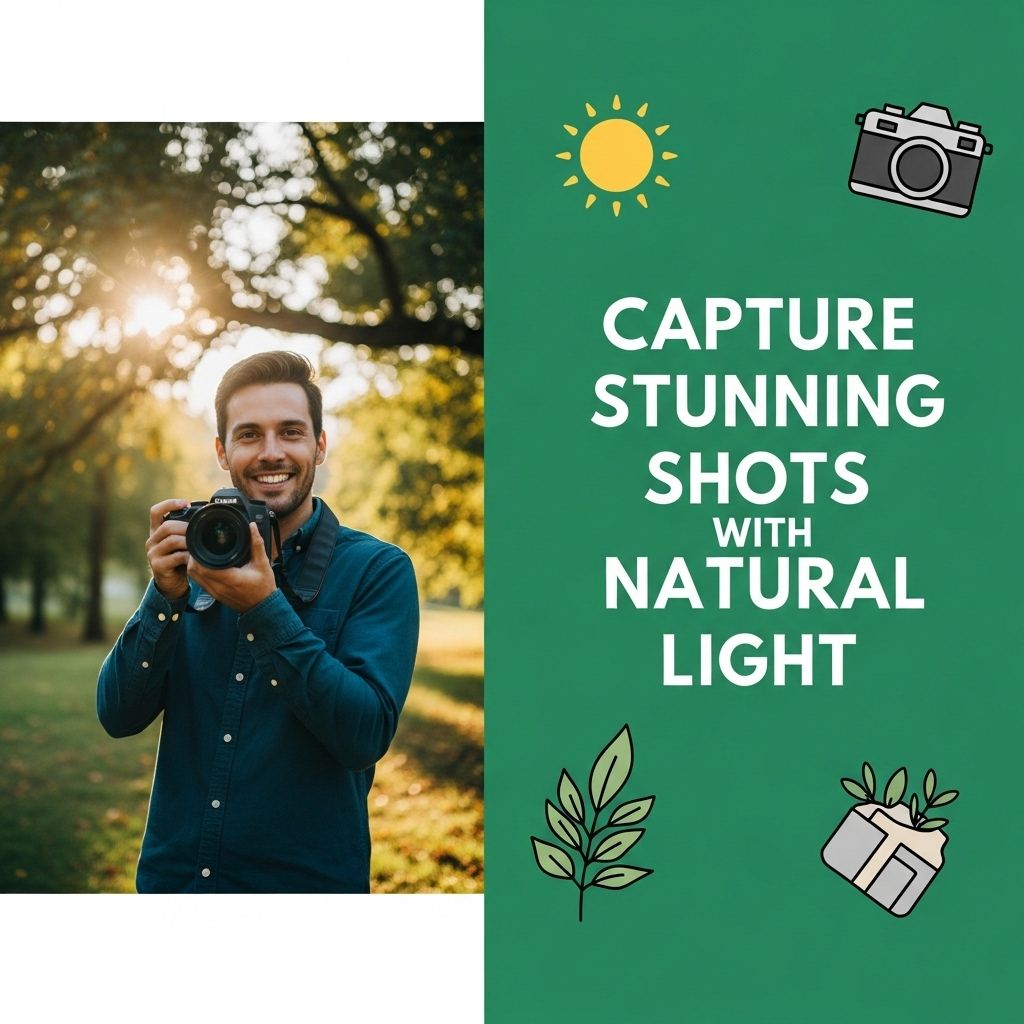
Lighting can make or break your video. Natural light is your best friend, offering a soft, even illumination that enhances your subjects. Here are some tips on how to effectively use natural light:
Best Times for Shooting
Shooting during ‘golden hours’—the hour after sunrise and before sunset—provides warm, flattering light.
Position Your Subject
Position your subject facing the light source for a more flattering appearance. Avoid harsh overhead lighting which may cause unflattering shadows.
Use of Accessories
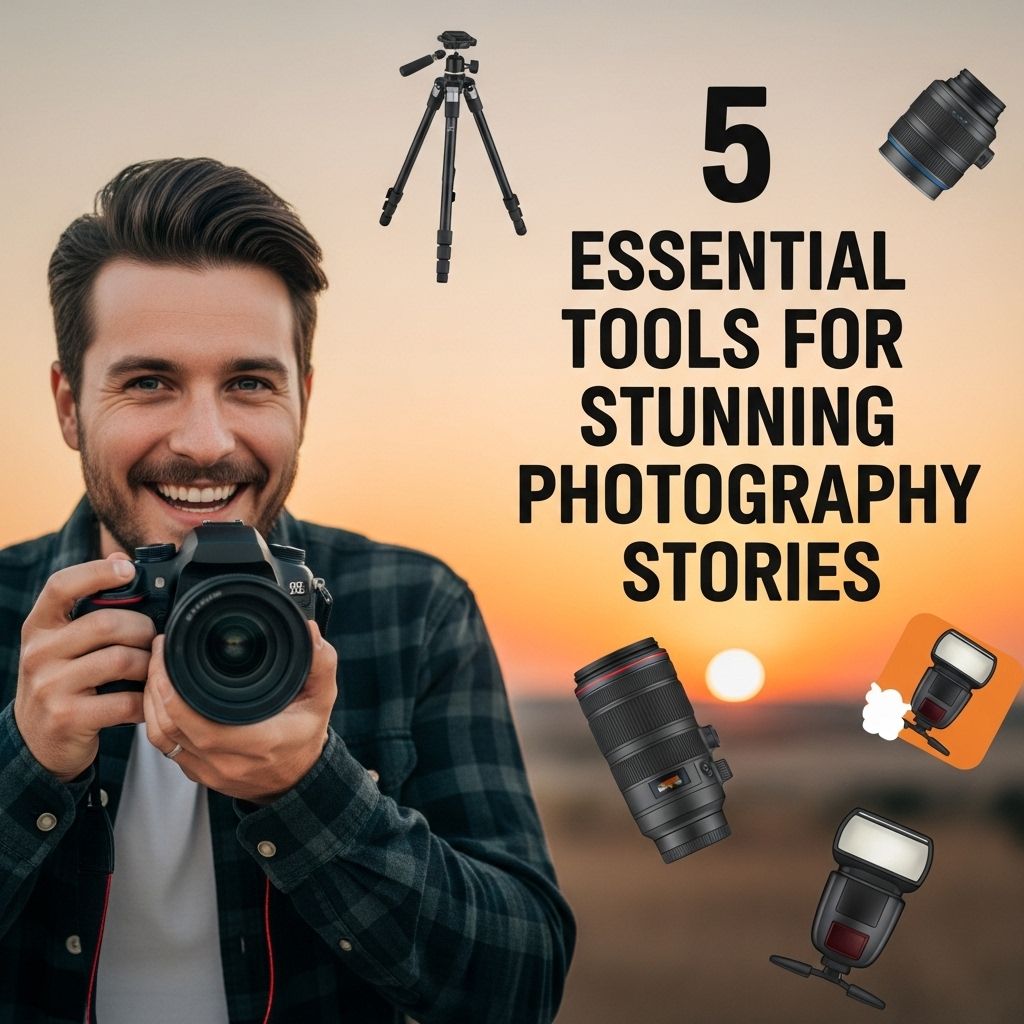
While the iPhone camera is powerful on its own, certain accessories can enhance your video quality:
Stabilizers and Gimbals
Shaky footage can detract from your video’s professionalism. Investing in a stabilizer or gimbal will ensure smooth, cinematic shots.
External Microphones
Audio quality is just as crucial as video quality. Consider using an external microphone to capture clear audio, particularly in noisy environments.
Editing Tools and Techniques
Post-production is where the magic happens. Here are some editing tools and techniques to enhance your videos:
iMovie
This built-in application is user-friendly and perfect for beginners. It allows for basic editing like cutting, adding transitions, and including music.
Final Cut Pro
If you’re looking for advanced editing features, Final Cut Pro offers professional-level tools for color correction, audio editing, and effects.
Color Grading
Adjusting the colors in your video can significantly alter its mood and feel. Use tools like Adobe Premiere Rush or LumaFusion for robust color grading options.
Engaging Your Audience with Storytelling
A compelling story can keep your audience invested in your video. Here are some storytelling techniques to consider:
Creating a Script
Before filming, outline your narrative. A clear script helps keep your video focused and engaging.
Using B-Roll Footage
B-roll footage—secondary clips that complement your main footage—adds depth and visual interest. Consider capturing additional shots of your subject’s environment or actions.
Incorporating Effects and Transitions
Adding effects can enhance viewer engagement. However, use them sparingly to maintain a professional look:
Text Overlays
Text can provide context or reinforce your message. Ensure it is readable and doesn’t distract from the visuals.
Dynamic Transitions
Using varied transitions between clips can keep the viewer engaged. Consider using crossfades or wipes instead of simple cuts.
Sharing Your Videos
Once your video is complete, sharing it effectively is crucial for reach and engagement. Consider these platforms:
Social Media
Platforms like Instagram, TikTok, and YouTube are excellent for sharing video content. Tailor your video format and length to match the platform.
Video Hosting Sites
Using sites like Vimeo can allow for higher quality video and more professional presentations.
Measuring Success
To truly know if your videos resonate with your audience, it’s vital to measure their success. Use analytics tools to track:
- View Duration
- Engagement Rates
- Social Shares
By analyzing this data, you can refine your techniques and improve future video projects.
Conclusion
Creating visually stunning videos on your iPhone doesn’t have to be daunting. With a solid understanding of composition, lighting, editing, and storytelling, you can produce videos that not only look professional but also engage your audience. So grab your iPhone, experiment with these tips, and watch your videos transform into captivating visual experiences.
FAQ
How can I improve the lighting in my iPhone videos?
To enhance the lighting in your iPhone videos, shoot in natural light whenever possible, use additional LED lights, or try adjusting the exposure settings on your camera.
What are some tips for stabilizing iPhone videos?
To stabilize your iPhone videos, use a tripod or gimbal, hold your phone with both hands, and avoid sudden movements while recording.
How can I enhance the audio quality of my iPhone videos?
To improve audio quality, use an external microphone, minimize background noise, and consider using audio editing apps post-production.
What editing apps are best for iPhone video editing?
Some of the best editing apps for iPhone include iMovie, LumaFusion, and Adobe Premiere Rush, which offer various features for enhancing your videos.
How do I add music to my iPhone videos?
You can add music to your iPhone videos using editing apps like iMovie, where you can import songs from your library or choose from built-in soundtracks.
What aspect ratio should I use for iPhone videos?
For most social media platforms, a 16:9 aspect ratio is ideal, while for Instagram Stories, a 9:16 ratio is recommended to fully utilize screen space.