
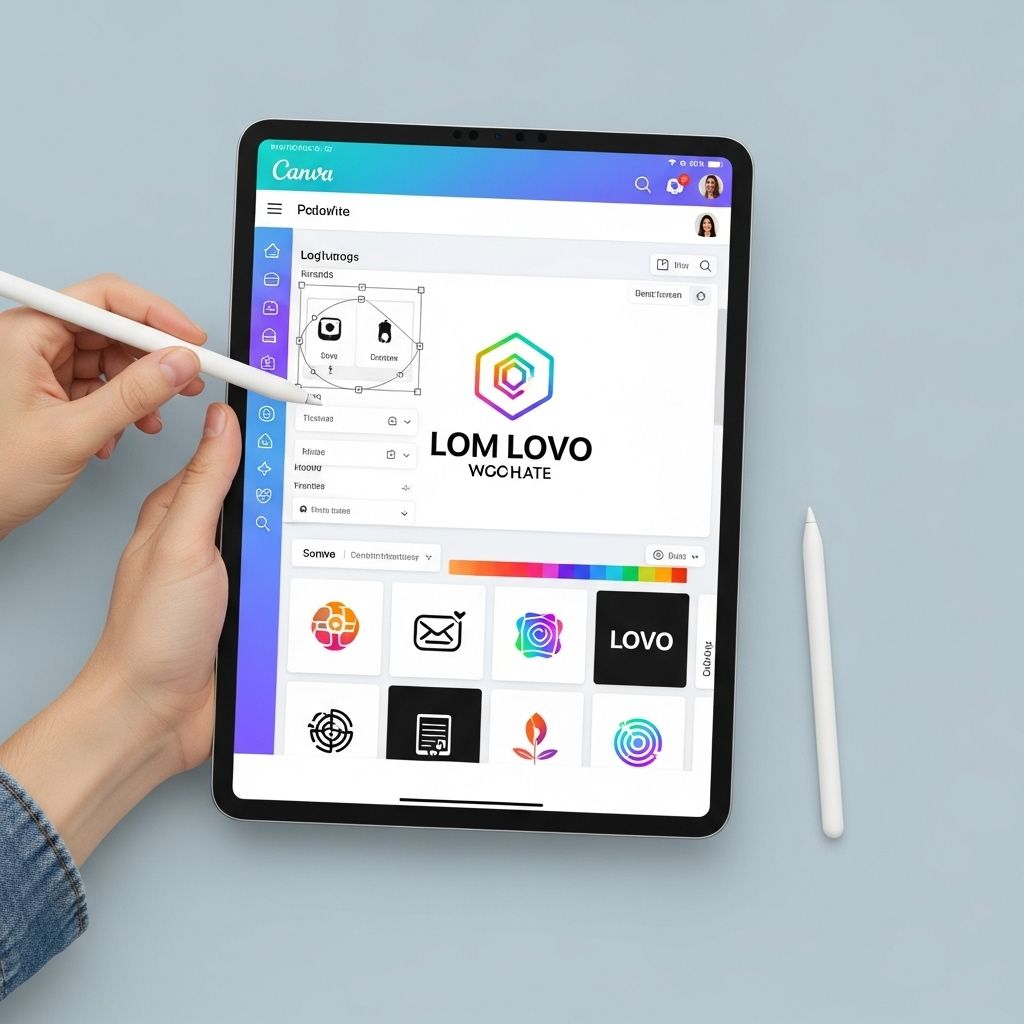
In the ever-evolving world of design, logo creation remains a critical aspect for businesses looking to establish a strong brand identity. As we approach 2025, technology continues to advance, providing designers with innovative tools that streamline creativity and enhance the design process. In this article, we will explore five must-know logo design tools that are set to revolutionize how logos are crafted in the upcoming year.
As we look ahead to 2025, logo design is evolving rapidly, driven by both technology and creativity. To help designers stay ahead of the curve, we’ve identified five essential tools that will streamline the logo creation process and enhance visual appeal. For those seeking inspiration, exploring resources like bottle design inspiration can spark innovative ideas in branding.
1. Adobe Illustrator
Adobe Illustrator has long been the industry standard for vector graphic design. With its extensive features and capabilities, it allows designers to create scalable logos that retain quality across different sizes.
Key Features:
- Vector Graphics: Create designs that can be resized without losing quality.
- Advanced Tools: Utilize tools like the Pen Tool and Shape Builder for precision.
- Cloud Integration: Access your projects across devices using Adobe Creative Cloud.
Pros and Cons:
| Pros | Cons |
|---|---|
| Industry-standard software | Subscription-based can be expensive |
| Wide range of features | Steeper learning curve for beginners |
2. Canva
Canva has gained immense popularity due to its user-friendly interface and accessibility. It is a perfect tool for both beginners and seasoned designers looking to create logos quickly.
Key Features:
- Drag-and-Drop Interface: Easily design logos with intuitive tools.
- Templates: Access a vast library of pre-designed logo templates.
- Collaboration Tools: Share designs and collaborate in real-time with team members.
Pros and Cons:
| Pros | Cons |
|---|---|
| User-friendly for beginners | Limited customization options |
| Affordable pricing plans | Quality may vary for templates |
3. Looka
Looka leverages artificial intelligence to generate logo designs based on user preferences. This tool is particularly useful for startups and small businesses looking for quick branding solutions.
Key Features:
- AI-Driven Design: Generate logos tailored to your style and preferences.
- Brand Kit: Create a consistent brand identity with matching business materials.
- Editable Designs: Customize logos easily post-generation.
Pros and Cons:
| Pros | Cons |
|---|---|
| Quick logo generation | Less control over the design process |
| Affordable for startups | Limited design options compared to traditional software |
4. Figma
Figma has emerged as a powerful tool for collaborative design, allowing multiple users to work on logo projects in real-time. This is especially beneficial for teams spread across different locations.
Key Features:
- Real-Time Collaboration: Work together with team members seamlessly.
- Vector Networks: Utilize advanced vector editing capabilities.
- Plugins: Enhance functionality with a variety of community-created plugins.
Pros and Cons:
| Pros | Cons |
|---|---|
| Cloud-based for easy access | May require an internet connection |
| Great for team projects | Can be overwhelming for new users |
5. LogoMaker
LogoMaker is a straightforward tool designed for those who want to create a logo quickly without extensive design knowledge. It provides users with a simple platform to customize logos to their liking.
Key Features:
- Easy-to-Use Interface: Navigate the platform with ease.
- Customizable Templates: Start with a template and make it your own.
- Downloadable Formats: Export logos in multiple formats for various uses.
Pros and Cons:
| Pros | Cons |
|---|---|
| Fast logo creation | Basic features compared to advanced tools |
| Accessible for all skill levels | Less unique designs |
Conclusion
As we look towards 2025, the logo design landscape continues to evolve with innovative tools that cater to various skill levels and project needs. Whether you are a professional designer seeking advanced capabilities or a business owner looking to create a logo quickly, these five tools offer unique advantages to enhance your branding efforts. By leveraging these tools, you’ll be well-equipped to craft logos that leave a lasting impression.
FAQ
What are the best logo design tools for 2025?
Some of the top logo design tools for 2025 include Canva, Adobe Illustrator, Looka, LogoMaker, and Hatchful.
Are there free logo design tools available?
Yes, many logo design tools such as Canva and Hatchful offer free versions with basic features for creating logos.
How do I choose the right logo design tool?
Consider factors such as ease of use, available features, design flexibility, and your budget when choosing a logo design tool.
Can I create a professional logo using online tools?
Yes, many online logo design tools provide templates and customization options that allow you to create a professional-looking logo.
What features should I look for in a logo design tool?
Look for features like vector editing capabilities, a library of templates, font customization, and export options in various formats.


