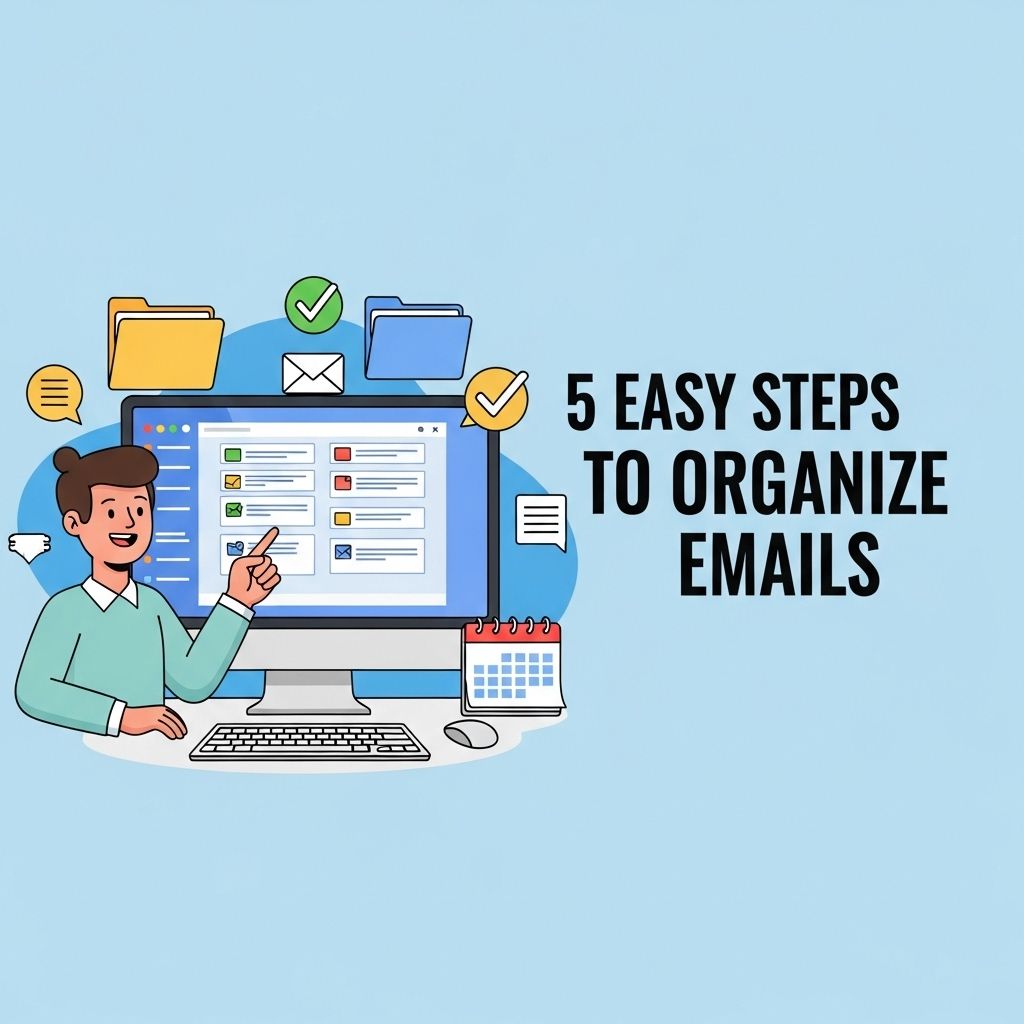
In today’s digital age, our inboxes can quickly become overwhelming, filled with countless emails vying for our attention. An organized email system not only increases productivity but also reduces stress, making it easier to find important messages when needed. In this article, we will discuss effective strategies to help you streamline your email management process in five simple steps.
Step 1: Assess Your Current Email Situation
The first step to organizing your emails is to take a good look at what you currently have. This means assessing your inbox and understanding the types of emails you receive. Start by asking yourself:
- How many emails do you receive daily?
- What types of emails clutter your inbox?
- Are there regular newsletters or promotions you no longer read?
Here are some techniques to help with this assessment:
- **Categorize**: Create categories for different types of emails. Common categories include Work, Personal, Promotions, and Newsletters.
- **Tagging**: Use labels or tags to help identify the purpose or priority of emails.
- **Search Functionality**: Utilize your email client’s search bar to find specific types of emails, such as from a certain sender or containing certain keywords.
Step 2: Unsubscribe and Delete
Once you’ve categorized your emails, it’s time to clean house. Take the following actions:
Unsubscribe from Unwanted Emails
Unsubscribe from any newsletters, promotions, or email lists that no longer serve you. This can significantly reduce the volume of emails you receive. Look for the ‘unsubscribe’ link at the bottom of these emails and promptly remove yourself from the list.
Delete Irrelevant Emails
Next, go through your inbox and delete any irrelevant emails. Focus on:
- Spam
- Old promotions
- Emails from senders you don’t recognize
Consider using bulk delete options for similar emails to save time. Many email platforms allow you to select multiple messages at once for deletion.
Step 3: Create Folders and Rules
Organizing your emails into folders or labels can provide a structured way to manage your correspondence. Here’s how:
Creating Folders
Set up specific folders based on your categories from Step 1. Some examples include:
| Folder Name | Description |
|---|---|
| Work | Emails related to your job and projects. |
| Personal | Emails from family and friends. |
| Finance | Bank statements, bills, and receipts. |
| Travel | Itineraries, bookings, and confirmations. |
Setting Up Rules
Utilize rules or filters to automatically sort incoming emails into the designated folders. For example:
- **Work emails** could automatically be sent to the ‘Work’ folder if they are from a specific domain.
- **Newsletters** can be filtered into a ‘Newsletters’ folder based on keywords in the subject line.
Most email clients allow you to set these up under the settings menu, usually found in the ‘Filters’ or ‘Rules’ section.
Step 4: Implement a Daily Email Routine
To maintain an organized inbox, create a daily routine that sets aside time for email management. Here are some strategies to consider:
Time Blocking
Allocate specific time slots each day for checking and responding to emails. This may include:
- **Morning Review**: Check for important emails first thing in the morning.
- **Midday Catch-Up**: Take a short break to address any new messages.
- **End-of-Day Routine**: Clear out your inbox before concluding your workday.
Use the Two-Minute Rule
If an email response takes less than two minutes, handle it immediately rather than letting it clutter your inbox. This habit can significantly reduce the volume of emails you need to manage over time.
Step 5: Regular Maintenance
Staying organized requires ongoing effort. Here are some maintenance tips:
Weekly Review
Set aside time each week to review your folders, clean out old emails, and ensure everything is still sorted correctly. During this review:
- Check for any emails that can be archived or deleted.
- Ensure your folders still reflect your current situation and needs.
Stay Disciplined
Resist the temptation to let emails pile up. Stick to the routines you’ve set, and make it a habit to keep your inbox organized.
Conclusion
Organizing your emails may seem like a daunting task, but by following these five steps, you can create a system that works for you. Whether you receive dozens or hundreds of emails each day, implementing these strategies will help you regain control of your inbox, allowing you to focus on what truly matters. Start today, and experience the benefits of a well-organized email system.
FAQ
What are the benefits of organizing my emails?
Organizing your emails can improve productivity, reduce stress, and make it easier to find important messages quickly.
How can I categorize my emails effectively?
You can categorize your emails by creating folders or labels based on projects, priorities, or sender, allowing for better organization.
What is the best way to manage my inbox daily?
Set aside specific times each day to check and organize your inbox, using the ‘two-minute rule’ for quick responses.
Should I unsubscribe from unwanted email lists?
Yes, unsubscribing from unwanted email lists can significantly declutter your inbox and help you focus on important messages.
How often should I review and clean my email folders?
It’s a good practice to review and clean your email folders at least once a month to maintain organization and prevent clutter.
What tools can assist in email organization?
Many email clients offer built-in tools for organizing emails, such as filters, rules, and categorization features, which can streamline the process.