In today’s digital era, having an intuitive and powerful editing tool is essential for creating stunning visuals. Whether you’re a professional designer, photographer, or social media enthusiast, Picsart provides an all-in-one solution to bring your creative ideas to life. With an extensive range of features including AI-powered editing, customizable templates, and an intuitive interface, Picsart is the go-to platform for millions worldwide.
Unlock your creativity and transform photos like a pro with Picsart’s versatile features. Whether you’re enhancing your images or using brushes for digital painting, you’ll find the perfect tools to elevate your artistry. For those looking to master digital painting with brushes, check out this resource: master digital painting with brushes.
Why Choose Picsart?
Picsart stands out due to its user-friendly interface and advanced editing capabilities. Here are some reasons why Picsart is a top choice for creatives:- AI-Powered Tools: Leverage AI for smart editing, background removal, and retouching.
- Vast Library of Effects & Filters: Apply artistic filters, textures, and overlays effortlessly.
- Collage Maker & Templates: Create stunning collages with customizable templates.
- Sticker & Text Tools: Personalize photos with fun stickers and stylish fonts.
- Drawing & Illustration Features: Unleash your creativity with drawing tools and brushes.
- Social Media-Friendly Designs: Optimize content for Instagram, TikTok, and YouTube.
Features That Make Picsart Stand Out
1. AI-Powered Editing Tools
Picsart integrates artificial intelligence to simplify complex editing tasks. Users can remove backgrounds, enhance portraits, and apply smart effects with just a few clicks. AI-driven tools also help in upscaling images without losing quality.2. Photo & Video Editing
Unlike many competitors, Picsart offers both photo and video editing in one platform. Apply filters, transitions, and effects to create visually appealing content that stands out on any platform.3. Collage Maker & Templates
Creating eye-catching collages has never been easier. Picsart offers thousands of pre-made templates, allowing users to design posters, invitations, and marketing materials effortlessly.4. Stickers, Fonts, & Clipart
Express your creativity using thousands of free stickers and fonts. Picsart’s extensive collection ensures you’ll always find the perfect element to complement your design.5. Drawing & Illustration Features
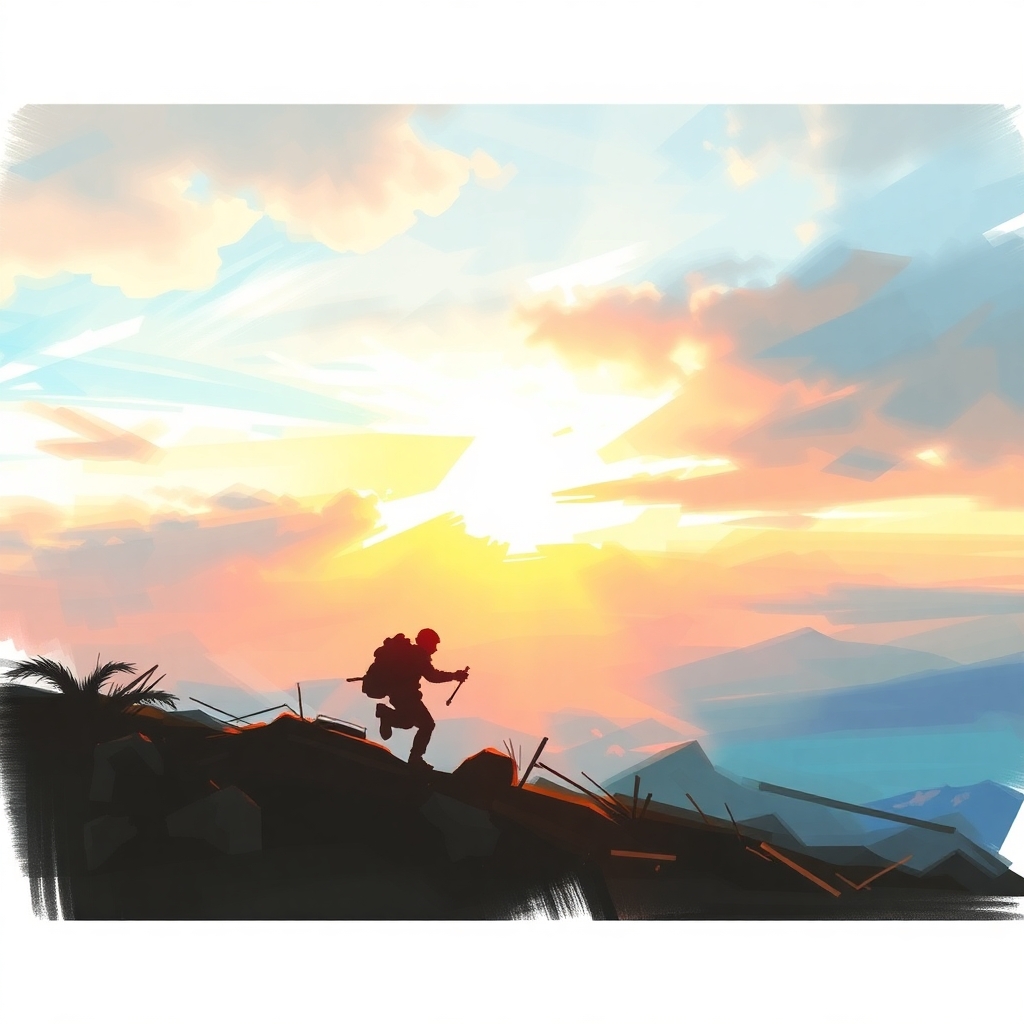
Whether you’re a digital artist or just enjoy doodling, Picsart’s drawing tools provide an exceptional experience. Use different brushes, layers, and blending modes to create original artwork.6. Social Media Optimization
Picsart provides templates and formats designed specifically for social media. Users can quickly create Instagram Stories, YouTube thumbnails, and TikTok videos to boost their online presence.How to Use Picsart for Stunning Creations
Step 1: Upload Your Photo
Start by selecting a photo from your device or using Picsart’s free stock images.Step 2: Apply Filters & Effects
Enhance your photo with artistic filters, color correction, and AI-enhanced features.Step 3: Customize with Text & Stickers
Add stylish text overlays, trendy stickers, and custom clipart to make your design unique.Step 4: Use the Drawing Tool
Unleash your creativity by sketching or illustrating over your images.Step 5: Save & Share
Download your final masterpiece in high resolution or directly share it on social media.Free vs. Picsart Pro: Which One Should You Choose?
Picsart offers both free and Pro versions. While the free version includes basic editing tools, the Picsart Pro subscription unlocks premium features such as advanced AI tools, high-quality templates, and exclusive content.Picsart Free Features:
- Basic editing tools
- Standard effects & filters
- Limited access to stickers & templates
- Watermark on some edits
Picsart Pro Features:
- Advanced AI tools
- Ad-free experience
- Full access to premium content
- High-resolution exports