
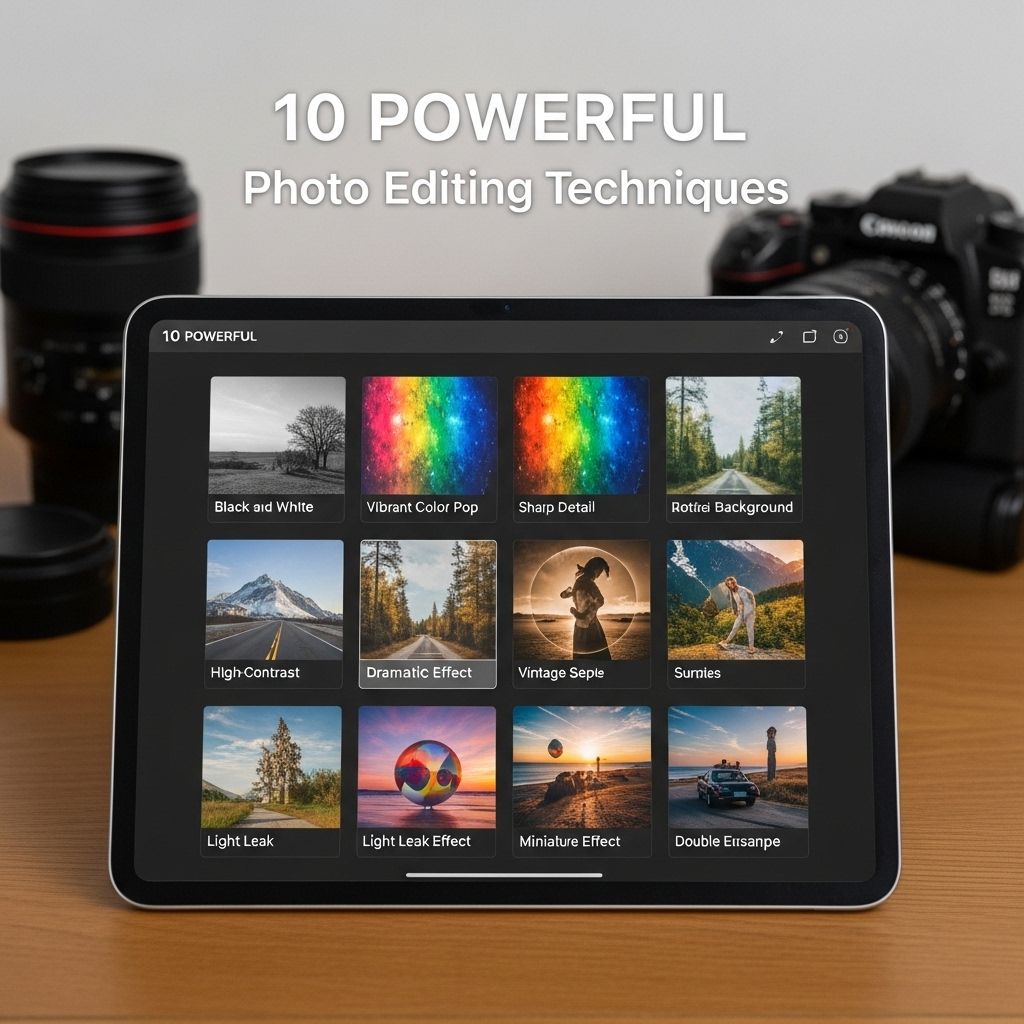
In the digital age, photo editing has become an essential skill for photographers, marketers, and social media enthusiasts alike. With an array of software tools available, mastering photo editing techniques can significantly enhance your images, making them stand out in a crowded visual landscape. This article will delve into ten powerful photo editing techniques that can elevate your photography game to the next level.
Discovering powerful photo editing techniques can elevate your images to a new level of artistry. In this guide, we’ll explore ten essential methods that can help you transform your photographs into stunning visuals. By mastering skills such as advanced brush settings in Photoshop, you can unlock your creative potential and enhance your editing workflow.
1. Understanding the Basics of Exposure
Before diving into advanced techniques, it’s crucial to understand the foundational elements of photo editing, particularly exposure. Exposure refers to the amount of light that reaches your camera’s sensor, impacting the brightness and detail of your image. Here are the key components:
- Shutter Speed: The length of time the camera’s shutter is open.
- Aperture: The size of the lens opening, which controls the amount of light entering the camera.
- ISO: The sensitivity of your camera’s sensor to light.
Optimizing these three aspects can drastically improve your images before any editing takes place.
2. Cropping for Composition
One of the simplest yet most impactful editing techniques is cropping. Cropping allows you to improve composition, remove distractions, and focus on the subject. Here’s how to effectively crop your images:
- Identify the focal point of your image.
- Apply the Rule of Thirds by dividing your image into a grid of nine equal parts.
- Eliminate any unnecessary background elements that detract from the main subject.
Example of Rule of Thirds
In the table below, we illustrate how applying the Rule of Thirds can transform an image:
| Original Image | Cropped Image |
|---|---|
 |  |
3. Adjusting Contrast and Brightness
Contrast and brightness adjustments can breathe life into dull images. Increasing contrast emphasizes the difference between light and dark areas, while adjusting brightness can lighten or darken an entire image. Here’s how to use these adjustments effectively:
- Use curves to fine-tune specific tonal ranges.
- Employ sliders for quick adjustments in applications like Adobe Lightroom or Photoshop.
4. Color Correction Techniques
Color correction is crucial for achieving realistic or stylistically appealing images. Techniques include:
- White Balance: Adjusting the temperature and tint to ensure colors appear naturally.
- Saturation and Vibrance: Enhancing colors without overdoing it.
- Split Toning: Adding different hues to highlights and shadows for creative effects.
5. Utilizing Filters and Presets
Filters and presets can streamline your editing process and create a consistent look across your images. Here are some tips:
- Experiment with different filters to find a style that suits your brand.
- Create your own presets for quicker editing in the future.
6. Retouching Techniques
Retouching is essential for removing blemishes, dust spots, or unwanted objects from your images. Here’s how to retouch effectively:
- Use the healing brush tool to seamlessly cover imperfections.
- Clone stamp tool for larger areas needing correction.
- Adjust skin tones using frequency separation techniques for portrait photography.
7. Advanced Layer Techniques
Using layers allows for non-destructive editing and more creative control. Key techniques include:
- Adjustment Layers: Apply edits without altering the original image.
- Layer Masks: Selectively apply edits to specific areas.
- Blending Modes: Experiment with different blending options to create unique effects.
8. Sharpening and Noise Reduction
Improving the sharpness of your images and reducing noise are pivotal for finalizing photos. Here’s how:
- Use the Unsharp Mask or High Pass Filter for sharpening.
- Apply noise reduction sliders in Lightroom or Photoshop for cleaner images.
9. Creating Depth with Vignettes
A vignette effect can draw attention to the center of an image. Here’s how to apply it:
- Reduce the brightness of the corners of your image.
- Ensure a subtle effect that doesn’t overwhelm the subject.
10. Exporting High-Quality Images
Once you’ve completed your editing, exporting your images in the right format and resolution is essential. Consider the following:
- File Format: Use JPEG for online sharing and TIFF for high-quality prints.
- Resolution: Export at 72 DPI for web use and 300 DPI for print.
Conclusion
Mastering these ten powerful photo editing techniques will not only enhance your images but also boost your confidence as a photographer. By understanding the fundamentals of exposure, composition, and color correction, along with advanced techniques like retouching and layer manipulation, you can create stunning visual content. Keep practicing these techniques, and don’t hesitate to experiment. Happy editing!
FAQ
What are the top photo editing techniques to enhance images?
Some of the top photo editing techniques include cropping, adjusting exposure, color correction, using filters, sharpening, and retouching.
How can I improve the color balance in my photos?
You can improve color balance by adjusting the white balance settings, utilizing color grading tools, and using selective color adjustments to enhance specific tones.
What is the importance of cropping in photo editing?
Cropping is important as it helps to focus on the subject, improve composition, and remove distractions from the image.
How can I make my photos look more professional?
To make your photos look more professional, you can use techniques such as proper exposure adjustments, sharpening details, applying subtle filters, and retouching blemishes.
What are some advanced photo editing techniques for experienced editors?
Advanced photo editing techniques include frequency separation for skin retouching, dodge and burn for enhancing highlights and shadows, and utilizing layers and masks for precise adjustments.
What software is best for photo editing?
Popular photo editing software includes Adobe Photoshop, Lightroom, GIMP, and Capture One, each offering a range of powerful editing tools.


