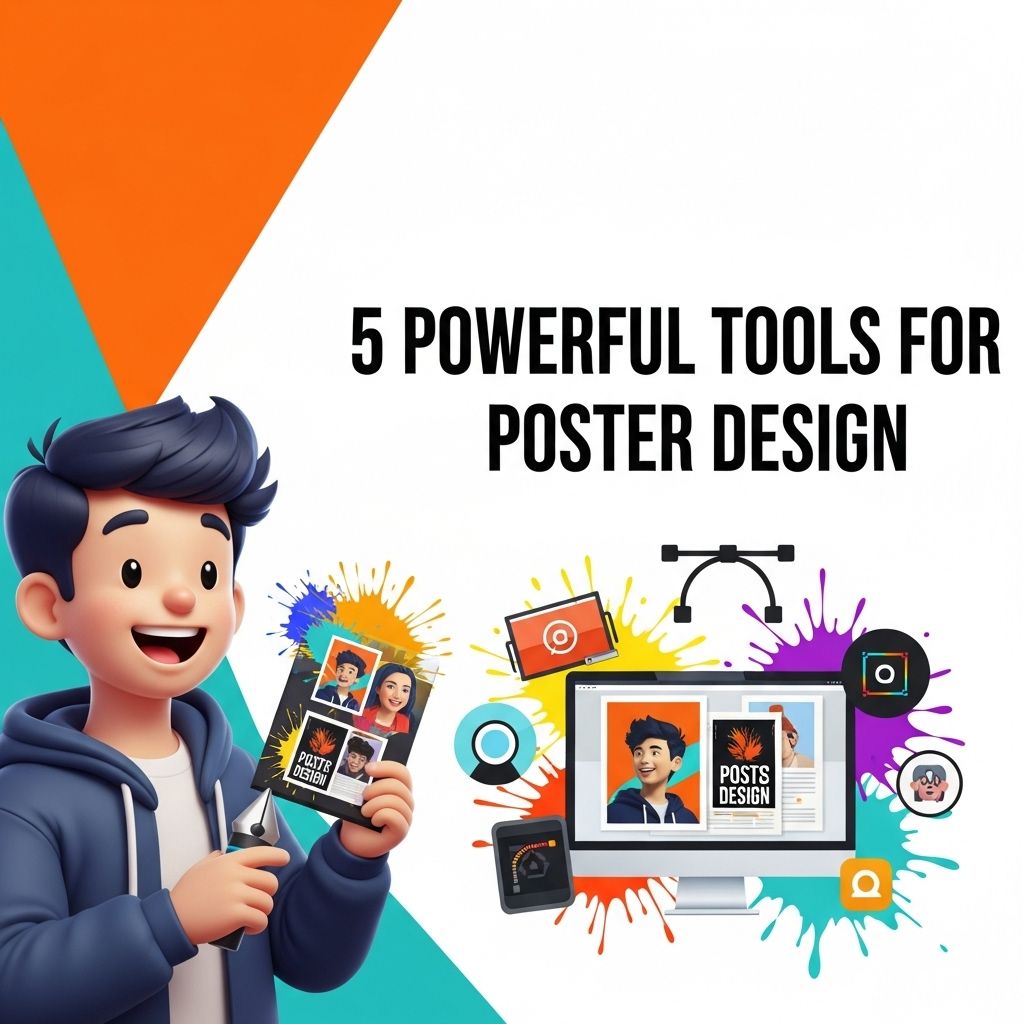
In today’s visually-driven world, the importance of effective poster design cannot be overstated. Whether for an event, advertising a product, or sharing important information, a well-designed poster can capture attention and convey messages powerfully. With advancements in technology, numerous tools are available to help both seasoned graphic designers and beginners create stunning posters. This article explores five powerful tools that cater to various design needs and skill levels.
Creating eye-catching posters requires a blend of creativity and the right tools. In this article, we’ll explore five powerful tools that can elevate your poster design game, including tips on customizing brushes in Photoshop for unique artistic effects.
1. Adobe Photoshop
As one of the most recognized names in graphic design, Adobe Photoshop offers a robust suite of features for poster creation. It is particularly well-suited for those who want complete control over the design elements, from images to text. Its capabilities include:
- Layer Management: Organize your designs with layers for easy editing.
- Text Effects: Create custom typography with various fonts and styles.
- Image Manipulation: Edit and enhance images to fit your poster’s theme.
- Filters and Effects: Apply unique filters to give your poster a distinctive look.
Why Choose Photoshop?
Photoshop is ideal for those who prefer a hands-on approach to design and require advanced techniques to create visually striking posters.
2. Canva
If you’re looking for a user-friendly tool that simplifies the design process, Canva is an excellent choice. This web-based application is perfect for both novices and experienced designers. Key features include:
- Drag-and-Drop Interface: Easily add and arrange images, text, and icons.
- Templates: Access a vast library of customizable templates across various themes.
- Collaboration Tools: Work with teams in real time and share designs effortlessly.
- Stock Library: Utilize millions of stock photos and graphics without leaving the platform.
Benefits of Using Canva
Canva’s simplicity makes it suitable for quick projects, especially for those who may not have extensive design experience but still want to produce high-quality posters.
3. Adobe Illustrator
For designers focused on vector graphics, Adobe Illustrator is the go-to tool. It allows for the creation of scalable designs that maintain quality at any size. Key features include:
- Precision Drawing Tools: Create complex illustrations with ease.
- Vector Graphics: Design logos and graphics that can be resized without losing quality.
- Typography Control: Advanced text formatting options for stylistic effects.
- Color Management: Utilize a wide range of colors and gradients to enhance your work.
Use Cases for Illustrator
Illustrator is perfect for creating detailed and intricate poster designs that require logos, icons, and illustrations. Its vector capabilities also make it suitable for large-format prints.
4. PosterMyWall
PosterMyWall is a specialized tool for creating posters and social media graphics with simplicity and speed. Its features include:
- Templates: Choose from thousands of poster templates across various categories.
- Easy Customization: Quickly modify colors, text, and images.
- Download Options: Export designs in various formats suitable for both digital and print use.
- Social Media Integration: Create graphics optimized for different social media platforms.
Who Should Use PosterMyWall?
This tool is ideal for users who need to produce posters rapidly without compromising on quality, making it suitable for event planners, small businesses, or educators.
5. GIMP
GIMP (GNU Image Manipulation Program) is a free open-source alternative to Photoshop, offering many comparable features. Its strengths include:
- Customizable Interface: Tailor the layout to suit your workflow.
- Extensive Plugin Support: Expand functionality with a variety of plugins.
- Advanced Editing: Supports layers, masks, and filters for detailed editing.
- Cross-Platform: Available on Windows, macOS, and Linux.
GIMP for Budget-Conscious Designers
GIMP is perfect for those who desire a powerful design tool but have budget constraints. It provides many advanced features without the subscription costs associated with other software.
Conclusion
Creating impactful posters is more accessible than ever with the plethora of design tools available. Each of the five tools mentioned—Adobe Photoshop, Canva, Adobe Illustrator, PosterMyWall, and GIMP—offers unique features that cater to different design needs and skill levels. By understanding the strengths and capabilities of each, you can choose the right tool that aligns with your project goals and personal design style.
Whether you’re a professional designer or just starting, leveraging these tools can elevate your poster design game and ensure your message is delivered effectively and attractively. So, pick your tool, unleash your creativity, and start designing!
FAQ
What are the best tools for creating posters?
Some of the best tools for creating posters include Adobe Photoshop, Canva, Adobe Illustrator, CorelDRAW, and Piktochart.
Can I design a poster for free?
Yes, tools like Canva and Crello offer free versions that allow you to design posters without any cost.
Is Adobe Illustrator better than Photoshop for poster design?
Adobe Illustrator is better for vector-based designs and illustrations, while Photoshop is ideal for photo editing. Your choice depends on the design style you prefer.
What features should I look for in a poster design tool?
Look for features like customizable templates, easy drag-and-drop functionality, access to stock images, and the ability to export in high resolution.
Can I create posters on my mobile device?
Yes, many tools like Canva and Adobe Spark have mobile apps that allow you to create and edit posters on your smartphone or tablet.
What is the importance of using high-quality images in poster design?
High-quality images enhance the visual appeal of your poster, making it more attractive and professional, which can help capture the audience’s attention.