In today’s digital landscape, creating engaging video content has become essential for brands and individuals alike. One of the most impactful formats is the talking head video, which allows creators to connect directly with their audience through spoken word and visual engagement. However, the traditional process of recording such videos can be time-consuming and daunting. This article will guide you through efficient methods for recording talking head videos quickly, without sacrificing quality.
Recording talking head videos can seem daunting, but with a few quick tips, you can enhance your production quality significantly. Focus on proper lighting and clear audio, and always maintain eye contact with the camera to engage your audience. For more insights, check out these guides on content creation.
Understanding the Basics of Talking Head Videos
Before diving into the recording process, it’s vital to grasp what a talking head video is. Essentially, it features a person speaking directly to the camera, delivering information or sharing stories. These videos are widely used for:
- Online courses
- Webinars
- Social media content
- Marketing videos
Why Choose Talking Head Videos?
Talking head videos are particularly effective due to their personal touch. They allow the creator’s personality to shine through, fostering a stronger connection with the audience. Additionally, these videos are:
- Easy to produce
- Versatile for various platforms
- Conducive to personal branding
Preparing for Your Recording Session
Preparation is key to ensuring a smooth recording process. Here are the essential steps to take:
1. Script Your Content
Having a clear script or outline helps to streamline the recording process. It not only keeps you focused but also minimizes the chances of errors. Consider the following when scripting:
- Define your message clearly.
- Use simple, conversational language.
- Keep it concise – aim for a duration of 3-5 minutes for maximum engagement.
2. Choose the Right Equipment
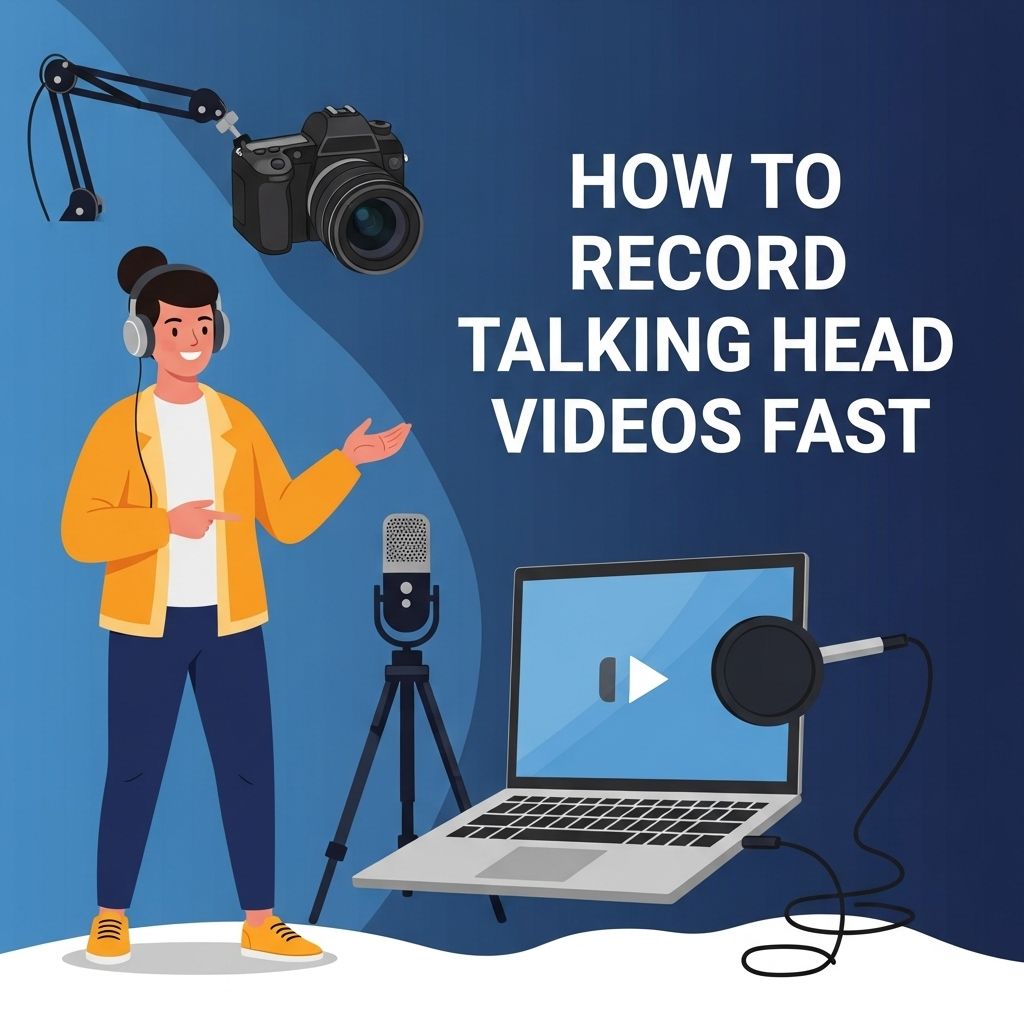
While high-end equipment can enhance video quality, you don’t need the latest gear to create compelling videos. Here’s a basic equipment checklist:
| Equipment | Recommendation |
|---|---|
| Camera | DSLR, mirrorless, or a smartphone with a good camera |
| Microphone | Lavalier (lapel) mic or USB condenser mic |
| Lighting | Softbox lights or ring light |
| Tripod | Sturdy tripod or tabletop tripod |
3. Set Up Your Shooting Environment
The environment can significantly impact the quality of your video. Follow these tips to create an optimal setting:
- Choose a quiet location to minimize background noise.
- Use soft, diffused lighting to avoid harsh shadows.
- Consider your background – a clean, uncluttered space is ideal.
Recording Techniques for Efficiency
Once you have prepared your content and set up your equipment, it’s time to focus on recording. Here are some techniques to maximize efficiency:
1. Batch Your Recordings
Instead of recording one video at a time, batch your recordings to save time. This method allows you to get into a rhythm, making the process feel more natural. Here’s how to do it:
- Prepare multiple scripts ahead of time.
- Record all videos in one session.
- Edit them in batches, rather than one by one.
2. Use Teleprompter Software
If you have a longer script, consider using teleprompter software. This allows you to maintain eye contact with the camera while ensuring you don’t miss any key points. Popular teleprompter apps include:
- Teleprompter Pro
- PromptSmart
- BIGVU
3. Keep Your Energy Up
Engaging talking head videos rely heavily on the creator’s energy and enthusiasm. Here are some tips to maintain high energy levels during recording:
- Stand instead of sitting for a more dynamic presence.
- Take short breaks between takes to recharge.
- Smile and use expressive body language to convey enthusiasm.
Editing Your Talking Head Videos
Once your recording session is complete, the next step is the editing phase. Effective editing helps to polish your video, making it more professional and engaging. Here are some editing tips:
1. Use Editing Software
Select user-friendly editing software that suits your needs. Some popular options include:
- Adobe Premiere Pro
- Final Cut Pro
- iMovie (for beginners)
2. Focus on Key Elements
Pay attention to these critical aspects while editing:
- Remove any long pauses or mistakes.
- Add graphics, text overlays, or images to enhance your message.
- Incorporate background music to create an engaging atmosphere.
3. Keep it Concise
Avoid unnecessary fluff in your video edits. Aim to keep them concise and focused to retain viewer attention. Remember:
- Shorter videos tend to perform better online.
- Engage your audience within the first 10 seconds.
Tips for Distributing Your Videos
After you’ve recorded and edited your talking head video, the final step is distribution. Here are strategies to maximize reach:
1. Optimize for SEO
To ensure your video reaches your intended audience, optimize it for search engines. Consider:
- Using relevant keywords in your video title and description.
- Including tags that reflect video content.
- Creating a compelling thumbnail to attract clicks.
2. Share Across Multiple Platforms
Don’t limit your video to one platform. Share it across various channels such as:
- YouTube
- Your personal website or blog
3. Engage with Your Audience
After publishing, engage with your audience by responding to comments and encouraging feedback. This helps to build a community around your content, fostering loyalty and encouraging shares.
Conclusion
Recording talking head videos efficiently is not only achievable but also a valuable skill for anyone looking to create engaging content. By preparing effectively, utilizing efficient recording techniques, and focusing on quality editing, you can produce professional-looking videos in a fraction of the time. Remember to optimize your content for distribution and engage with your audience to enhance your video marketing strategy. Start creating your talking head videos today and watch your online presence grow!
FAQ
What equipment do I need to record talking head videos?
To record talking head videos quickly, you need a good quality camera or smartphone, a tripod for stability, a microphone for clear audio, and proper lighting to enhance video quality.
How can I prepare my script for talking head videos?
To prepare your script efficiently, outline key points you want to cover, practice speaking them out loud, and keep your language simple and engaging to maintain the audience’s attention.
What are some tips for recording talking head videos without a lot of editing?
To minimize editing, speak clearly and confidently, maintain eye contact with the camera, and use a teleprompter app if necessary to stay on track and avoid mistakes.
How can I improve the lighting for my talking head videos?
Use natural light from windows if possible, or invest in softbox lights or ring lights to create even, flattering lighting that reduces shadows on your face.
What background should I use for talking head videos?
Choose a clean, uncluttered background that reflects your brand or topic. Consider using a solid color or a professional setting to keep the focus on you.
How do I ensure good audio quality in my talking head videos?
Use an external microphone for better sound quality, record in a quiet environment to reduce background noise, and test audio levels before starting your recording.