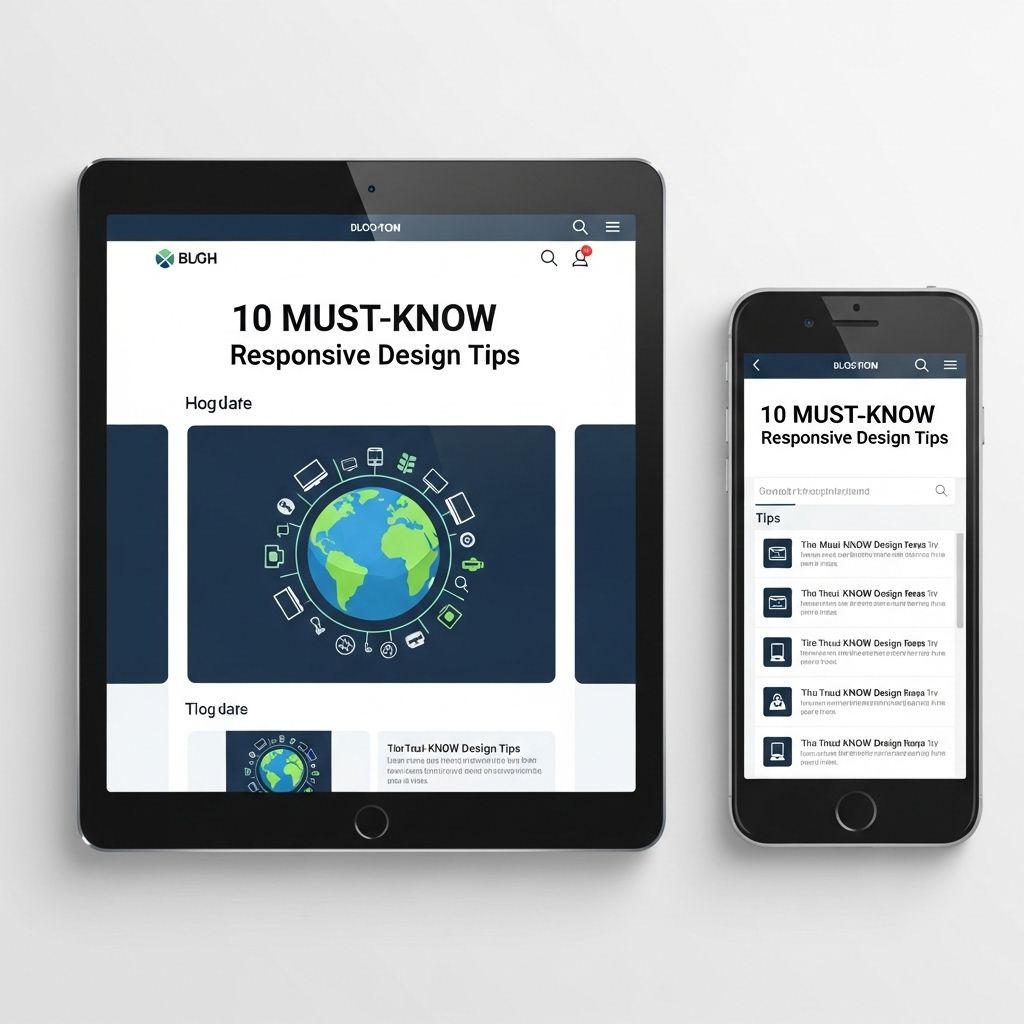
In today’s digital landscape, the importance of responsive design cannot be overstated. With an increasing number of users accessing the web via various devices, from smartphones to tablets and desktop computers, ensuring that your website provides a seamless experience across all platforms is crucial. This article delves into essential tips that can help you master responsive design, ensuring that your web projects stand out in a crowded market.
Responsive design is crucial in today’s digital landscape, ensuring that your website looks great on all devices. In this guide, we’ll explore 10 essential tips to help you create a flexible and user-friendly web experience. For inspiration, check out some professional folder mockups to see how effective layout can enhance visual appeal: professional folder mockups.
Understanding Responsive Web Design
Responsive web design (RWD) is an approach that allows web pages to render well on a variety of devices and window or screen sizes. It uses flexible grids and layouts, images and CSS media queries to ensure that the user experience is consistent across different devices.
The Core Principles of Responsive Design
- Fluid Grids: Instead of pixels, use relative units like percentages to define widths, ensuring elements resize as the screen size changes.
- Flexible Media: Images, videos, and other media should also resize within their containing elements so they don’t overflow or distort the layout.
- Media Queries: CSS techniques that allow you to apply different styles based on device characteristics, such as screen width, height, and resolution.
1. Adopt a Mobile-First Approach
Starting with the mobile version of your website will help prioritize essential content and functionality. This approach ensures that your site is optimized for the smaller screen and then scaled up for larger devices.
Benefits of Mobile-First Design
- Improved performance on mobile devices.
- Better user experience for the majority of users who browse on mobile.
- Encourages simplicity and clarity in design.
2. Use Responsive Frameworks
Frameworks like Bootstrap or Foundation offer predefined classes and components that make implementing responsive designs easier and faster. They save development time and ensure that your site adheres to best practices.
Popular Responsive Frameworks
| Framework | Features |
|---|---|
| Bootstrap | Grid system, pre-designed components, and responsive utilities. |
| Foundation | Customizable and mobile-first with a modular approach. |
| Bulma | Flexbox based and lightweight, making it easy to use. |
3. Prioritize Content
Understanding your audience and prioritizing your content is key to responsive design. This involves determining what information is most important to users on smaller screens and ensuring it is easily accessible.
Content Hierarchy Tips
- Use headings and subheadings: To create a clear structure for your content.
- Limit text length: Make your text concise to improve readability.
- Utilize call-to-action (CTA) buttons: Highlight important actions users can take.
4. Optimize Images
Large images can slow down your site and ruin the user experience. Use appropriate formats and sizes for images to improve load times.
Image Optimization Strategies
- Use responsive images with the
srcsetattribute to serve different sizes based on device. - Implement lazy loading to delay loading images that are not immediately visible.
- Compress images without losing quality using tools like TinyPNG or ImageOptim.
5. Test Across Devices and Browsers
Always test your responsive designs on various devices and browsers. Emulators can help, but nothing beats testing on real hardware.
Tools for Testing Responsiveness
- Google Chrome DevTools: Inspect and emulate various devices.
- BrowserStack: Test your websites across different browsers and devices.
- Responsive Design Checker: A simple tool to see how your site looks on multiple screen sizes.
6. Implement Fluid Typography
Typography can significantly impact user experience. Fluid typography adjusts text size based on the viewport, ensuring legibility across devices.
Techniques for Fluid Typography
- Use CSS units like
vw(viewport width) to define font sizes. - Utilize CSS clamp() to set minimum and maximum font sizes.
- Consider line height and letter spacing adjustments for better readability.
7. Simplify Navigation
Navigation menus can become cluttered and confusing on smaller screens. Simplifying navigation is essential for a good user experience.
Navigation Strategies
- Utilize hamburger menus: To save space and provide a clean interface.
- Implement sticky navigation: Keep your navigation fixed at the top for easy access.
- Limit menu items: Focus on the most important links.
8. Utilize CSS Grid and Flexbox
CSS Grid and Flexbox are powerful layout models that allow you to create complex responsive layouts without much hassle.
When to Use Each
- CSS Grid: Best for two-dimensional layouts, like a product grid.
- Flexbox: Ideal for one-dimensional layouts, such as aligning items in a navigation bar.
9. Mind the Performance
Responsive design can sometimes lead to increased load times. Ensuring your website performance is optimal is essential.
Performance Improvement Tips
- Minify CSS and JavaScript: Reduce file sizes and improve load speeds.
- Leverage browser caching: Store some data in users’ browsers to decrease load times on repeat visits.
- Use a Content Delivery Network (CDN): Distribute your website content across multiple servers around the globe.
10. Keep Accessibility in Mind
Responsive design and accessibility go hand in hand. Making your website accessible to all users, including those with disabilities, should be a priority.
Accessibility Considerations
- Use alt tags for images to describe content.
- Ensure sufficient contrast between text and background colors.
- Make sure your site is navigable via keyboard.
In conclusion, mastering responsive design is essential in today’s multi-device world. By following these tips and best practices, you can create a website that not only looks great but also offers an optimal experience for all users, regardless of the device they are using. Responsive design is not just a trend but a necessity for modern web development.
FAQ
What is responsive design?
Responsive design is an approach to web design that makes web pages render well on a variety of devices and window or screen sizes.
Why is responsive design important for websites?
Responsive design is important because it ensures that users have a good experience on your website, regardless of the device they are using, which can improve engagement and reduce bounce rates.
How can I test if my website is responsive?
You can test your website’s responsiveness by resizing your browser window, using developer tools, or utilizing online tools that simulate various devices.
What are some key techniques for responsive design?
Key techniques for responsive design include fluid grids, flexible images, and CSS media queries to adapt layouts to different screen sizes.
How does responsive design impact SEO?
Responsive design positively impacts SEO by providing a single URL for your content, improving site speed, and enhancing the user experience, all of which are factors that search engines consider.
What tools can help with creating responsive designs?
Tools like Bootstrap, Foundation, and CSS Grid can help you create responsive designs more effectively and efficiently.