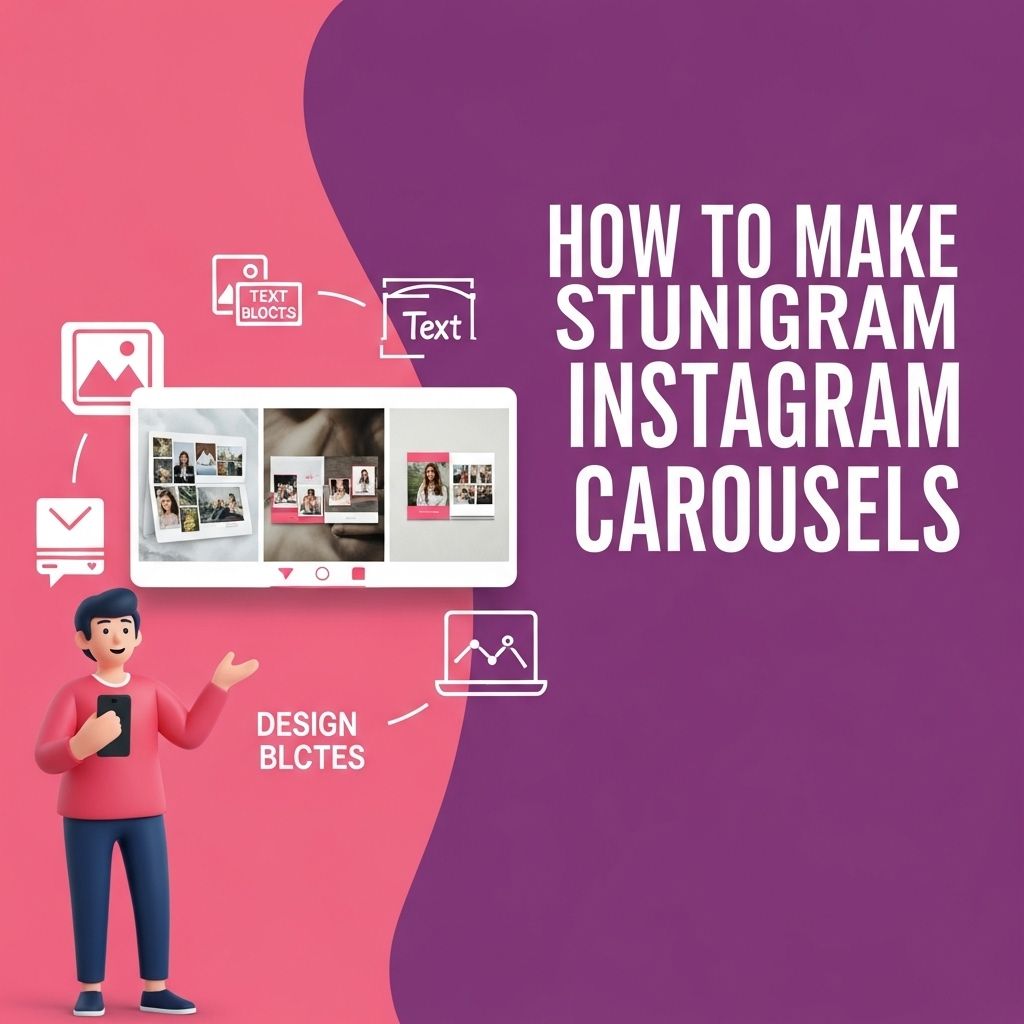
In today’s digital age, capturing attention on social media is more crucial than ever, especially on platforms like Instagram. One effective way to engage your audience is through the use of carousels. A carousel allows you to share multiple images or videos in a single post, providing a narrative or showcasing a collection without overwhelming your followers. This article will guide you through the steps to create stunning Instagram carousels that not only look appealing but also drive engagement.
Creating stunning Instagram carousels can significantly enhance your social media engagement and visual storytelling. In just a few minutes, you can craft eye-catching presentations that capture your audience’s attention and convey your message effectively. For more insights on maximizing your Instagram presence, check out these Instagram marketing tips.
Understanding Instagram Carousels
Instagram carousels are a type of post that allows you to share up to 10 pieces of content in a single post. Users can swipe through the images or videos, making it an interactive way to share a story or showcase products. Here are some essential points to consider:
- Engagement Potential: Carousels can lead to higher engagement rates as users spend more time on your post swiping through the content.
- Versatility: You can use carousels for various content types, including tutorials, before-and-after shots, storytelling, and product showcases.
- Analytics: Instagram provides insights on how many users swiped through your carousel, allowing you to gauge its effectiveness.
Planning Your Carousel Content
Define Your Objective
Before you start creating your carousel, it’s essential to define what you want to achieve. Consider the following:
- Brand Awareness: Showcase your brand’s story or values.
- Educate Your Audience: Share tips, tutorials, or informative content.
- Promote Products: Highlight features, benefits, or special offers.
- Engage Followers: Create interactive content that encourages comments and shares.
Choosing a Theme
Your carousel should have a cohesive theme that ties all the images or videos together. Here are some theme ideas:
| Theme | Description |
|---|---|
| Color Story | Use a specific color palette for all images to create a striking visual impact. |
| Storytelling | Craft a narrative that unfolds with each swipe, leading to a compelling conclusion. |
| Product Showcase | Feature different aspects or uses of a product in a visually appealing manner. |
| Tutorial Steps | Break down a process or tutorial into step-by-step images for clarity. |
Creating Visual Content
Photography Tips
High-quality visuals are critical for a successful Instagram carousel. Here are some tips for taking stunning photos:
- Lighting: Natural lighting works best. Aim for early morning or late afternoon shots.
- Angles: Experiment with different angles and perspectives to add interest.
- Background: Keep backgrounds simple to ensure the focus is on your subject.
- Editing: Use consistent editing styles to maintain a cohesive look.
Using Design Tools
If you are creating graphics for your carousel, consider using design tools like:
- Canva: Offers customizable templates for Instagram posts.
- Adobe Spark: Great for creating eye-catching visuals and animations.
- Figma: Useful for designing and collaborating on layouts.
Structuring Your Carousel
Order Matters
The order of your images or videos is crucial for maintaining viewer interest. Here are some effective strategies:
- Hook: Start with a captivating image or video that grabs attention.
- Build Up: Gradually reveal more information or detail, keeping viewers engaged.
- Call to Action: Conclude with a clear call to action, encouraging users to comment, share, or visit your website.
Text and Captions
While images are critical, the accompanying text and captions can enhance understanding and engagement. Consider the following:
- Keep it Concise: Use short, impactful phrases to convey your message.
- Emphasize Key Points: Use bold or italicized text to highlight crucial information.
- Include Hashtags: Research and incorporate relevant hashtags to increase visibility.
Posting and Engagement Strategies
Choosing the Right Time to Post
The timing of your post can significantly impact its reach and engagement. Use analytics tools to determine when your audience is most active and schedule your posts accordingly.
Engaging with Your Audience
After posting your carousel, engagement doesn’t stop there. Consider the following tactics:
- Respond to Comments: Engage with users who comment on your post to foster community.
- Encourage User Interaction: Ask questions in your captions to invite discussion.
- Share User-Generated Content: Repost carousel content created by your followers to build connections.
Analyzing Performance
After your carousel has been live for some time, it’s essential to assess its performance. Here are key metrics to look at:
- Swipe Rate: Analyze how many users swiped through all images.
- Engagement Rate: Compare likes, comments, and shares against your total follower count.
- Click-Through Rate: If applicable, measure how many users clicked on links in your caption.
Final Thoughts
Creating stunning Instagram carousels requires a blend of creativity, strategy, and analysis. By planning your content carefully, paying attention to visual quality, and engaging with your audience, you can significantly enhance your Instagram presence and storytelling capabilities. Start experimenting with different themes, structures, and visuals, and watch as your engagement grows!
FAQ
What are Instagram carousels?
Instagram carousels are posts that allow users to share multiple photos or videos in a single post, which followers can swipe through.
How can I create visually appealing Instagram carousels?
To create stunning Instagram carousels, use cohesive color schemes, high-quality images, and engaging typography. Utilize design tools like Canva or Adobe Spark for professional layouts.
What is the optimal number of slides for an Instagram carousel?
The optimal number of slides for an Instagram carousel is typically between 3 to 10. This range maintains viewer engagement without overwhelming them.
How can I increase engagement on my Instagram carousels?
Increase engagement by using compelling captions, asking questions, and including a call-to-action. Additionally, choose intriguing content that encourages viewers to swipe through.
Are there any tips for writing captions for Instagram carousels?
Writing effective captions involves being concise, using storytelling techniques, and incorporating relevant hashtags. Make sure to highlight the key message of the carousel.
What tools can I use to design Instagram carousels?
Popular tools for designing Instagram carousels include Canva, Adobe Illustrator, and Figma. These platforms offer templates and design elements to help create stunning visuals.