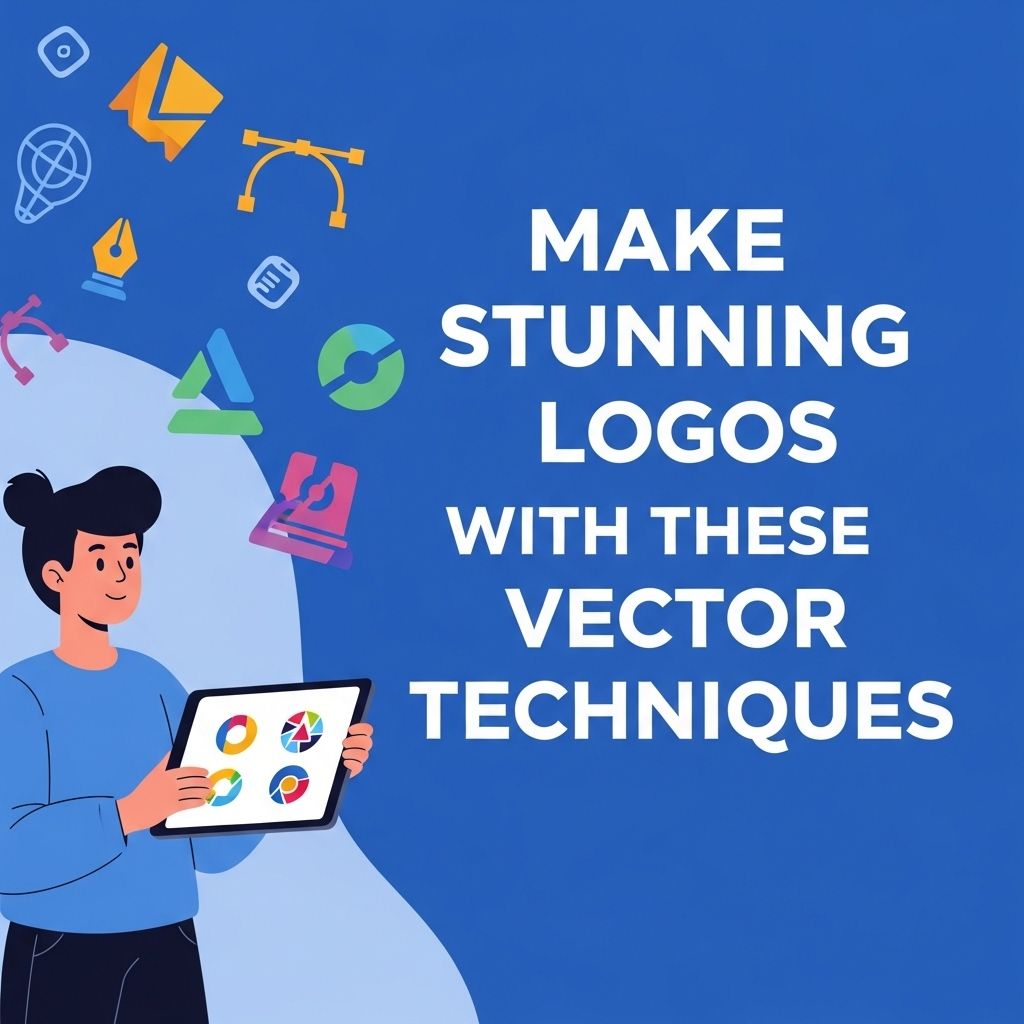
Creating stunning logos is an essential part of branding in today’s competitive market. A logo is often the first impression potential customers have of a brand, making it critical to design an impactful and memorable visual identity. With the right vector techniques, designers can craft logos that not only look great but also scale seamlessly across various media. In this article, we will explore some powerful vector techniques that can elevate your logo design game.
Creating stunning logos using vector techniques can elevate your brand’s identity while ensuring scalability and versatility. By utilizing vector graphics, designers can craft logos that maintain their quality across various sizes and applications. For inspiration and resources, explore this collection of free vector graphics for logos.
Understanding Vector Graphics
Before diving into specific techniques, it’s crucial to understand what vector graphics are and how they differ from raster graphics. Vector graphics are created using mathematical formulas that define shapes in terms of points, lines, and curves. This means that vector images can be scaled to any size without losing quality, making them ideal for logos. In contrast, raster graphics are made up of pixels and can become blurry when resized.
Benefits of Using Vector Graphics for Logo Design
- Scalability: Vectors can be resized without loss of quality.
- Editability: Vectors can be easily modified and adjusted.
- File Size: Vector files are generally smaller than raster files.
- Versatility: They can be used for multiple applications, from business cards to billboards.
Essential Vector Techniques for Logo Design
1. Pen Tool Mastery
The pen tool is one of the most powerful tools in vector graphic design. Mastering this tool allows you to create precise shapes and paths that define your logo. Here are some tips for using the pen tool effectively:
- Start with simple shapes: Break down complex designs into simpler components.
- Practice creating curves: Use anchor points to create smooth curves.
- Refine your paths: Utilize the node editing capabilities to refine shapes as needed.
2. Utilizing Shapes and Icons
Shapes and icons can form the foundation of your logo design. Combining basic shapes can lead to unique and recognizable logos. Consider the following strategies:
- Geometric Shapes: Use circles, squares, and triangles to create a modern look.
- Symbolism: Integrate symbols that reflect your brand’s values.
- Negative Space: Employ negative space creatively to add depth and intrigue to your design.
3. Color Theory and Gradients
Color plays a vital role in logo design. Understanding color theory can help you make informed decisions that resonate with your target audience. Here are some guidelines:
| Color | Emotion |
|---|---|
| Red | Energy, Passion |
| Blue | Trust, Dependability |
| Green | Growth, Harmony |
| Yellow | Optimism, Clarity |
| Purple | Aspirational, Luxury |
4. Typography Selection
The typography chosen for a logo can have a significant impact on its overall effectiveness. Consider the following tips when selecting fonts:
- Readability: Choose fonts that are legible at different sizes.
- Brand Alignment: Ensure the font style aligns with your brand identity.
- Combining Fonts: Pair distinct fonts for a dynamic look while maintaining harmony.
Combining Techniques for Unique Designs
A strong logo often results from the combination of multiple techniques. Here are some ideas on how to blend various vector techniques:
1. Layering Elements
Layering allows you to create depth in your logo design. Use transparency, shadows, and overlapping shapes to give your logo a three-dimensional feel.
2. Custom Illustrations
Instead of relying solely on stock graphics, consider creating custom illustrations. This approach can provide a unique touch that sets your logo apart from competitors.
3. Experimenting with Composition
Composition is critical in logo design. Try different alignments and placements of elements within your logo to find the most visually appealing arrangement.
Tools for Vector Logo Design
Several software tools can assist in creating vector logos. Here are some popular options:
- Adobe Illustrator: Industry-standard software for vector graphics with powerful tools for logo design.
- CorelDRAW: Another robust vector graphic design software popular among logo designers.
- Inkscape: Free and open-source vector graphic editor that provides a wide range of features.
- Affinity Designer: A cost-effective alternative to Adobe Illustrator with a user-friendly interface.
Final Thoughts
Creating stunning logos with vector techniques is both an art and a science. By mastering the tools and techniques discussed in this article, designers can craft logos that not only resonate with audiences but also stand the test of time. Remember, a great logo should be simple yet meaningful, scalable, and relevant to the brand it represents. With practice and creativity, anyone can become adept at designing logos that leave a lasting impression.
FAQ
What are vector techniques for logo design?
Vector techniques involve using mathematical equations to create scalable images, allowing logos to maintain quality at any size without pixelation.
Why should I use vector graphics for my logo?
Vector graphics are resolution-independent, making them ideal for logos that need to be used across different mediums, from business cards to billboards.
What software is best for creating vector logos?
Popular software for creating vector logos includes Adobe Illustrator, CorelDRAW, and Inkscape, all of which offer powerful tools for logo design.
Can I convert a raster logo to vector format?
Yes, you can convert a raster logo to vector format using tracing tools in vector graphic software, but the quality may vary depending on the original image.
What are some tips for designing a stunning logo with vector techniques?
Focus on simplicity, use a limited color palette, ensure scalability, and incorporate unique shapes or typography to make your logo stand out.
How do I ensure my logo is suitable for various platforms?
Design your logo in vector format to ensure adaptability, and test it across different platforms, such as websites, social media, and print materials.