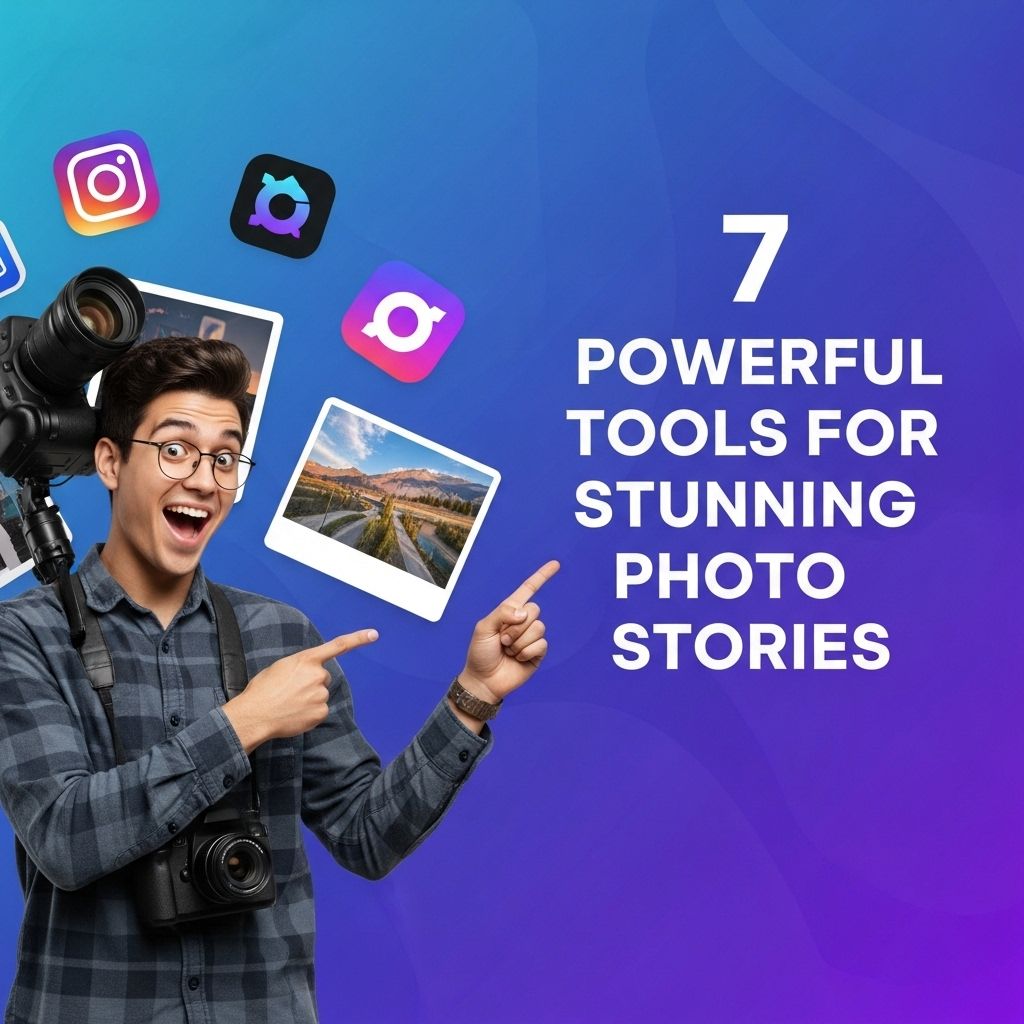
In the age of digital storytelling, captivating visuals play a pivotal role in engaging audiences. Whether you’re a professional photographer, a content creator, or simply someone who loves to share moments, having the right tools at your disposal can significantly enhance your storytelling ability. This article explores seven powerful tools that can transform your photo stories into stunning narratives, each offering unique features tailored to a variety of needs.
Creating captivating photo stories requires more than just great images; it involves the right tools to enhance your narrative. In this guide, we’ll explore seven powerful tools that can elevate your storytelling and engage your audience. For an in-depth look at the essential steps in the content creation process, read on.
1. Adobe Lightroom: The Ultimate Editing Suite
Adobe Lightroom is a favorite among photographers for its advanced editing capabilities and user-friendly interface. With this tool, you can:
- Organize and manage your photos efficiently.
- Utilize presets for quick adjustments.
- Fine-tune colors, exposure, and more with precise control.
- Create stunning photo books and slideshows directly from the platform.
Lightroom’s cloud integration ensures that you can access your photos from any device, making it easier to edit on the go.
Key Features:
- Non-destructive editing
- Batch processing capabilities
- Advanced color grading options
2. Canva: Simplifying Graphic Design
If you want to elevate your photo stories with graphics, Canva is an excellent choice. This design platform is renowned for its simplicity and vast template library, enabling you to create visually appealing stories quickly. Here’s what you can do with Canva:
- Create social media graphics that accompany your photos.
- Design engaging presentations or infographics.
- Utilize drag-and-drop functionality for convenience.
Customizing Your Visuals
Canva allows you to upload your images and customize them with text, icons, and other design elements. The platform’s collaboration features also make it easy to work with teams on photo stories.
3. Snapseed: Mobile Editing Made Simple
For those who prefer editing on mobile devices, Snapseed is a powerful app that packs a punch in functionality. Developed by Google, Snapseed offers robust editing tools that can enhance your photos directly from your smartphone. Some features include:
- Selective adjust tools for targeted editing.
- Noise reduction and HDR scape effects.
- Vibrant filters and textures.
Enhancing Your Mobile Photography
Snapseed’s intuitive interface allows for quick adjustments, making it a go-to choice for on-the-spot edits while traveling or capturing spontaneous moments.
4. StoryMapJS: Mapping Your Photo Journeys
StoryMapJS is an innovative tool that allows you to tell stories through a map interface. It’s particularly useful for travel photographers or those capturing events that span multiple locations. How it works:
- Upload photos and link them to locations on a map.
- Add descriptions and narratives to each photo location.
- Create a coherent story that guides viewers through your journey.
Why Use StoryMapJS?
This tool not only showcases your work but also gives context to your photos, allowing viewers to experience the journey as if they were there.
5. Adobe Spark: Creating Engaging Videos
Adobe Spark is an excellent solution for those looking to create video stories from their photos. With Spark, you can:
- Combine images, text, and voiceovers into engaging video presentations.
- Utilize pre-designed templates to save time.
- Share your completed videos across social media platforms easily.
Bringing Your Photos to Life
The ability to animate your photos and add motion can greatly enhance storytelling, making it more dynamic and visually captivating.
6. Google Photos: Organizing and Sharing
Google Photos is more than just a storage solution; it offers robust features for organizing and sharing your photos. Some benefits include:
- Automatic backup for your photos and videos.
- Smart organization using AI to categorize images.
- Easy sharing options with friends and family.
Collaborative Albums
You can create shared albums, allowing multiple users to contribute photos, making it ideal for collaborative photo stories.
7. 500px: Showcasing Your Work
Finally, for photographers looking to gain exposure and showcase their work, 500px is a platform designed for professional photographers. It allows you to:
- Upload high-resolution images.
- Engage with a community of like-minded creatives.
- Participate in photography contests.
Building Your Portfolio
500px serves as a great portfolio platform, enabling you to reach a wider audience and gain constructive feedback on your work, further enhancing your photo storytelling.
Conclusion
Incorporating these powerful tools into your photo storytelling process can help you create stunning narratives that not only showcase your photography skills but also engage your audience on multiple levels. Whether you’re editing, designing visuals, mapping journeys, or sharing your work, there’s a tool tailored for every aspect of your storytelling journey. Embrace these technologies and watch your photo stories come to life!
FAQ
What are the best tools for creating stunning photo stories?
Some of the best tools include Adobe Spark, Canva, StoryMapJS, Flipsnack, and Google Photos, each offering unique features for storytelling.
How can I enhance my photo stories with editing tools?
Editing tools like Lightroom, Snapseed, and Photoshop can help enhance your images by providing advanced editing features and filters.
Are there any mobile apps for creating photo stories?
Yes, mobile apps like Instagram, Over, and Pic Collage are great for creating engaging photo stories directly from your smartphone.
What elements should I include in a compelling photo story?
In a compelling photo story, include a strong narrative, diverse images, captions, and a clear structure to guide the viewer through the story.
Can I use free tools for creating photo stories?
Absolutely! Many free tools like Canva, Google Photos, and StoryMapJS offer excellent features to create beautiful photo stories without any cost.
How do I share my photo stories online?
You can share your photo stories through social media platforms, personal blogs, or dedicated storytelling websites to reach a wider audience.