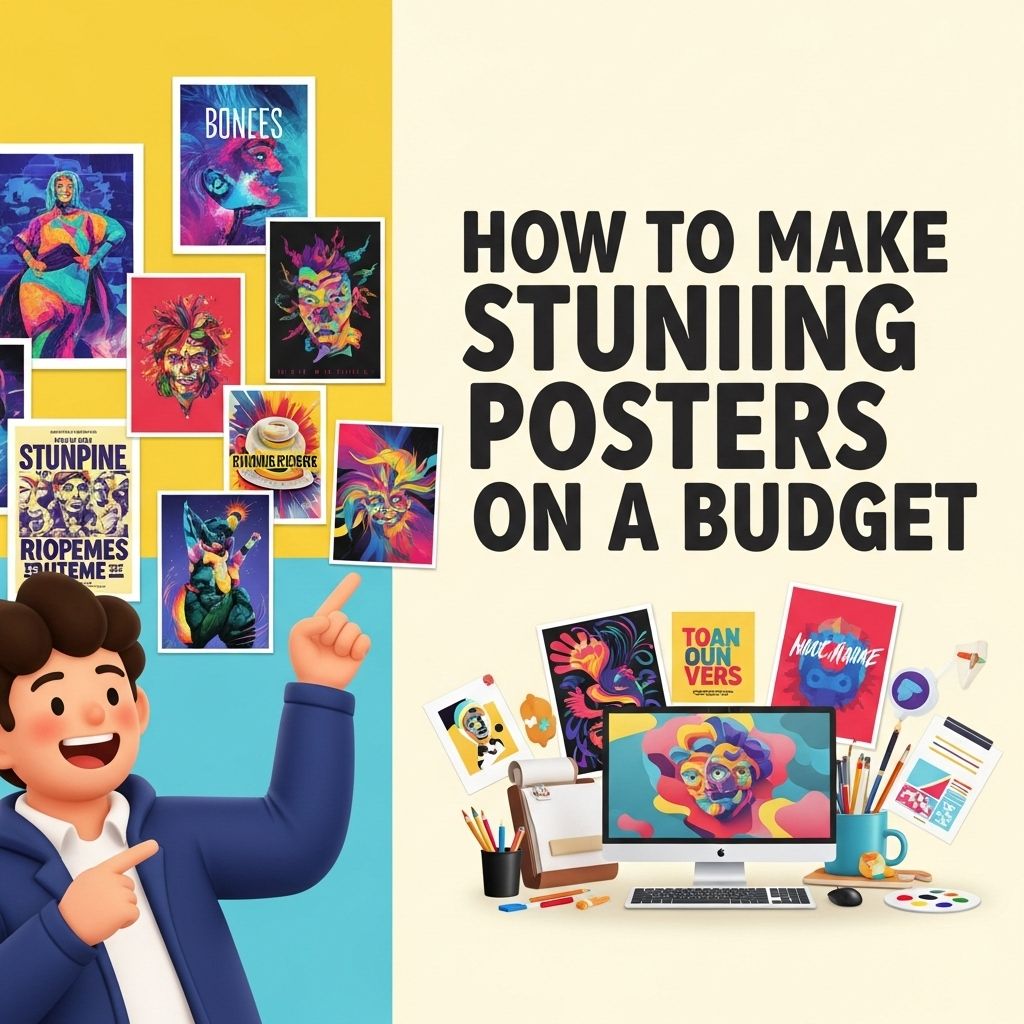
Creating stunning posters on a budget can be a rewarding endeavor, whether for personal projects, events, or business promotions. With the rise of online tools and local print shops, the possibilities have expanded dramatically without requiring a hefty investment. This article will explore various techniques, tools, and tips to help you design captivating posters that stand out without breaking the bank.
Creating stunning posters doesn’t have to break the bank. With the right tools and techniques, such as those found in Photoshop brush techniques, you can design eye-catching visuals that speak to your audience. By leveraging budget-friendly resources and creative strategies, anyone can produce professional-quality posters.
Understanding Your Audience
Before diving into the design process, it’s crucial to consider who your target audience is. Understanding their preferences, interests, and demographics can significantly influence your design choices.
Identifying Your Target Audience
- Age Range: Different age groups may have varying tastes in design style.
- Interests: Tailor your design around what would appeal to them.
- Purpose of the Poster: Is it for an event, informational, or promotional?
Choosing the Right Tools
With a plethora of design tools available, selecting the right ones can streamline your creative process. Here are some of the best budget-friendly design tools:
Graphic Design Software
- Canva: A user-friendly online design tool with free templates and a drag-and-drop interface.
- GIMP: A powerful free alternative to Photoshop, great for advanced editing.
- Inkscape: Ideal for vector graphics, also free and highly customizable.
Online Resources for Elements
To enhance your designs, consider accessing free or low-cost resources:
- Unsplash: High-quality, royalty-free images.
- Google Fonts: Extensive library of free fonts.
- Freepik: Offers a wide range of graphics and templates.
Design Basics to Keep in Mind
Understanding fundamental design principles can elevate your poster from ordinary to extraordinary. Here are key elements to focus on:
Color Theory
Choosing the right colors can evoke emotions and convey messages effectively. Here are a few tips:
- Use contrasting colors for text and background to ensure readability.
- Limit your color palette to three or four primary colors to maintain harmony.
- Incorporate brand colors if applicable.
Typography
The choice of fonts can significantly impact the aesthetic of your poster. Consider the following:
- Use no more than two different fonts to avoid clutter.
- Choose fonts that reflect the tone of your message (e.g., playful, formal).
- Ensure font sizes vary to establish a clear hierarchy (e.g., headings vs. body text).
Layout and White Space
A clean layout is essential for drawing attention to your key messages. Here are tips to achieve a balanced design:
- Utilize grids to organize elements neatly.
- Incorporate ample white space to prevent overcrowding and improve readability.
- Align text and images consistently to create a cohesive look.
Printing Your Posters on a Budget
Once your design is complete, the next step is printing. Here are some budget-friendly printing options:
Online Print Services
- Vistaprint: Offers competitive rates for posters and a variety of paper options.
- PrintPlace: Great for bulk orders without sacrificing quality.
- RooPrint: Affordable printing for small businesses and personal projects.
Local Print Shops
Sometimes local businesses can provide competitive pricing with personalized service. Consider the following:
- Ask for recommendations from friends or community groups.
- Check if they have student or nonprofit discounts.
- Bring your own paper if they allow it to save on material costs.
Additional Tips for Budget-Friendly Poster Creation
Here are some final tips that can help you optimize your budget while ensuring high-quality posters:
Utilize Free Templates
Many design tools and websites offer pre-designed templates that you can customize. This not only saves time but can also inspire your design direction.
Print in Bulk
If you’re creating posters for an event or promotion, printing in bulk can often lower the cost per unit significantly.
Use Digital Format
Consider promoting your poster digitally through social media or email campaigns, which can save on printing costs altogether.
Case Studies of Successful Budget Posters
Examining real-life examples can provide insight and inspiration. Here are a few case studies:
Example 1: Community Event
A local community center organized a food festival. They used:
- Bright, inviting colors that reflected the theme.
- Simple, bold typography for easy readability.
- Social media channels to promote digitally, reducing printing needs.
Example 2: Small Business Promotion
A new coffee shop created posters using:
- Free online templates, customizing with their logo and brand colors.
- Glocal print shops that offered competitive bulk pricing.
- Collaborative promotions with local artists to enhance visibility.
Conclusion
Creating stunning posters on a budget is not only achievable but can also foster creativity and innovation. By understanding your audience, utilizing the right tools, and adhering to design principles, you can produce eye-catching posters that effectively communicate your message. Remember to leverage both traditional and digital methods for printing and promotion to maximize your reach without straining your budget. With these strategies, you’ll be well on your way to mastering the art of poster design.
FAQ
What are the best tools for creating posters on a budget?
You can use free online design tools like Canva, Adobe Spark, or GIMP to create stunning posters without spending money.
How can I print my posters cheaply?
Look for local print shops that offer bulk printing discounts or use online services like Vistaprint or Staples that often have promotions.
What materials do I need to make a poster at home?
You will need high-quality paper or cardstock, a printer, and optionally art supplies like markers or paint for added creativity.
Are there any free resources for poster templates?
Yes, websites like Canva, Crello, and PosterMyWall offer free templates that you can customize to fit your needs.
How do I choose the right color scheme for my poster?
Use online color palette generators like Coolors or Adobe Color to find appealing color combinations that match your theme.
Can I use stock images for my poster design?
Absolutely! Websites like Unsplash, Pexels, and Pixabay offer free stock images that you can use to enhance your poster designs.