
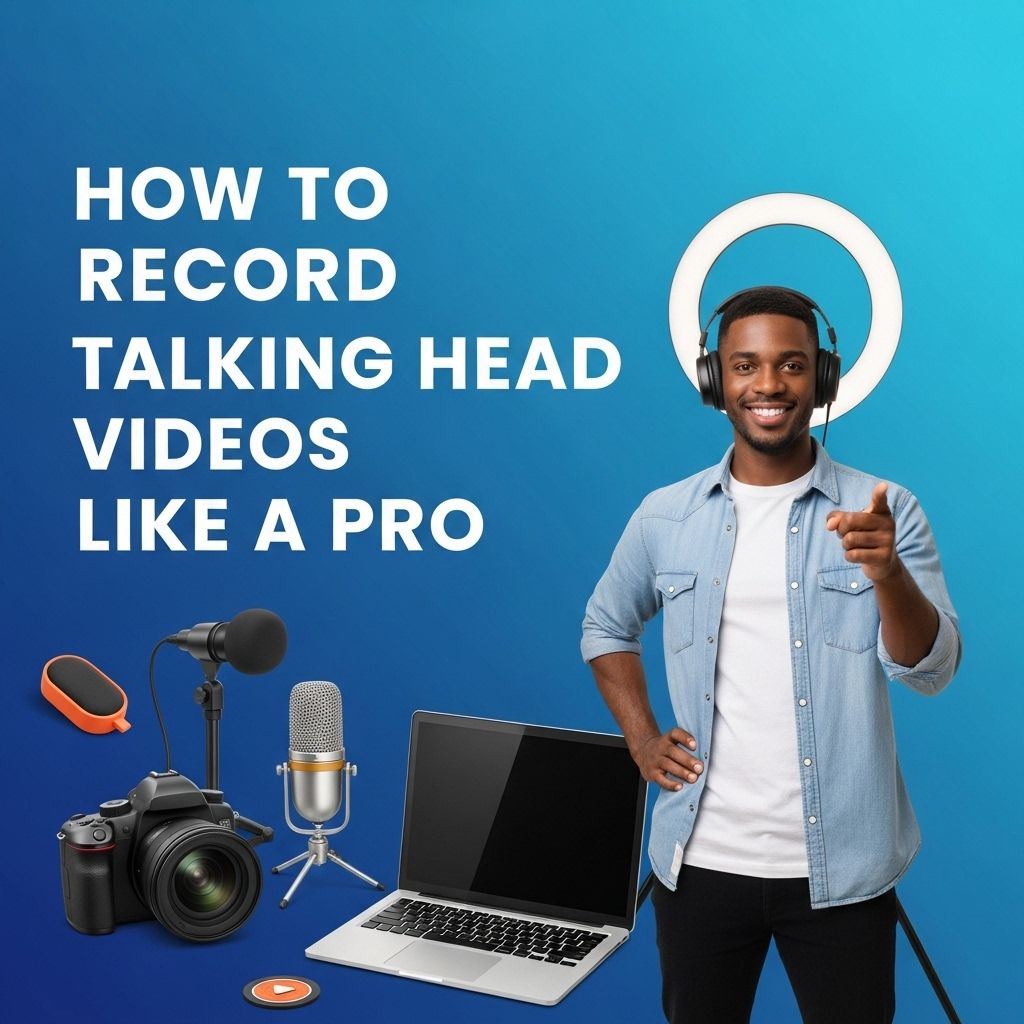
In today’s digital landscape, creating engaging content has never been more important. Whether you’re an educator, a marketer, or a content creator, the ability to produce high-quality talking head videos can significantly enhance your presentations and outreach. This article delves into the essential techniques, tools, and tips to record talking head videos like a professional, ensuring that your message is communicated effectively and engagingly.
Creating professional-quality talking head videos can significantly enhance your presence on platforms like Instagram. By focusing on lighting, sound, and framing, you can elevate your content and engage your audience more effectively. For more insights on video techniques, check out this guide on how to create Instagram reels.
Understanding the Basics of Talking Head Videos
A talking head video typically features a person speaking directly to the camera, often accompanied by multimedia elements to support the narrative. These videos are prevalent in live streams, online courses, tutorials, and promotional content.
Key Elements of a Successful Talking Head Video
- Clarity: Ensure your message is clear and concise.
- Engagement: Capture the viewer’s attention through eye contact and expressive communication.
- Quality: Invest in good audio and visual equipment to enhance production values.
Essential Equipment for Talking Head Videos
Creating professional-looking talking head videos requires certain tools. Here’s a breakdown of the must-have equipment:
1. Camera
Your camera choice is crucial. Here are some options:
| Camera Type | Features | Price Range |
|---|---|---|
| DSLR | High-quality video, interchangeable lenses | $500 – $3000 |
| Mirrorless | Compact, lightweight, excellent autofocus | $700 – $2500 |
| Smartphone | Convenient, good quality for casual use | $300 – $1200 |
2. Microphone
Good audio quality is paramount. Consider the following types:
- Lavalier Mic: Clips onto your clothing, perfect for interviews.
- Shotgun Mic: Directional, capturing sound from a specific area.
- USB Mic: Ideal for direct connection to computers, suitable for voiceovers.
3. Lighting
Proper lighting can make or break your video. Here are some lighting options:
- Softbox Lights: Provide even, diffused lighting.
- Ring Lights: Great for providing flattering light directly on the subject.
- Natural Light: Use windows or bright rooms for cost-effective lighting.
Setting the Scene
A well-thought-out background can enhance the professionalism of your video. Consider the following tips:
1. Choose a Clean Background
A clutter-free space helps keep the focus on you. Simple backdrops work best.
2. Add Visual Interest
A few thoughtfully placed props can enhance your narrative:
- Bookshelves with relevant books
- Artwork that relates to your content
- Plants to add a touch of life
3. Avoid Distracting Elements
Be mindful of things like:
- Reflective surfaces that can cause glare
- Moving objects in the background
- Clothes that clash with the setting
Recording Your Video
Once your equipment is set up, it’s time to record. Here are some strategies to help you perform your best:
1. Prepare Your Script
Having a script or bullet points can help keep you on track. Practice your delivery to sound natural.
2. Frame Your Shot
Ensure you are positioned correctly in the frame:
- Head and shoulders should fill the frame.
- Keep the camera at eye level for the best angle.
3. Monitor Audio Levels
Check your audio settings before recording to avoid sound issues later. Use headphones to monitor sound during the recording.
Editing Your Talking Head Video
Post-production is a crucial step to polish your video and make it engaging. Here are key editing techniques:
1. Trimming and Cutting
Edit out mistakes or long pauses to maintain the video’s flow. Keep your video concise.
2. Adding Graphics and B-Roll
Incorporate images, slides, or clips that reinforce your message:
- Use lower-thirds for names and titles.
- Add transitions between segments for a smoother watch.
3. Sound Design
Consider adding background music or sound effects to enhance the viewing experience. Ensure that audio levels are balanced, so the music does not overpower your speech.
Publishing and Promoting Your Video
After editing, it’s time to share your video with the world! Here are some platforms to consider:
- YouTube: Great for a broad audience and SEO benefits.
- Instagram: Ideal for shorter formats and engagement.
- LinkedIn: Excellent for professional content aimed at business audiences.
Tips for Promotion
- Optimize titles and descriptions for search engines.
- Share snippets on social media to drive traffic to the full video.
- Engage with your audience by responding to comments and feedback.
Final Thoughts
Creating talking head videos like a pro is achievable with the right tools, techniques, and practices. By paying attention to your equipment, setting, and editing, you can produce videos that captivate your audience and convey your message effectively. Embrace the process, keep experimenting, and watch your content flourish!
Remember, the key to success in video production lies in practice and continuous improvement. So, gather your gear and start recording today!
FAQ
What equipment do I need to record talking head videos?
To record talking head videos like a pro, you’ll need a good quality camera, a tripod, an external microphone for clear audio, proper lighting equipment, and video editing software.
What is the best lighting setup for talking head videos?
Natural light is great, but for a professional look, use a three-point lighting setup: key light, fill light, and backlight to enhance depth and reduce shadows.
How can I improve my on-camera presence?
Practice your delivery, maintain eye contact with the camera, use gestures naturally, and be mindful of your body language to engage your audience effectively.
What background should I use for my talking head videos?
Choose a clean and uncluttered background that complements your content. A solid color or a blurred background works well to keep the focus on you.
How long should my talking head videos be?
Aim for a duration of 5 to 10 minutes for most talking head videos. Keep it concise while ensuring you cover all key points to maintain viewer engagement.
What editing tips can help enhance my talking head videos?
Use jump cuts to eliminate pauses, add lower thirds for key information, integrate background music for engagement, and ensure audio levels are consistent throughout the video.


