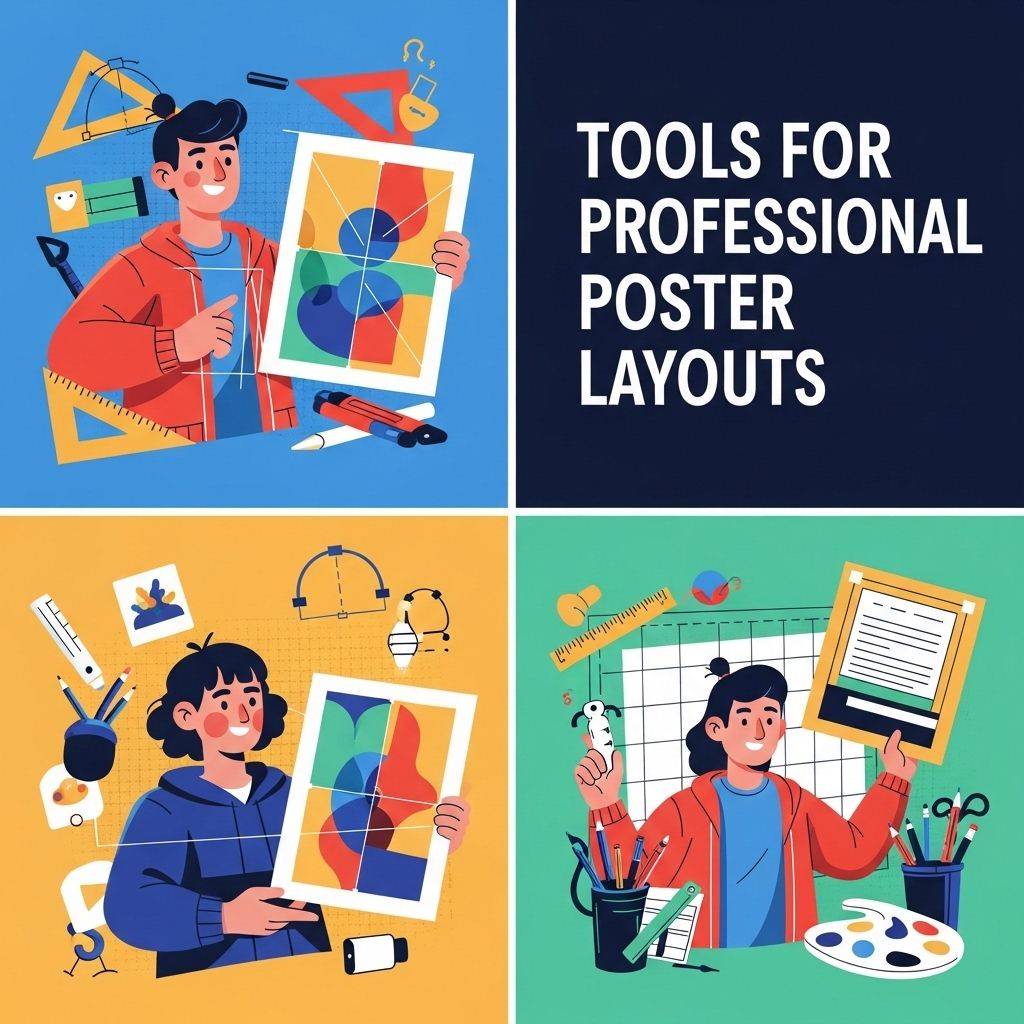
Creating visually appealing posters that effectively communicate information is an essential skill in various fields, from marketing and education to art and design. Professional poster layouts require not only creativity but also the right tools to bring ideas to life. In this article, we will explore some of the most effective tools available for creating stunning poster layouts, along with tips to enhance the design process.
Creating professional posters requires the right tools and techniques to ensure visually appealing and impactful designs. From layout software to image editing applications, understanding how to utilize these resources can make a significant difference in your final product. Remember, the importance of resolution cannot be underestimated when producing high-quality visuals.
Understanding Poster Design Principles
Before diving into specific tools, it’s crucial to understand some fundamental principles of poster design:
- Hierarchy: Ensure that the most important information stands out. Use size, color, and placement to guide the viewer’s eye.
- Contrast: Use contrasting colors, fonts, and images to make the poster visually engaging.
- Balance: Achieve a harmonious layout by distributing visual elements evenly.
- Alignment: Align text and images to create a clean, organized look.
- Space: Utilize white space effectively to avoid clutter and enhance readability.
Top Tools for Professional Poster Layouts
Here are some of the best tools available for creating professional-quality poster layouts.
1. Adobe Illustrator
Adobe Illustrator remains the industry standard for vector graphics and design. Its powerful features allow for precision and flexibility in creating posters.
- Key Features:
| Feature | Description |
|---|---|
| Artboards | Create multiple layouts within a single document. |
| Vector Graphics | Scalable graphics that maintain quality at any size. |
| Typography Tools | Advanced text manipulation options for unique typography. |
2. Canva
Canva is a user-friendly, web-based design tool that caters to both beginners and professionals. With an extensive library of templates and design elements, it’s perfect for quickly creating eye-catching posters.
- Key Features:
| Feature | Description |
|---|---|
| Drag-and-Drop Interface | Intuitive design process for effortless creativity. |
| Template Library | Access thousands of pre-designed templates for various occasions. |
| Collaboration Tools | Invite team members to collaborate in real-time. |
3. InDesign
Adobe InDesign excels in layout design, making it ideal for posters that incorporate large volumes of text and intricate layouts.
- Key Features:
| Feature | Description |
|---|---|
| Master Pages | Reuse layout elements for consistency across multiple pages. |
| Text Wrap | Integrate text with images seamlessly. |
| Export Options | Export to various formats, including PDF for print. |
4. Affinity Designer
Affinity Designer is a cost-effective alternative to Adobe products that provides a comprehensive set of features for creating stunning poster designs.
- Key Features:
| Feature | Description |
|---|---|
| Artboard Support | Multiple artboards for different design elements. |
| Vector and Raster Support | Create complex designs with both vector and raster graphics. |
| One-time Purchase | No subscription required, making it budget-friendly. |
5. Piktochart
Piktochart is tailored for creating infographics and posters, enabling users to visualize data in an engaging way.
- Key Features:
| Feature | Description |
|---|---|
| Data Visualization | Easily turn data into eye-catching charts and graphs. |
| Template Library | A vast selection of poster templates to kickstart your design. |
| Download Options | Export designs in various formats, including PNG and PDF. |
Design Tips for Creating Impactful Posters
Choose the Right Dimensions
Before you start designing, determine the appropriate dimensions for your poster based on its intended use. Common sizes include:
- A2 (420 x 594 mm)
- A1 (594 x 841 mm)
- 24 x 36 inches (Poster size)
Select a Color Scheme
Colors play a crucial role in communication. Here are some tips to choose an effective color scheme:
- Use a color wheel to find complementary colors.
- Limit your palette to 2-3 primary colors for simplicity.
- Consider the psychological effects of colors when selecting your palette.
Typography Matters
The font choices can significantly impact your poster’s readability and overall aesthetic. Consider the following:
- Use no more than two to three different fonts.
- Ensure text is legible from a distance; use large sizes for headings.
- Stick to contrasting font weights to create hierarchy.
Final Thoughts
Creating professional poster layouts involves selecting the right tools and understanding design principles. Whether you opt for sophisticated software like Adobe Illustrator or user-friendly platforms like Canva, the key is to ensure your poster effectively communicates its message while being visually appealing. Experiment with different styles and techniques, and remember that practice makes perfect. So gather your tools, unleash your creativity, and start designing impactful posters!
FAQ
What are the best tools for creating professional poster layouts?
Some of the best tools for creating professional poster layouts include Adobe InDesign, Canva, Affinity Designer, and Microsoft Publisher.
Can I create a poster layout without graphic design experience?
Yes, tools like Canva and Visme offer user-friendly interfaces and templates that make it easy for anyone to create a poster layout without prior graphic design experience.
What features should I look for in poster layout software?
Look for features such as customizable templates, drag-and-drop functionality, image editing tools, and vector graphics support when choosing poster layout software.
Is Adobe Illustrator suitable for poster layouts?
Yes, Adobe Illustrator is a powerful tool for creating detailed and customizable poster layouts, especially for users who are experienced in graphic design.
Are there any free tools for designing posters?
Yes, free tools like Canva, GIMP, and Inkscape offer robust features for designing posters without any cost.
What file formats should I use for printing posters?
For printing posters, it’s best to use high-resolution file formats such as PDF, TIFF, or PNG to ensure the best quality.