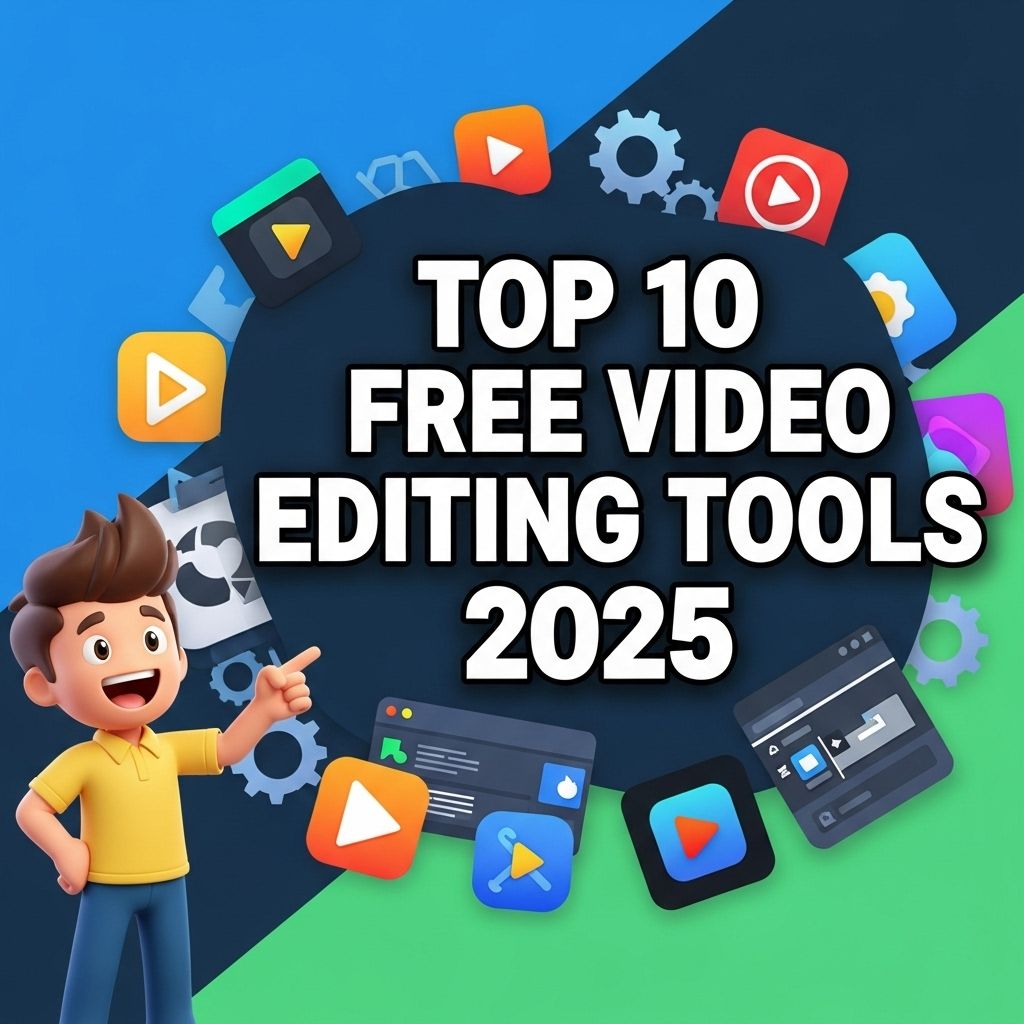
Video editing has evolved tremendously over the years, making it more accessible than ever for everyone from avid content creators to casual hobbyists. In 2025, numerous free video editing tools are available that offer powerful features previously reserved for paid software. These platforms enable users to create stunning videos without breaking the bank, allowing creativity to flourish. In this article, we will explore the top 10 free video editing tools of 2025, providing insights into their features and benefits.
As video content continues to dominate platforms like YouTube, finding the right editing tools becomes crucial for creators. In 2025, a variety of free video editing tools have emerged, offering features that rival paid software. Discover the top 10 free options available this year to enhance your video projects and keep up with trending topics on YouTube.
1. DaVinci Resolve
DaVinci Resolve continues to be a frontrunner in the free video editing landscape. Known for its professional-grade capabilities, it combines high-quality editing, color correction, visual effects, and audio post-production in a single platform.
Key Features:
- Multi-user collaboration tools
- Advanced color grading options
- Fusion visual effects for 3D compositing
- Fairlight audio suite for professional sound editing
2. Shotcut
Shotcut offers an intuitive and flexible interface that caters to both beginners and those with more experience. Its wide range of supported formats and excellent performance make it a favorite among users.
Notable Features:
- Wide format support including 4K
- Customizable filters and effects
- Multi-format timeline
- Cross-platform availability (Windows, macOS, Linux)
3. HitFilm Express
HitFilm Express is ideal for creators looking for a powerful editing and visual effects solution without cost. Although it has a steeper learning curve, the results are worth the effort.
Highlights:
- Over 410 effects and presets
- 3D compositing capabilities
- Free training tutorials available
- Easy exporting options for various platforms
4. OpenShot
This user-friendly video editor is perfect for those who want a straightforward editing experience. OpenShot boasts a simple drag-and-drop interface and is suitable for quick video projects.
Main Features:
- Unlimited layers for advanced editing
- Audio waveform for precise audio editing
- Title templates available
- Supports various video, audio, and image formats
5. Lightworks
Lightworks is a professional-grade editing tool that offers a free version with robust capabilities. It has been used in the film industry, making it a great option for serious filmmakers on a budget.
Key Advantages:
- Real-time effects and multi-track editing
- High-quality trimming and playback
- Export options for various resolutions
- Intuitive user interface
6. VSDC Free Video Editor
VSDC is a non-linear video editing software that provides advanced editing features and is suitable for creating complex video projects.
Unique Features:
- Motion tracking and video stabilization
- Color-correction tools
- Video effects and transitions
- Supports various formats and codecs
7. Blender
Although primarily known for 3D modeling and animation, Blender also features a powerful video sequence editor (VSE) that rivals dedicated video editing tools.
Innovative Capabilities:
- Advanced visual effects and compositing
- Customizable UI and keyboard shortcuts
- Comprehensive color grading options
- 3D integration for unique storytelling
8. Kapwing
Kapwing is a browser-based video editing tool that stands out for its ease of use and collaborative features. Ideal for quick edits and social media content, Kapwing allows multiple users to work on a project simultaneously.
Key Features:
- Template library for quick edits
- Built-in subtitle generation
- Easy sharing on social media
- Cloud-based editing for accessibility
9. Avid Media Composer First
Avid Media Composer First is the free version of Avid’s professional video editing software, offering a wealth of features that cater to aspiring filmmakers.
Core Features:
- Multi-camera editing
- Professional-grade color correction
- Audio editing capabilities
- Integration with Avid Cloud Services
10. Filmora
Filmora is known for its intuitive interface and a wide array of drag-and-drop features. While it does offer paid options, the free version is still quite powerful for simple editing tasks.
Popular Features:
- Rich library of music and sound effects
- Easy transitions and overlays
- Support for 4K editing
- Regular updates with new features
Choosing the Right Tool for Your Needs
With so many options available, selecting the best video editing software depends on your specific requirements:
- **Type of Content**: Consider whether you’re creating social media clips, short films, or YouTube videos.
- **Skill Level**: Beginners may prefer simpler interfaces, while advanced users can benefit from more complex feature sets.
- **System Compatibility**: Ensure that the software is compatible with your operating system and hardware specifications.
- **Output Quality**: Look for tools that provide high-resolution export options, especially if you plan to share your work publicly.
Conclusion
In 2025, the landscape of free video editing tools is richer than ever, catering to a diverse array of needs and skill levels. Whether you’re looking for advanced effects, collaborative features, or user-friendly interfaces, there’s a solution out there for you. By leveraging one of these top free video editing tools, you can unlock your creative potential and produce captivating video content without cost. Test out a few options to find the perfect fit for your editing style and project requirements.
FAQ
What are the best free video editing tools for beginners in 2025?
Some of the best free video editing tools for beginners in 2025 include DaVinci Resolve, Shotcut, and HitFilm Express, which offer user-friendly interfaces and powerful features.
Can I use free video editing software for commercial projects?
Yes, many free video editing tools allow you to use them for commercial projects, but it’s important to check the licensing agreements for each software.
Are free video editing tools as good as paid software?
While paid video editing software often has more advanced features, many free tools provide sufficient functionality for basic to intermediate editing tasks.
Do free video editing tools include watermarks?
Some free video editing tools may include watermarks on exported videos, but others allow you to export without watermarks.
What features should I look for in a free video editing tool?
Look for features such as multi-track editing, a variety of video effects, audio editing capabilities, and support for various file formats.
Are there any free video editing tools specifically for mobile devices?
Yes, there are several free video editing apps for mobile devices, such as InShot, Quik, and CapCut, which offer robust editing features on-the-go.