
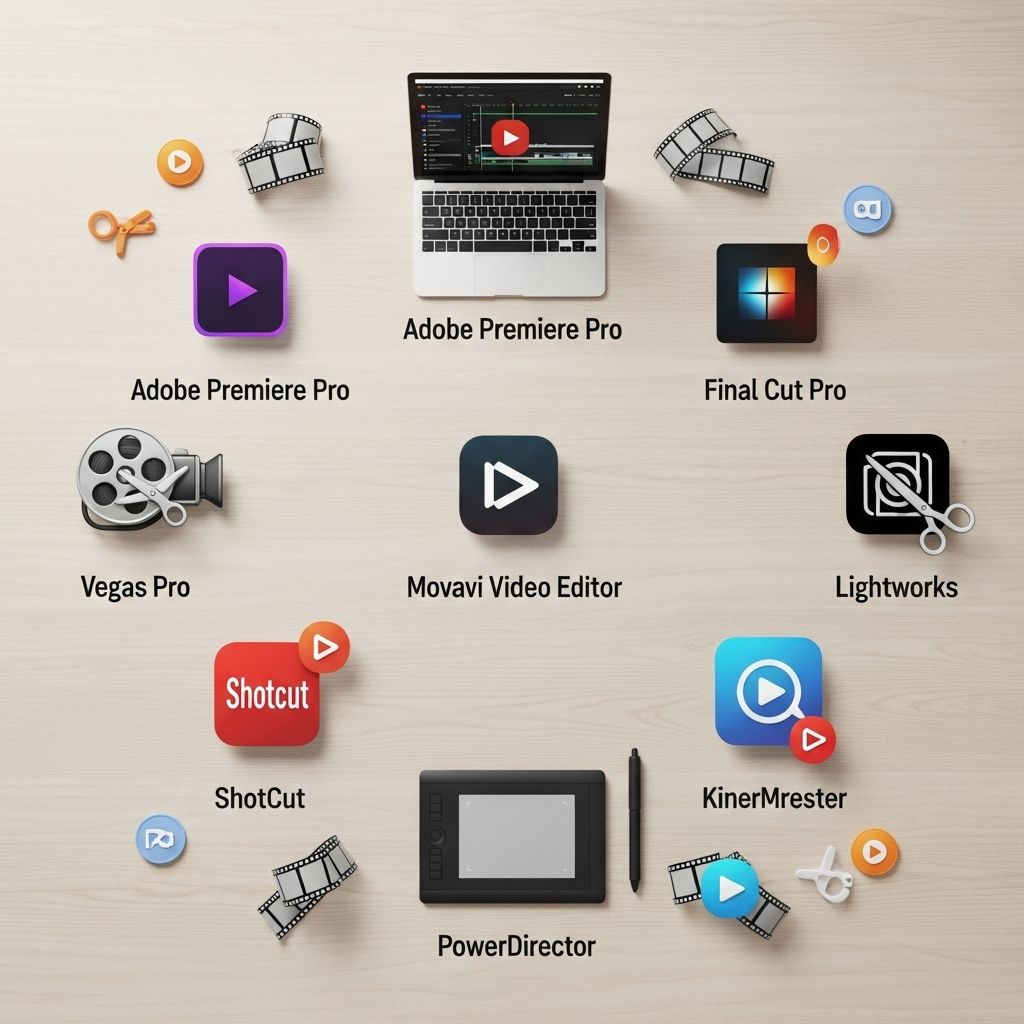
In the digital age, video content has become a crucial element for engagement, especially on platforms like YouTube. With millions of channels and an abundance of content, the quality of your videos can make or break your success. Whether you are a beginner starting your journey or a seasoned creator looking to enhance your production quality, choosing the right video editing tool is essential. Here, we delve into the top 10 video editing tools that can elevate your YouTube game, each offering unique features that cater to different needs and skill levels.
As YouTube continues to dominate the digital landscape, having the right video editing tools is essential for creators aiming to produce high-quality content. From intuitive interfaces to advanced features, this list of the top 10 video editing tools for YouTube creators will help you enhance your videos and engage your audience effectively. For more insights on YouTube content creation strategies, check out YouTube content creation strategies.
1. Adobe Premiere Pro
Adobe Premiere Pro is a professional-grade video editing software that is widely used in the industry. With a plethora of features, it offers everything from basic editing to advanced color grading and audio mixing. Here are some key features:
- Multi-cam editing
- Integration with other Adobe tools
- Advanced color correction and grading
- Support for 4K and HDR content
While Premiere Pro is subscription-based, its extensive capabilities make it worth the investment for serious creators.
2. Final Cut Pro X
Exclusively available for Mac users, Final Cut Pro X is another powerful tool that brings a sleek interface and efficient performance. Some of its standout features are:
- Magnetic Timeline for intuitive editing
- Built-in motion graphics and effects library
- Support for 360-degree video editing
- Optimized for Mac hardware
Its one-time purchase model can be more appealing than subscription-based options for long-term users.
3. DaVinci Resolve
DaVinci Resolve is a free video editing tool that packs a punch with its professional features, making it popular among both amateurs and professionals. Key highlights include:
- Advanced color grading capabilities
- Fairlight audio tools for sound editing
- Multi-user collaboration functionality
- Robust Fusion visual effects suite
The free version is incredibly comprehensive, but paid features are also available for larger projects.
4. Filmora
Wondershare Filmora caters to beginners and intermediate users who desire a straightforward editing experience without sacrificing quality. Notable features include:
- Easy drag-and-drop interface
- A wide range of templates and effects
- Built-in music library and sound effects
- Support for various file formats
Filmora offers a user-friendly experience, making it ideal for those just starting their video editing journey.
5. HitFilm Express
HitFilm Express is a free video editing and visual effects software that offers advanced features typically found in paid programs. Some of its benefits are:
- Professional-grade visual effects
- Comprehensive tutorials available
- Ability to create 2D and 3D compositing
- Customizable interface
The free version also allows for additional paid add-ons, making it a flexible option for project needs.
6. iMovie
For Mac users, iMovie is a great introductory video editing tool that is already bundled with macOS. Its features include:
- Simple drag-and-drop editing
- Built-in themes and trailers
- Easy integration with Apple devices
- Sharing options directly to YouTube
While it may lack some advanced features, iMovie is perfect for quick edits and basic projects.
7. Lightworks
Lightworks is a professional video editing tool known for its powerful features and flexibility. Users can enjoy:
- Real-time project collaboration
- Multicam editing capability
- Multiple export formats
- Comprehensive plugin support
The free version is limited to 720p output, but the pro version offers full capabilities with no restrictions.
8. Camtasia
Camtasia is ideal for educators and marketers who focus on screen recording and tutorial creation. Key features include:
- Screen recording capabilities
- Interactive quizzes and callouts
- Pre-built assets for quick editing
- Easy sharing options
While it’s a bit pricier, the seamless integration of screen recording and editing makes it worthwhile.
9. OpenShot
OpenShot is a free, open-source video editor that provides a user-friendly interface and basic editing features. Highlights include:
- Cross-platform compatibility
- Simple drag-and-drop functionality
- 3D animations and titles
- Unlimited tracks for editing
Although it may not be as feature-rich as others, it’s an excellent starter tool for newcomers.
10. Sony Vegas Pro
Sony Vegas Pro is known for its user-friendly interface and powerful features, catering to both amateurs and professionals. Features include:
- Multi-camera editing
- Integrated audio editing capabilities
- Advanced video effects and transitions
- GPU acceleration for faster rendering
It offers a one-time purchase option, making it a viable alternative to subscription-based tools for serious users.
Conclusion
Selecting the right video editing tool for your YouTube channel can significantly impact your content quality and viewer engagement. Each of these tools has its strengths and caters to various levels of expertise and project requirements. When choosing a tool, consider factors such as your budget, editing style, and the specific features that are most critical to your workflow. With the right software in hand, you’ll be on your way to creating high-quality videos that captivate your audience.
FAQ
What are the best video editing tools for YouTube?
Some of the top video editing tools for YouTube include Adobe Premiere Pro, Final Cut Pro, DaVinci Resolve, Filmora, and iMovie.
Is Adobe Premiere Pro suitable for beginners?
Yes, Adobe Premiere Pro offers a user-friendly interface and plenty of tutorials, making it suitable for beginners as well as advanced users.
Can I edit videos for YouTube using free software?
Yes, there are several free video editing tools like DaVinci Resolve, HitFilm Express, and OpenShot that are great for YouTube editing.
What features should I look for in video editing software for YouTube?
Key features to look for include ease of use, video effects, audio editing capabilities, export options, and compatibility with various file formats.
Is Final Cut Pro only for Mac users?
Yes, Final Cut Pro is exclusive to macOS, making it unavailable for Windows users.
How can I improve my video editing skills for YouTube?
You can improve your video editing skills by practicing regularly, watching tutorials, and experimenting with different editing styles.


