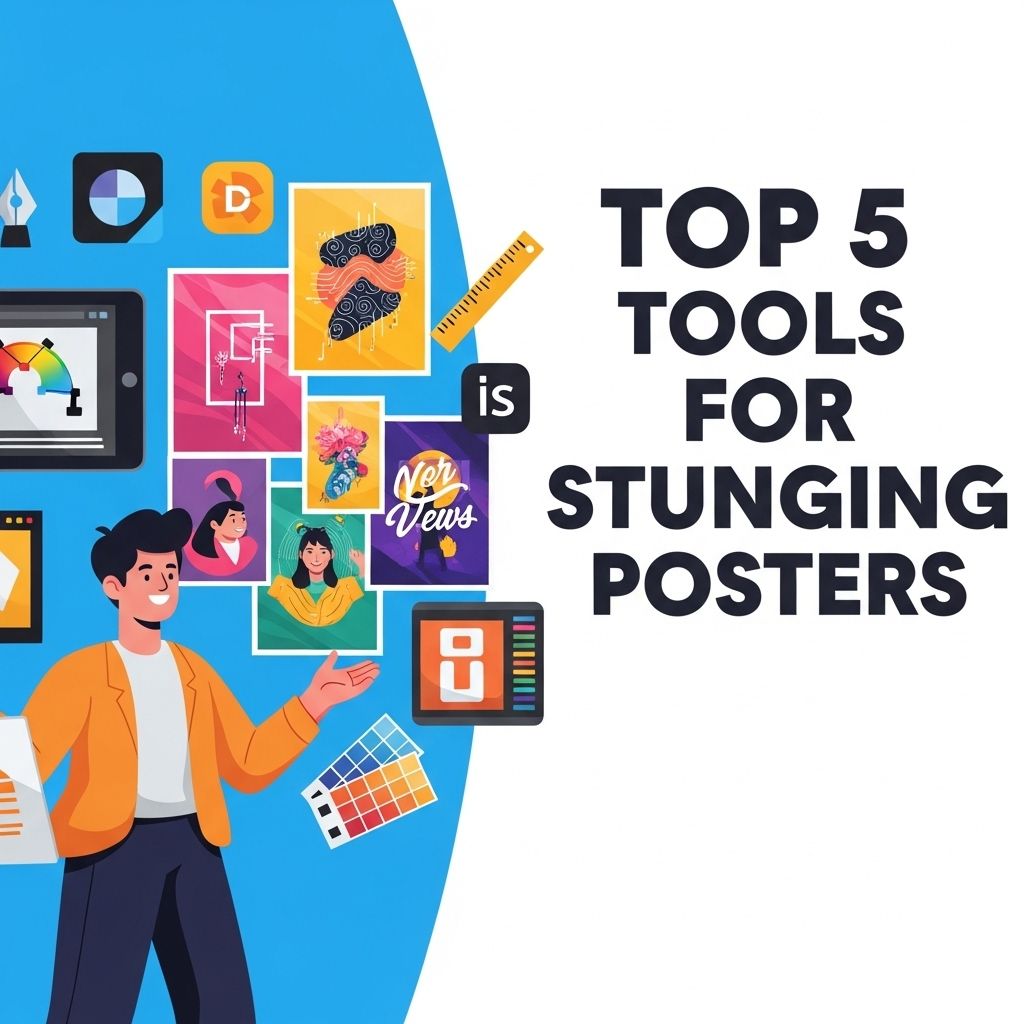
Creating stunning posters requires the right tools and creativity. Whether you’re designing for an event, promoting a business, or simply expressing your artistic side, the right software can make all the difference. In this article, we will explore the top five tools available for creating eye-catching posters that will leave a lasting impression.
Creating stunning posters has never been easier, thanks to a variety of powerful design tools available today. Whether you’re looking to enhance your artwork or streamline your workflow, these top 5 tools offer the perfect blend of functionality and creativity. For example, you can explore popular Photoshop brush styles to elevate your designs and bring your vision to life.
1. Adobe Illustrator
Adobe Illustrator is the industry standard for vector graphic design. It offers a powerful set of tools that are perfect for creating detailed and scalable poster designs. Some key features include:
- Vector Graphics: Create designs that can be scaled to any size without losing quality.
- Advanced Typography: Use a wide range of fonts and customize them with ease.
- Integration with Other Adobe Products: Easily share files with Photoshop and InDesign for a smoother workflow.
Pros:
- High level of precision and quality.
- Extensive tutorials and community support.
- Versatile for various design types.
Cons:
- Subscription-based pricing can be expensive.
- Steep learning curve for beginners.
2. Canva
Canva is an accessible online design tool that caters to both beginners and experienced designers. With its user-friendly interface and a vast library of templates and assets, anyone can create stunning posters quickly.
Key Features:
- Pre-made Templates: Choose from thousands of poster templates tailored for different occasions.
- Drag-and-Drop Interface: Easily add images, icons, and text to your designs.
- Collaboration Tools: Work with team members in real-time on shared projects.
Pros:
- Free tier with plenty of resources.
- No design experience needed.
- Access to a wide range of stock images and graphics.
Cons:
- Limited customization compared to professional software.
- Some features are locked behind a paywall.
3. Affinity Designer
Affinity Designer is a robust alternative to Adobe Illustrator that offers professional-grade tools for creating stunning graphics and posters. It’s particularly appealing for those who prefer a one-time purchase instead of a subscription model.
Features:
- Powerful Vector and Raster Tools: Switch between vector and pixel workspaces seamlessly.
- Advanced Layer System: Organize and manipulate design elements efficiently.
- High Performance: Smooth operation even with high-resolution designs.
Pros:
- Cost-effective with a one-time payment.
- Extensive feature set tailored for professional work.
- Regular updates and improvements.
Cons:
- Less community support than Adobe products.
- Learning curve for those transitioning from Illustrator.
4. PosterMyWall
PosterMyWall is a versatile online platform specifically designed for creating posters, flyers, and promotional materials. It stands out due to its simplicity and effectiveness.
Key Features:
- Customizable Templates: Start with expertly designed templates and modify them easily.
- Video and GIF Options: Create animated posters for social media or digital displays.
- Print Options: Directly order prints of your designs through the platform.
Pros:
- Intuitive interface suitable for all users.
- Extensive choice of templates and graphics.
- Good for both digital and print formats.
Cons:
- Some features have a cost associated with them.
- Limited control for advanced design techniques.
5. GIMP
GIMP (GNU Image Manipulation Program) is a free and open-source image editor that provides powerful tools for creating stunning posters. It’s often compared to Adobe Photoshop and is well-suited for those who need advanced editing capabilities without the price tag.
Key Features:
- Extensive Toolset: From retouching photos to creating vector designs, GIMP has it all.
- Customizable Interface: Tailor the workspace to fit your workflow.
- Support for Various File Formats: Work with a range of file types, including PSD files.
Pros:
- Free to use with no restrictions.
- Active community providing plugins and support.
- Regular updates enhance functionality.
Cons:
- Steep learning curve for beginners.
- Interface may feel less polished compared to paid options.
Conclusion
Choosing the right tool for creating stunning posters depends on your specific needs, budget, and level of expertise. Adobe Illustrator remains a top choice for professionals, while Canva and PosterMyWall offer great options for those seeking user-friendly designs. Affinity Designer serves as a powerful alternative to Adobe products, and GIMP provides an excellent free option for advanced editing. By selecting the right tool, you can create eye-catching posters that effectively convey your message and engage your audience.
FAQ
What are the best tools for creating stunning posters?
Some of the best tools for creating stunning posters include Canva, Adobe Spark, Piktochart, PosterMyWall, and Adobe Illustrator.
Is Canva suitable for beginners to create posters?
Yes, Canva is very user-friendly and offers a wide range of templates, making it perfect for beginners to create eye-catching posters.
Can I use Adobe Illustrator for poster design?
Absolutely! Adobe Illustrator is a powerful tool for professional poster design, offering advanced features for creating vector graphics.
Are there any free tools for poster design?
Yes, tools like Canva, PosterMyWall, and Piktochart offer free versions with plenty of templates and features for designing posters.
What features should I look for in poster-making software?
Look for features such as customizable templates, a variety of design elements, easy drag-and-drop functionality, and high-resolution output options.