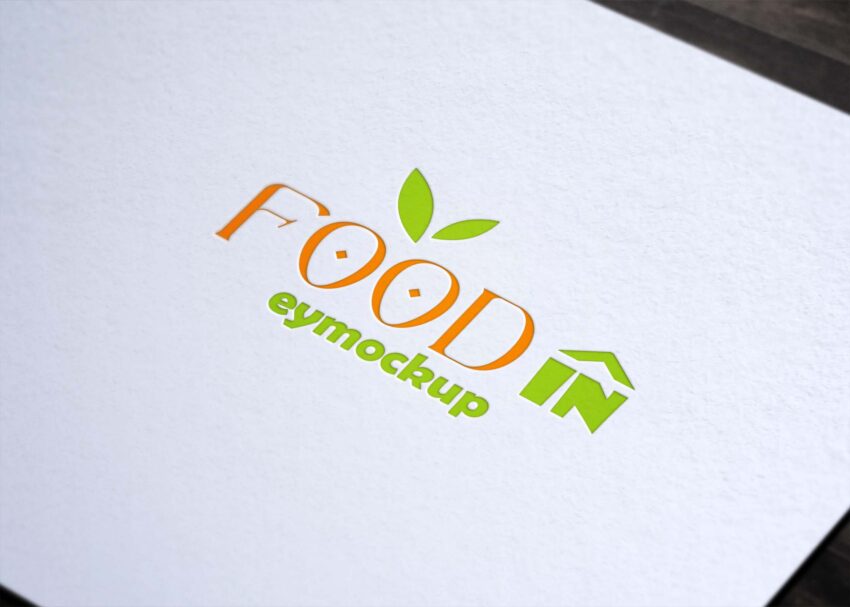
Showcasing your logo design is essential for brand identity. Our clean paper logo mockup offers a sleek and professional presentation that highlights your logo’s details. Perfect for portfolios or client presentations, this mockup allows you to demonstrate the versatility of your design on a realistic paper background.
With easy editing capabilities in Photoshop, you can quickly insert your logo and adjust the lighting to fit your style. The high-resolution quality ensures that your design looks crisp and clear, making it ideal for both digital and print uses. Download this free mockup and elevate your branding projects with a polished presentation.
Best quality free logo mockup, business card mockup, t-shirt mockup and many more PSD mockups Collection!
Mockups are used by graphic designers, eCommerce store owners, and more to give customers a realistic view of their
product – without having to order and photograph samples of everything.
Do you want to sell a design online but don’t have the time or resources to photograph the product? You have to create
a realistic mockup.

Description:
Available Format: Layered PSD through smart object insertion
License: Free for personal and commercial use
Zip File Includes: Photoshop PSD File
Resolution: 2200 x 1500 px
Advertisement:
FAQs – Clean Paper Logo Mockup
Can I edit the Clean Paper Logo Mockup in Photoshop?
Yes, the mockup is fully editable in Photoshop. You can easily insert your logo and customize the lighting and shadows.
Does the mockup support different logo formats?
Absolutely! You can use various formats like PNG, JPEG, or SVG for your logo when working with the mockup.
Is it easy to change the background color in the mockup?
Yes, changing the background color is simple. You can adjust it in Photoshop to match your brand’s palette easily.
What is the best way to use the Clean Paper Logo Mockup?
Use it for presentations, client showcases, or online portfolios to effectively display your logo design in a realistic setting.
Do I need advanced skills to use this mockup?
No, the mockup is user-friendly. Basic Photoshop skills are sufficient to achieve great results with your logo.