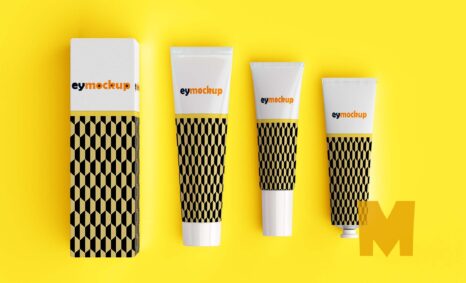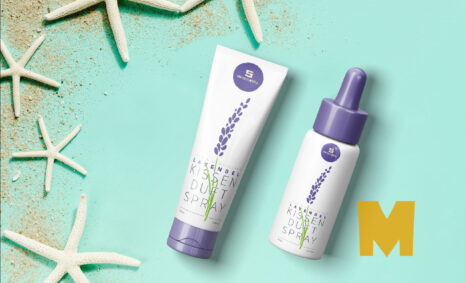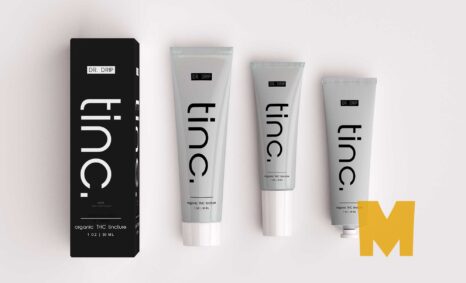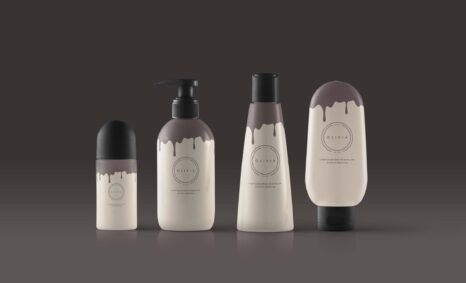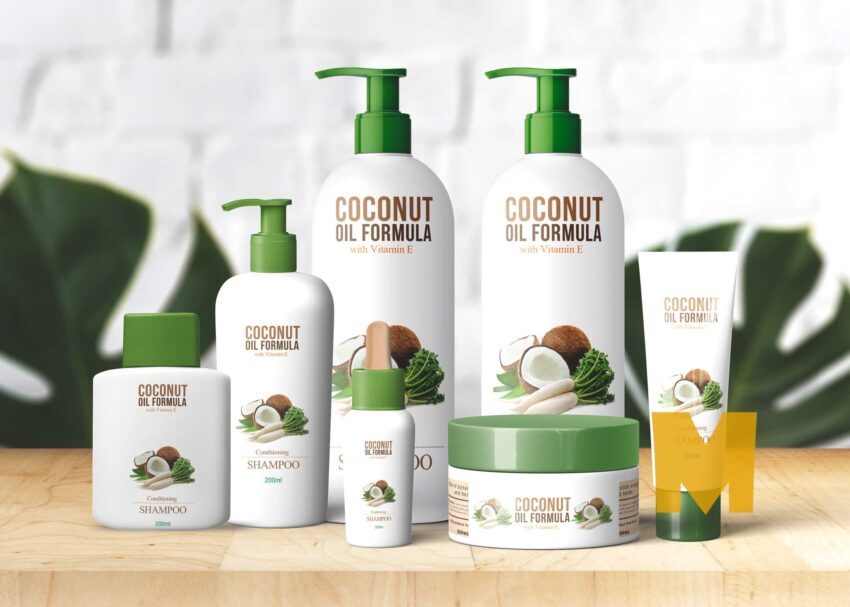
Creating a captivating spa product branding mockup is essential for showcasing your brand’s identity. This mockup allows you to present your spa products in a realistic setting, enhancing their appeal to potential customers. With customizable features, you can easily integrate your logo and design elements to align with your brand’s aesthetic.
The mockup is designed to be user-friendly, making it accessible for both beginners and experienced designers. You can easily edit the layers in Photoshop to adjust lighting, colors, and backgrounds. This flexibility enables you to create stunning visuals that resonate with your target audience, ultimately driving engagement and interest in your spa products.
All of these Resources are easy to use and can present your information beautifully. Some are free, while others cost a few dollars. ( premium mockups )
More great & free PSD Mockups Collection:
- 50+ Latest Mockup Collection
- 299+ Business Card Mockup Free Download 2021
- 305+ Product Packaging Mockups (Only Free)
- 800+ Logo Mockup PSD Free Download
- 99+ Best Freebies 3D Logo Mockups PSD 2021
Description:
Available Format: Layered PSD through smart object insertion
Zip File Includes: Photoshop PSD File
Resolution: 2000 x 2250 px
FAQs – Spa Product Branding Mockup
Can I edit the spa product branding mockup in Photoshop?
Yes, the mockup is fully editable in Photoshop, allowing you to customize layers, colors, and elements to fit your branding needs.
Does it come with multiple views for my spa products?
Absolutely! The mockup features multiple views to help you present your spa products from different angles, enhancing visual appeal.
Is it easy to change the background of the mockup?
Yes, changing the background is straightforward in Photoshop. Simply select the background layer and choose a new color or image.
What file format is the spa product branding mockup available in?
The mockup is available in PSD format, ensuring compatibility with Photoshop for easy editing and customization.
Do I need advanced skills to use this mockup?
Not at all! The mockup is user-friendly, and even beginners can navigate the layers and make edits effortlessly.