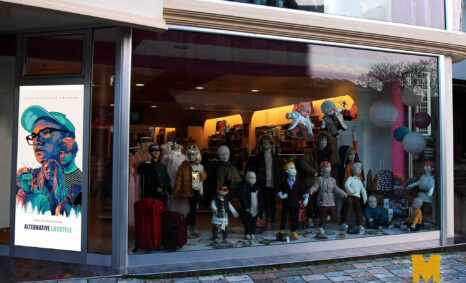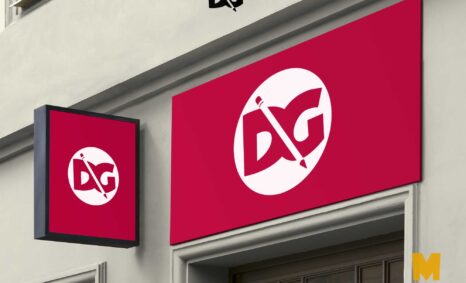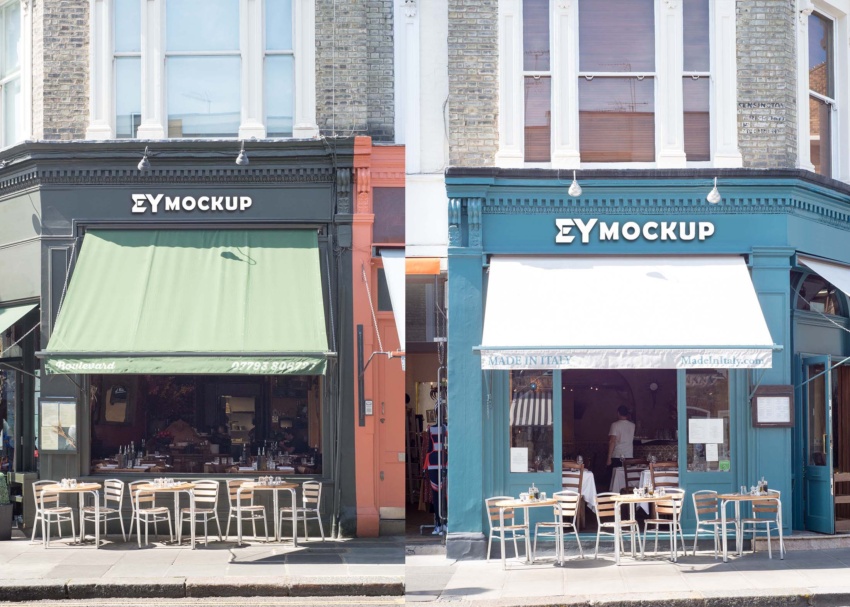
Elevate your branding with our Coffee Shop Logo Mockup (PSD). This high-quality, easy-to-edit mockup allows you to showcase your logo design in a realistic café setting. Perfect for presentations or client previews, it’s designed to help you visualize how your logo will look in a real-world environment.
Our mockup features smart objects that make editing a breeze in Adobe Photoshop. Simply drag and drop your logo into the designated layer, adjust the lighting and shadows, and you’re ready to impress. Whether you’re a designer or a coffee shop owner, this mockup is an essential tool for your branding toolkit.
You can use Coffee Shop Logo Mockup (PSD) to showcase your own designs in a realistic and professional way.
To use a Photoshop PSD mockup, simply open the file in Photoshop. Then, replace the placeholder design with your own design. You can also customize the mockup to match your brand by adding your logo, colors, and fonts.
Once you have finished customizing the Shop Logo mockup, you can export it as a high-resolution image or video. You can then use this image or video in your marketing materials, such as on your website, social media pages, and in print materials. Once you have downloaded a mockup, you can open it in Photoshop and add your own design.


To do this, simply place your design on the smart object layer of the Shop Logo mockup.
Here are some tips for using free mockups:
- Make sure that the mockup is the correct size and resolution for your needs.
- Use high-quality images for your designs.
- Pay attention to the lighting and shadows in the mockup.
- Adjust the colors and brightness of your design to match the mockup.
- Add your own branding elements to the mockup.
Description:
Available Format: Layered PSD through smart object insertion
License: Free for personal and commercial use
Zip File Includes: Photoshop PSD File
Resolution: 2200 x 1500 px
Advertisement:
FAQs – Coffee Shop Logo Mockup (PSD)
Can I edit the Coffee Shop Logo Mockup in Photoshop?
Yes, the mockup is fully editable in Adobe Photoshop. Use smart objects to easily insert your logo and customize other elements.
What file format is the Coffee Shop Logo Mockup?
The mockup is provided in PSD format, compatible with Adobe Photoshop, allowing for easy adjustments and high-quality output.
Does the mockup support different logo designs?
Absolutely! The Coffee Shop Logo Mockup can accommodate various logo styles, making it versatile for different branding needs.
Is there a specific Photoshop version required for editing?
While the mockup works best with the latest versions of Photoshop, older versions may also support basic editing features.
Can I change the lighting in the mockup?
Yes, you can easily adjust lighting and shadows within the PSD file, enhancing the realism of your logo presentation.