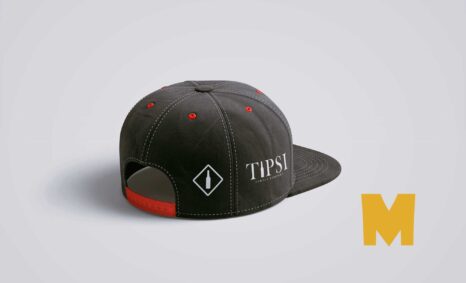
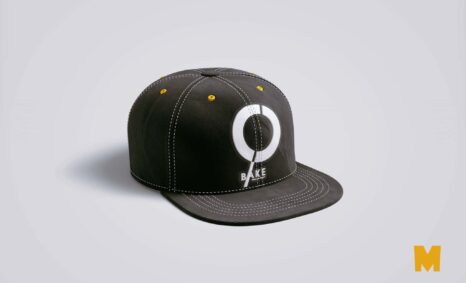
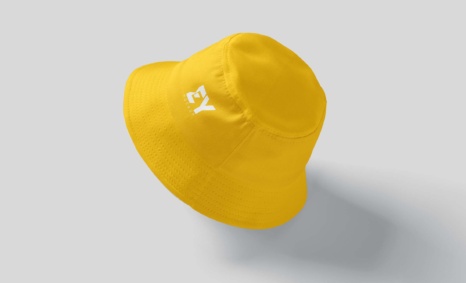
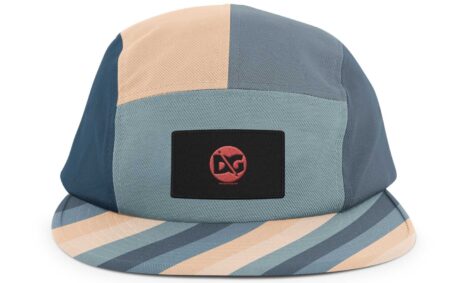
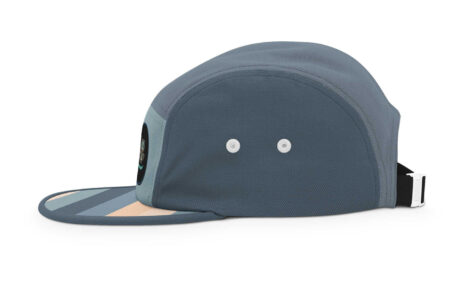
Elevate your branding efforts with our PSD Cap Logo Mockup. This versatile mockup allows you to showcase your logo designs in a realistic cap setting, perfect for promotional materials, social media, or your portfolio. With high-resolution quality and smart object layers, editing your design is seamless and efficient.
Our mockup features adjustable lighting and shadows, enabling you to customize the ambiance to fit your brand’s style. Whether you’re a graphic designer or a business owner, this mockup is an essential tool for visualizing your logo on a cap. Download it for free and start creating stunning presentations that captivate your audience.
All of these Resources are easy to use and can present your information beautifully. Some are free, while others cost a few dollars. ( premium mockups )
More great & free PSD Mockups Collection:
- 50+ Latest Mockup Collection
- 299+ Business Card Mockup Free Download 2021
- 305+ Product Packaging Mockups (Only Free)
- 800+ Logo Mockup PSD Free Download
Description:
Available Format: Layered PSD through smart object insertion
License: Free for personal use
Zip File Includes: Photoshop PSD File
Resolution: 2000 x 2250 px
FAQs – PSD Cap Logo Mockup
Can I edit the PSD Cap Logo Mockup in Photoshop?
Yes, you can easily edit the mockup using Adobe Photoshop. Simply open the file and use the smart object layers to insert your logo.
What file format is the cap logo mockup available in?
The cap logo mockup is available in PSD format, which is compatible with various versions of Adobe Photoshop.
Does the mockup support customization of lighting and shadows?
Yes, the mockup allows you to adjust lighting and shadows, providing you with the flexibility to create the perfect look for your designs.
Is it easy to add my logo to the cap mockup?
Absolutely! Adding your logo is straightforward. Just double-click the smart object, place your design, and save the changes.
Can I use this mockup for commercial projects?
Yes, you can use the PSD Cap Logo Mockup for both personal and commercial projects, ensuring that your branding stands out.