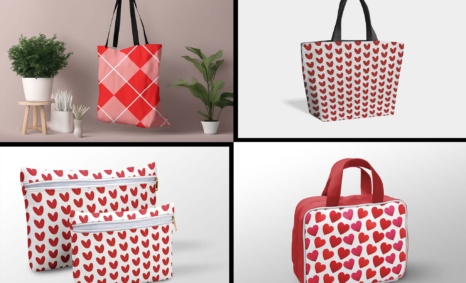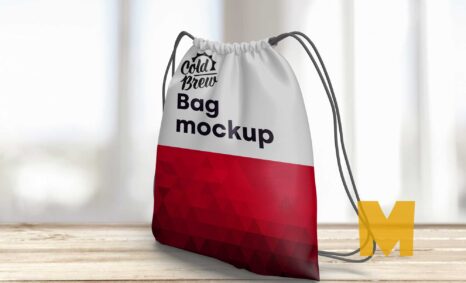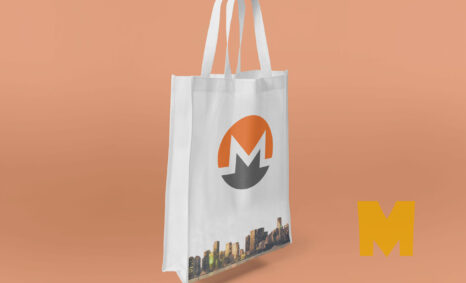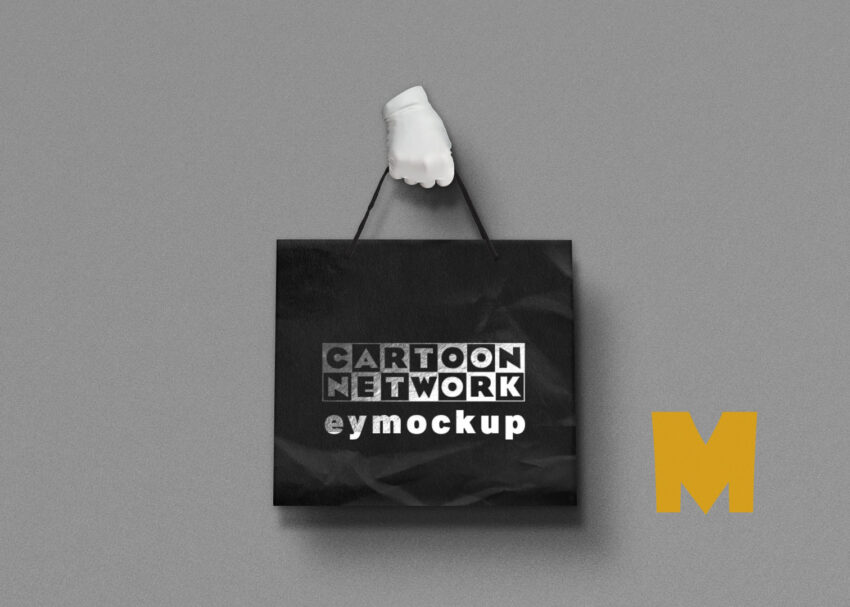
Elevate your design presentations with our free hand bag mockup, perfect for showcasing your branding projects. This high-quality mockup allows you to present your designs in a realistic context, making it easier for clients to visualize your creative vision. With customizable features, you can easily swap in your designs using editing software such as Photoshop, ensuring your branding stands out.
Our hand bag mockup comes with multiple angles and perspectives, allowing you to display your designs from various viewpoints. The layered PSD file provides flexibility for adjustments, including shadows and lighting effects. Whether you’re working on a personal project or a professional pitch, this mockup will enhance your portfolio. Download now and start creating stunning visual presentations that impress your audience.
All of these Resources are easy to use and can present your information beautifully. Some are free, while others cost a few dollars. ( premium mockups )
More great & free PSD Mockups Collection:
- 50+ Latest Mockup Collection
- 299+ Business Card Mockup Free Download 2021
- 305+ Product Packaging Mockups (Only Free)
- 800+ Logo Mockup PSD Free Download
Description:
Available Format: Layered PSD through smart object insertion
License: Free for personal use
Zip File Includes: Photoshop PSD File
Resolution: 2000 x 2250 px
FAQs – Free Hand Bag Mockup
Can I edit the free hand bag mockup in Photoshop?
Yes, the mockup is provided as a layered PSD file, making it easy to edit in Photoshop with smart objects.
Does the mockup support different bag styles?
The mockup features versatile designs, allowing you to showcase various styles and customizations for your hand bag branding.
Is it easy to change the background in the mockup?
Yes, you can effortlessly change the background in the mockup file to better match your design aesthetics or branding.
What file format is the hand bag mockup available in?
The hand bag mockup is available in PSD format, which is compatible with most graphic design software.
Do I need advanced skills to use the mockup?
No, even beginners can use the mockup effectively, thanks to its user-friendly layers and smart objects for easy editing.