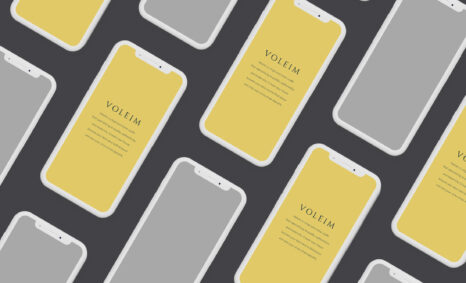
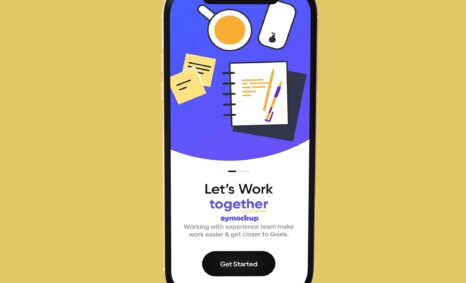
Create stunning presentations for your iPhone 11 case designs with our high-quality mockup. This free downloadable mockup allows you to showcase your artwork in a realistic setting, capturing the attention of potential customers. With its easy-to-use format, you can quickly insert your designs and see how they look on a realistic iPhone 11 case, making it perfect for designers and marketers alike.
Our iPhone 11 phone case mockup is designed with versatility in mind. Whether you’re working in Photoshop or another editing software, this mockup is compatible and includes layers that simplify the editing process. With adjustable lighting and shadows, you can create the perfect ambiance for your product showcase. Download now and elevate your design portfolio with a professional presentation that highlights your creativity.
All of these Resources are easy to use and can present your information beautifully. Some are free, while others cost a few dollars. ( premium mockups )
More great & free PSD Mockups Collection:
- 50+ Latest Mockup Collection
- 299+ Business Card Mockup Free Download 2021
- 305+ Product Packaging Mockups (Only Free)
- 800+ Logo Mockup PSD Free Download
Description:
Available Format: Layered PSD through smart object insertion
Zip File Includes: Photoshop PSD File
Resolution: 2000 x 2250 px
FAQs – iPhone 11 Phone Case Mockup
Can I edit the iPhone 11 phone case mockup in Photoshop?
Yes, our mockup is compatible with Photoshop and includes fully editable layers for easy customization.
Does the mockup include different angles of the iPhone 11 case?
Yes, the mockup offers multiple angles to help you showcase your designs effectively.
Is it possible to change the background in the mockup?
Absolutely! You can easily change the background to match your branding or design concepts.
What file format is the iPhone 11 case mockup available in?
The mockup is provided in a high-resolution PSD format, ensuring quality and flexibility for your designs.
Do I need special skills to use the mockup?
Basic editing skills in Photoshop are recommended, but our user-friendly layers make it accessible for all skill levels.