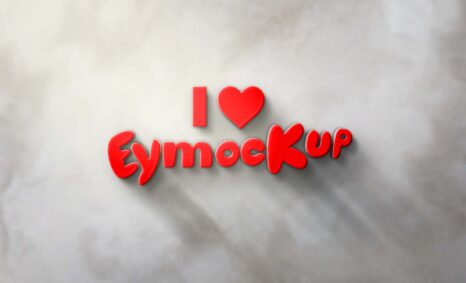
Creating a kit logo mockup can elevate your branding efforts and give potential clients a clear visualization of your design. This guide will walk you through the process of making an impressive logo mockup that showcases your brand’s identity effectively. By utilizing the right tools and techniques, you can create visually striking mockups that not only enhance your portfolio but also attract more attention to your work.
In this post, we will cover essential steps, including selecting the right template, adjusting lighting, and using Photoshop to customize your mockup. You’ll learn how to manipulate layers, adjust perspectives, and ensure your logo looks realistic in various settings. Whether you’re a professional designer or a hobbyist, these tips will help you create a polished mockup that reflects your brand’s essence.
All of these Resources are easy to use and can present your information beautifully. Some are free, while others cost a few dollars. ( premium mockups )
More great & free PSD Mockups Collection:
Description:
Available Format: Layered PSD through smart object insertion
License: Free for personal use
Zip File Includes: Photoshop PSD File
Resolution: 2000 x 2250 px
FAQs – Make Kit Logo Mockup
Can I use the kit logo mockup in Photoshop?
Yes, the kit logo mockup is fully compatible with Photoshop, allowing you to edit and customize it to fit your branding needs.
What file formats are available for the kit logo mockup?
The kit logo mockup is typically available in PSD format, which is ideal for easy editing in Photoshop.
Does the mockup include adjustable lighting options?
Absolutely! The kit logo mockup allows you to adjust the lighting effects, giving your design a more dynamic and realistic appearance.
Is it easy to edit the logo in the mockup?
Yes, editing the logo is straightforward. You can simply replace the placeholder logo with your own using smart objects in Photoshop.
What are the best practices for using a logo mockup?
To maximize impact, ensure your logo is high resolution, consider the mockup’s background, and maintain brand consistency throughout your designs.