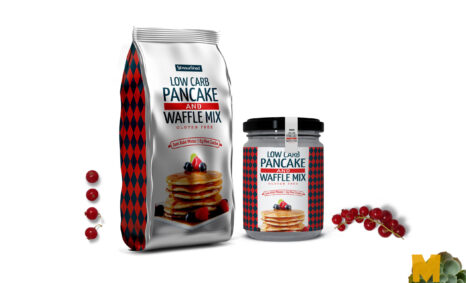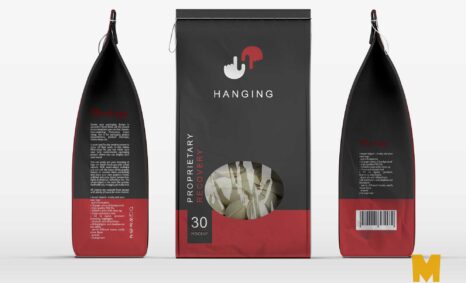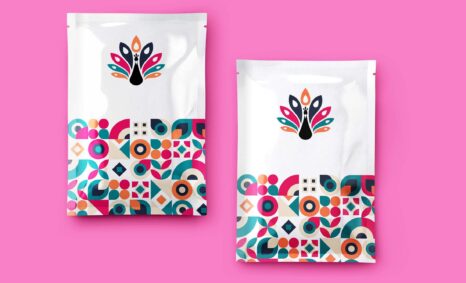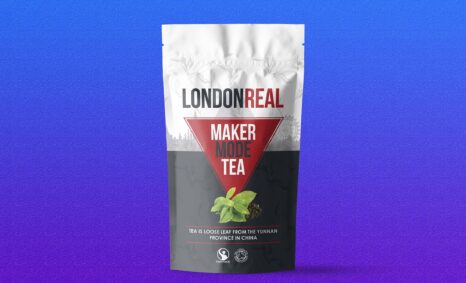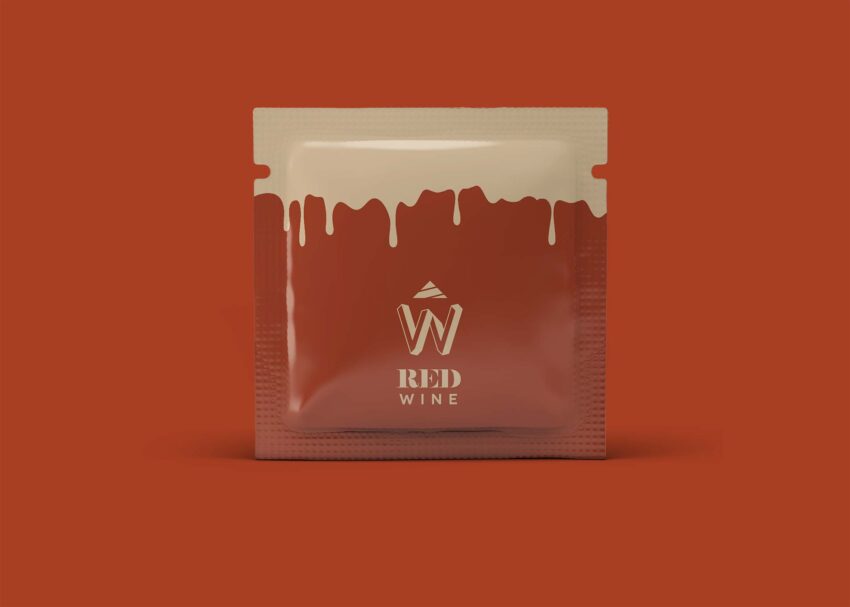
Introducing our free Square Sachet MockUp, designed for designers and marketers looking to showcase their packaging concepts with style. This mockup offers a realistic presentation, ensuring your designs stand out in any portfolio or promotional material. Simply place your artwork within the smart object layers, and you’ll have a stunning visual ready for sharing.
Whether you’re designing for cosmetics, food products, or other sachet applications, this mockup provides the versatility needed to highlight your creativity. With high-resolution quality and adjustable lighting options, you can easily create the perfect atmosphere for your sachet designs. Download the Square Sachet MockUp today and elevate your design presentations with ease.
All of these Resources are easy to use and can present your information beautifully. Some are free, while others cost a few dollars. ( premium mockups )
More great & free PSD Mockups Collection:
Description:
Available Format: Layered PSD through smart object insertion
License: Free for personal use
Zip File Includes: Photoshop PSD File
Resolution: 2000 x 2250 px
FAQs – Square Sachet MockUp
Can I edit the Square Sachet MockUp in Photoshop?
Yes, the mockup is fully editable in Photoshop. Simply use the smart object layers to insert your designs effortlessly.
Does the Square Sachet MockUp support custom backgrounds?
Absolutely! You can easily change the background to complement your sachet design, providing more context for your presentation.
Is it easy to adjust the lighting in the mockup?
Yes, the Square Sachet MockUp allows you to adjust the lighting settings, ensuring that your design shines in the best possible way.
What file formats are included with the Square Sachet MockUp?
The download includes a PSD file, which is compatible with Adobe Photoshop, ensuring optimal quality and editing flexibility.
Do I need advanced skills to use the Square Sachet MockUp?
No, basic knowledge of Photoshop is sufficient to use the mockup effectively. The instructions are straightforward for users of all skill levels.