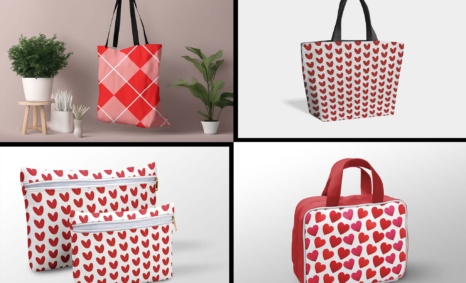
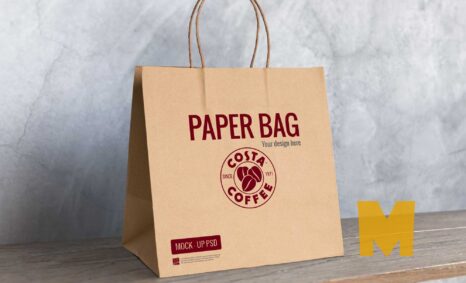
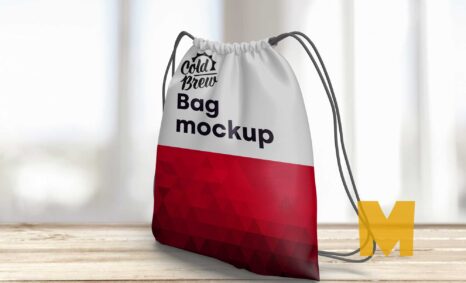
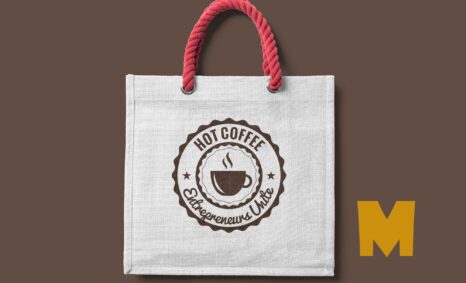
The Indian Zola Mockup is a versatile and beautifully designed template that allows you to showcase your designs in a stunning Indian aesthetic. This mockup is perfect for presentations, portfolios, or any project where you want to highlight your creativity and attention to detail. With its rich colors and traditional elements, it captures the essence of Indian culture while providing a modern touch.
Easily editable in Photoshop, the Indian Zola Mockup allows you to customize various aspects to fit your needs. Whether you’re displaying artwork, branding, or any digital design, this mockup ensures your work stands out. Simply import your design, adjust the layers, and enjoy a professional presentation that impresses clients and audiences alike. Download your free Indian Zola Mockup today and elevate your design game.
Create an awesome mockup to show for presentation. This mockup has a fully layered PSD file with a smart object.
Mockups are used by graphic designers, eCommerce store owners, and more to give customers a realistic view of their product – without having to order and photograph samples of everything.
Do you want to sell a design online but don’t have the time or resources to photograph the product? You have to create a realistic shop mockup.
Description:
Available Format: Layered PSD through smart object insertion
License: Free for personal and commercial use
Zip File Includes: Photoshop PSD File
Resolution: 2200 x 1500 px
Advertisement:
FAQs – Indian Zola Mockup
Can I edit the Indian Zola Mockup in Photoshop?
Yes, the Indian Zola Mockup is fully editable in Photoshop, allowing you to customize colors, layers, and design elements easily.
Does the Indian Zola Mockup support high-resolution designs?
Absolutely! The mockup is designed for high-resolution outputs, ensuring your designs look sharp and professional.
What file format is the Indian Zola Mockup available in?
The Indian Zola Mockup is available in PSD format, making it compatible with most versions of Adobe Photoshop.
Is it easy to change the background in the Indian Zola Mockup?
Yes, changing the background is simple. You can easily adjust or replace it within the layers in Photoshop.
Do I need special skills to use the Indian Zola Mockup?
Basic Photoshop skills are sufficient. The mockup is designed to be user-friendly, with clear instructions for customization.