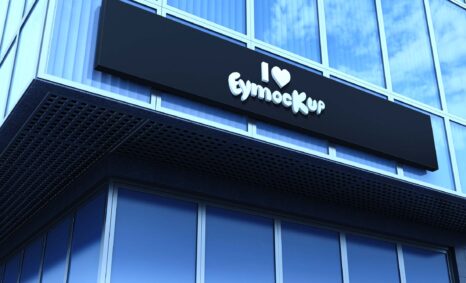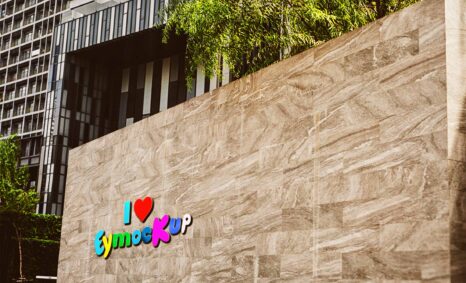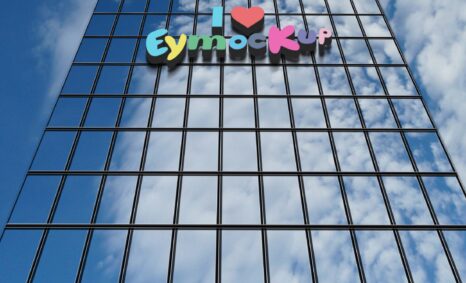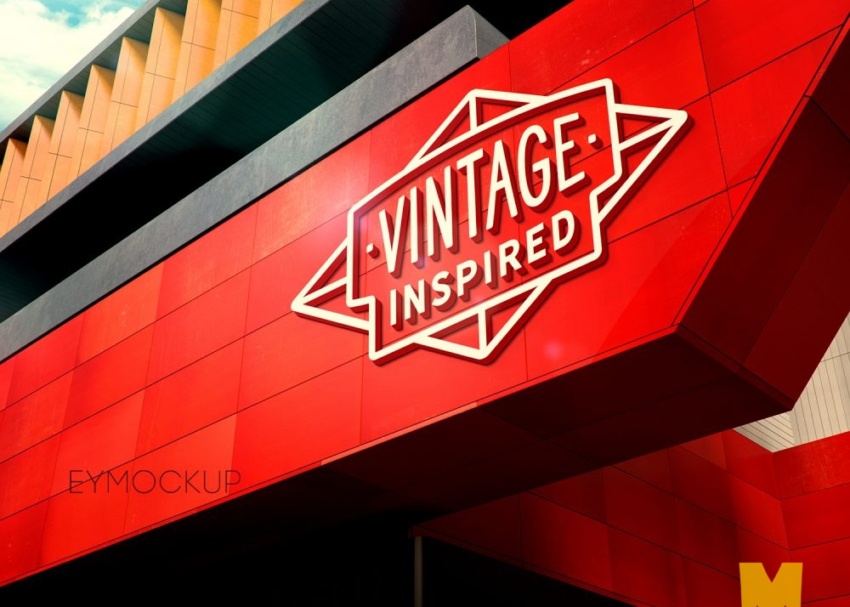
Creating a 3D logo mockup is an essential process for showcasing your brand identity. It allows you to present your logo design in a dynamic and visually appealing way. With the right tools and techniques, you can transform your flat logo into a three-dimensional representation that captures attention and enhances your design portfolio. This guide will walk you through the necessary steps to build an impressive 3D logo mockup that stands out.
To begin, you’ll need design software like Photoshop or Illustrator, as well as a high-quality mockup template. Once you have your assets ready, you can layer your logo onto the mockup, adjust the lighting for realism, and manipulate the perspective to create depth. This process not only elevates your logo presentation but also helps in visualizing how it would look in real-world applications. By following these steps, you can produce professional-looking mockups that effectively convey your brand’s message.
Best quality free logo mockup, business card mockup, t-shirt mockup and many more PSD mockups Collection!
Mockups are used by graphic designers, eCommerce store owners, and more to give customers a realistic view of their
product – without having to order and photograph samples of everything.
Do you want to sell a design online but don’t have the time or resources to photograph the product? You have to create
a realistic mockup.
Description:
Available Format: Layered PSD through smart object insertion
License: Free for personal and commercial use
Zip File Includes: Photoshop PSD File
Resolution: 2200 x 1500 px
Advertisement:
FAQs – Building 3D Logo Mockup
Can I use any logo design for my 3D mockup?
Yes, you can use any logo design, but ensure it is high-resolution for better quality in the mockup.
Do I need special software to create a 3D logo mockup?
While advanced software can help, basic programs like Photoshop are sufficient for creating detailed 3D logo mockups.
What file format should I use for my 3D logo mockup?
Use formats like PSD for Photoshop or high-quality PNG to retain transparency and quality in your mockup.
Is it possible to edit the lighting in my 3D logo mockup?
Absolutely! You can adjust the lighting settings in your design software to enhance the realism of your 3D logo mockup.
What are the best practices for showcasing my 3D logo mockup?
Use clear backgrounds, maintain consistent lighting, and display your mockup in various real-world contexts to enhance appeal.