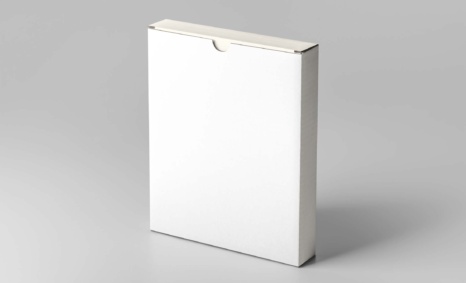
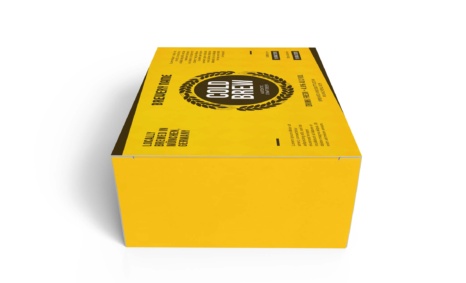
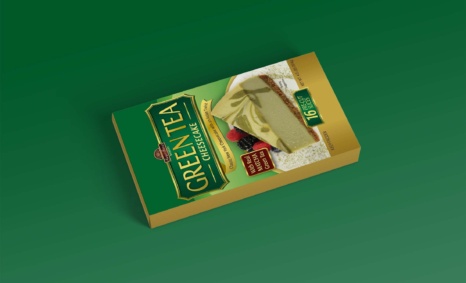
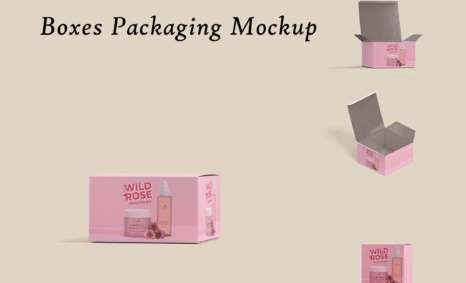
Packaging mockups are essential tools for designers to showcase their work in a realistic setting. They not only help visualize the final product but also allow brands to present their packaging ideas effectively. With high-quality mockups, you can demonstrate various designs, colors, and materials, giving clients a clear vision of the end result. This process enhances presentations and pitches, making your proposals more compelling and professional.
To create a stunning packaging mockup, consider using versatile formats that accommodate different design styles. Editing your mockup in software like Photoshop enables you to customize colors, add logos, and adjust lighting for a polished look. Additionally, ensure your mockup is compatible with various file formats to streamline your workflow. By utilizing effective packaging mockups, you can elevate your design portfolio and impress potential clients with visually appealing presentations.
Create an awesome mockup to show for presentation. This mockup has a fully layered PSD file with a smart object.
Mockups are used by graphic designers, eCommerce store owners, and more to give customers a realistic view of their product – without having to order and photograph samples of everything.
Do you want to sell a design online but don’t have the time or resources to photograph the product? You have to create a realistic shop mockup.
Description:
Available Format: Layered PSD through smart object insertion
License: Free for personal and commercial use
Zip File Includes: Photoshop PSD File
Resolution: 2200 x 1500 px
Advertisement:
FAQs – Packaging Mockup
Can I edit the packaging mockup in Photoshop?
Yes, most packaging mockups are designed for easy editing in Photoshop, allowing you to customize colors, logos, and textures.
What file formats are available for packaging mockups?
Packaging mockups typically come in PSD, PNG, and JPEG formats, ensuring compatibility with various design software.
Does it matter what lighting I use for my mockup?
Absolutely! Proper lighting enhances the realism of your packaging mockup, highlighting textures and colors effectively.
Is it easy to create a packaging mockup from scratch?
Creating a packaging mockup from scratch can be complex. It’s often easier to modify existing templates for best results.
Do I need special skills to use packaging mockups?
While basic design skills are helpful, many mockups are user-friendly, allowing even beginners to create impressive presentations.