Elevate your branding projects with our Free 3D Logo Effect Mockup. This versatile mockup allows you to showcase your logo in stunning three-dimensional detail, perfect for presentations or portfolios. With easy-to-use features, you can quickly insert your design and visualize how it will look in real life. Ideal for graphic designers and business owners alike, this mockup adds a professional touch to your visual content.
The mockup is designed for seamless integration with Adobe Photoshop, ensuring that even beginners can achieve impressive results. Simply open the file, use the smart object layer to insert your logo, and adjust the lighting and shadows to your liking. Whether you’re creating promotional materials or simply exploring design concepts, this free mockup is a must-have tool for showcasing your logo in a captivating way.
A mockup is a great way to see how your logo or design works in real-life situations and scenarios, be it on a magazine, a phone, or a car – the possibilities are limitless. Good logo mockups can be hard to come by, and even harder to make on your own.
Our mockups are available as free downloads to allow anyone to download and use them right here, right now! Glowing sign mockup to showcase your wall sign design in a photorealistic style. Simple edit with smart layers. Free for personal and commercial use.
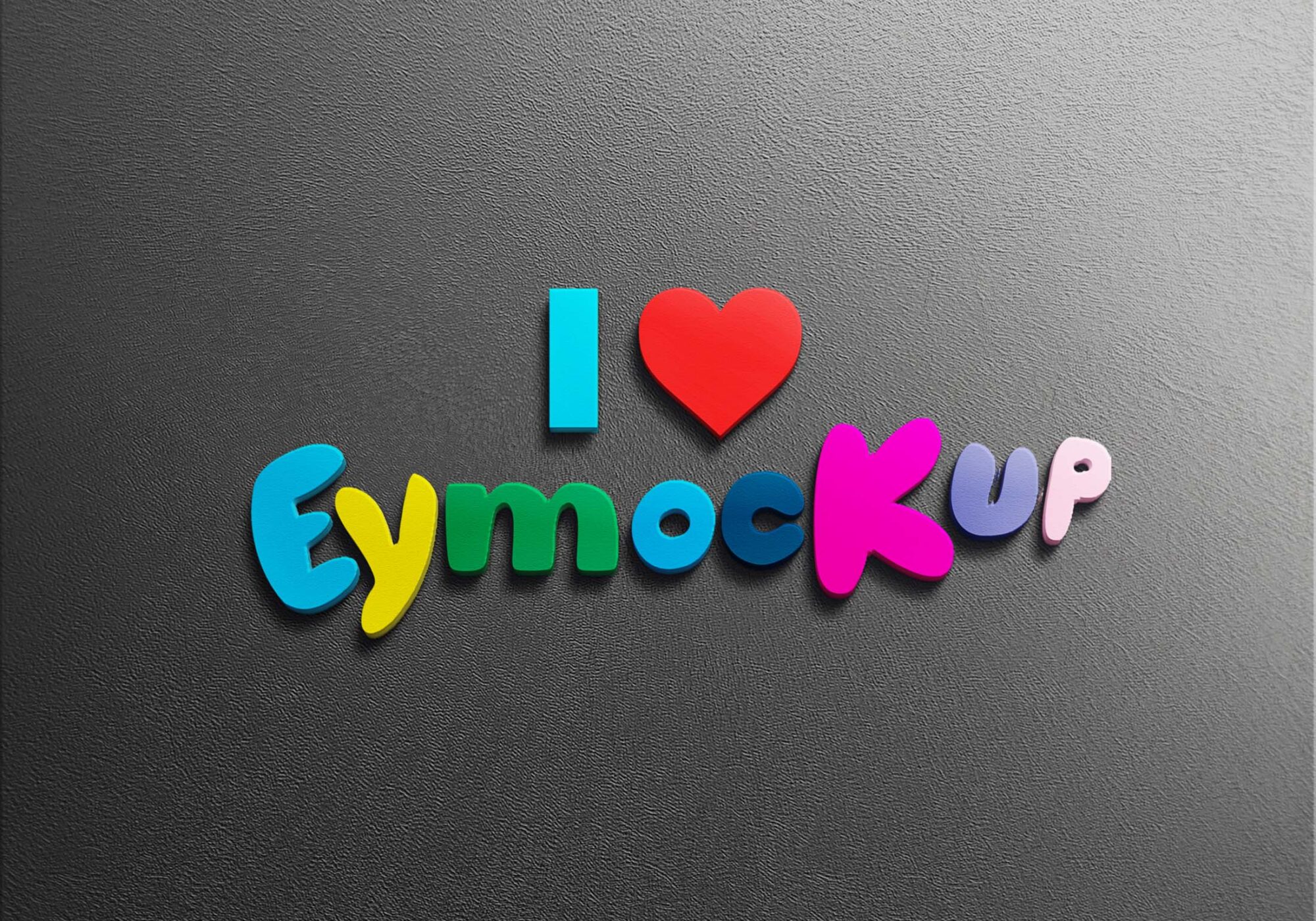
All of these Resources are easy to use and can present your information beautifully. Some are free, while others cost a few dollars. ( premium mockups )
Description:
Available Format: Layered PSD through smart object insertion
License: Free for personal and commercial use
Zip File Includes: Photoshop PSD File
Resolution: 2200 x 1500 px
Advertisement:
FAQs – Free 3D Logo Effect Mockup
Can I use the Free 3D Logo Effect Mockup in Photoshop?
Yes, this mockup is fully compatible with Adobe Photoshop, making it easy to customize and showcase your logo.
What file format is the 3D logo mockup available in?
The mockup is provided in a PSD format, allowing for easy editing and adjustment of your designs.
Do I need special skills to edit the mockup?
No special skills are required! The mockup uses smart objects, making it user-friendly for all levels of Photoshop users.
Is the lighting adjustable in the 3D logo mockup?
Yes, you can easily adjust the lighting and shadows to enhance the look of your logo within the mockup.
What types of logos work best with this mockup?
This mockup is versatile and can accommodate various logo styles, including text-based and graphical logos.