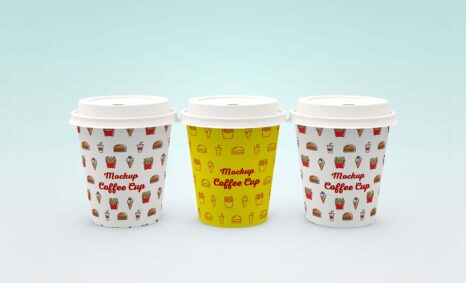
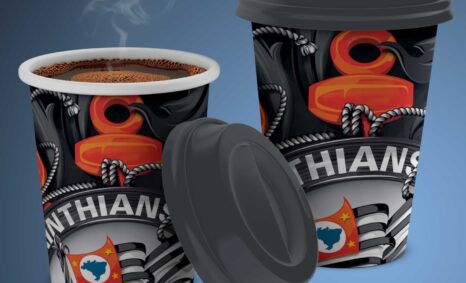
Elevate your coffee brand’s presentation with our stunning silver coffee packaging mockup. This versatile mockup showcases your design in a realistic setting, making it perfect for marketing materials, social media posts, and client presentations. The sleek silver finish enhances the visual appeal of your coffee product, ensuring it stands out on shelves and online.
Our mockup is easy to use and fully customizable, allowing you to adjust colors, textures, and lighting to match your brand’s identity. With just a few clicks in Photoshop, you can create a professional look that captures the essence of your coffee. Ideal for both seasoned designers and beginners, this mockup is a must-have for anyone looking to impress with their coffee packaging designs.
All of these Resources are easy to use and can present your information beautifully. Some are free, while others cost a few dollars. ( premium mockups )
More great & free PSD Mockups Collection:
- Best Free T-Shirt Mockups for 2021
- Free Tag mockups PSD 2021
- 55+ Free Website Mockups 2021
- 88+ Paper Unlimited Logo Mockups
Description:
Available Format: Layered PSD through smart object insertion
License: Free for personal use
Zip File Includes: Photoshop PSD File
Resolution: 2000 x 2250 px
FAQs – Silver Coffee Packaging Mockup
Can I customize the silver coffee packaging mockup?
Yes, the mockup is fully customizable in Photoshop, allowing you to adjust colors, textures, and lighting to fit your brand.
Does this mockup work with Adobe Photoshop?
Absolutely! The silver coffee packaging mockup is designed specifically for use in Adobe Photoshop, making it user-friendly for all skill levels.
What file format is the mockup provided in?
The mockup is provided in a high-resolution PSD format, ensuring quality and easy manipulation for your designs.
Is the mockup suitable for social media use?
Yes, this mockup is perfect for social media, allowing you to showcase your coffee packaging in a visually appealing way.
Do I need advanced skills to edit the mockup?
No, basic Photoshop skills are sufficient to edit the mockup, thanks to its intuitive layers and guides.