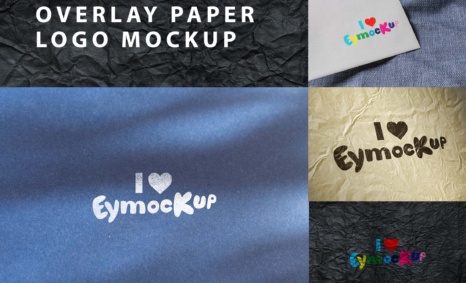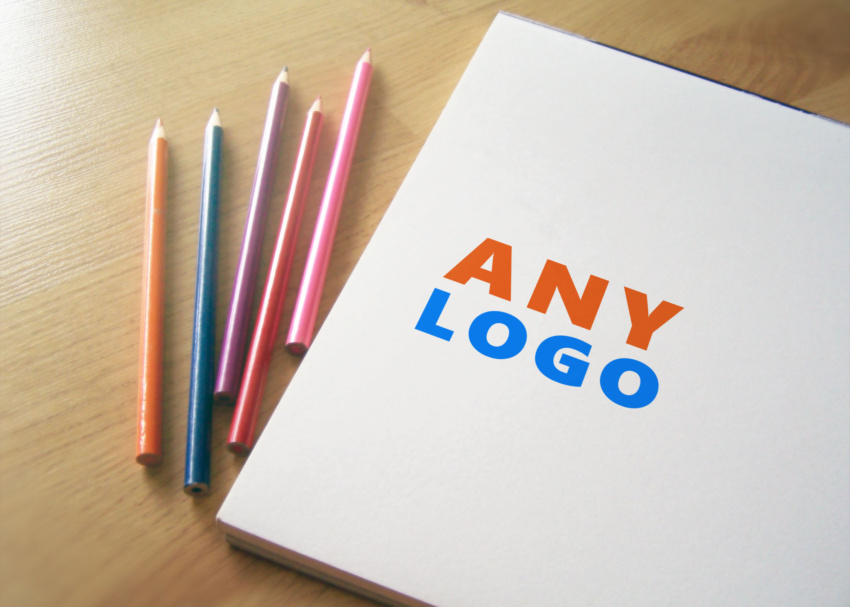
If you’re looking to present your logo designs in a unique and artistic way, our Sketch Pencil Logo Mockup is the perfect solution. This mockup allows you to showcase your designs with a hand-drawn aesthetic, making your logos stand out and appear more personable. Whether you’re a graphic designer or a business owner, this mockup will help you convey your brand’s creativity and style effectively.
Designed for ease of use, the Sketch Pencil Logo Mockup is fully customizable in Photoshop. Simply place your design into the smart object layer, and watch as it transforms into a realistic sketch effect. With adjustable lighting and shadows, you can create the ideal ambiance for your presentation. This mockup is perfect for portfolios, client presentations, or social media showcases, allowing your logos to shine in a fashionable and engaging way.
Sure, I found you a sketch pencil logo mockup. It is a PSD file that you can download and edit in Photoshop. You can add your own logo design to the mockup and it will look like it was drawn by hand with a pencil.

Here are the steps on how to use the sketch pencil logo mockup:
- Download the PSD file from Freepik.
- Open the PSD file in Photoshop.
- In the Layers panel, locate the Smart Object layer for the logo.
- Double-click the Smart Object layer to open it in a new document.
- Paste your logo design into the new document.
- Scale and position your logo design as desired.
- Save the new document and close it.
- In the original PSD file, click the “Update Smart Object” button in the Layers panel.
- Your logo design will now be displayed in the sketch pencil mockup.

More great & free PSD Mockups Collection:
Description:
Available Format: Layered PSD through smart object insertion
Zip File Includes: Photoshop PSD File
Resolution: 2000 x 2250 px
FAQs – Sketch Pencil Logo Mockup
Can I customize the Sketch Pencil Logo Mockup?
Yes, the mockup is fully customizable in Photoshop, allowing you to change designs, colors, and lighting effects easily.
Do I need Photoshop to use the mockup?
Yes, you need Adobe Photoshop to open and edit the Sketch Pencil Logo Mockup effectively.
Is it possible to change the background in the mockup?
Absolutely! You can easily modify the background layer in Photoshop to match your branding needs.
What file format is the Sketch Pencil Logo Mockup available in?
The mockup is provided in a high-resolution PSD format, ensuring quality and flexibility for your designs.
Does the mockup include instructions for use?
Yes, the Sketch Pencil Logo Mockup comes with a user guide to help you navigate the editing process smoothly.