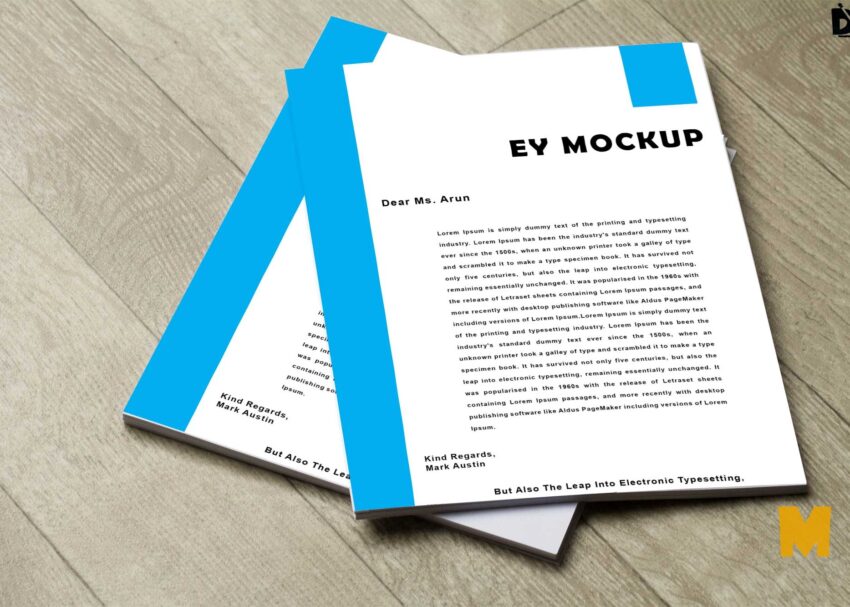

Paper Mockup
Paper mockups are a great way to save money on product design and marketing costs, while still creating high-quality visuals. Paper mockups can be used to showcase a wide variety of products, including packaging, devices, and apparel. To use a free PSD mockup, you will need to download the PSD file and open it in Adobe Photoshop. Once the file is open, you can customize the mockup to match your product’s branding and color scheme. You can also add your own images and text to the mockup.
By following the tips above, you can use free Paper mockups effectively to showcase your products in the best possible light.
Here are a few tips for using free Paper mockups effectively:
Choose the right mockup: Choose a mockup that is relevant to your brand and target audience.
Customize the mockup: Customize the mockup to match your product’s branding and color scheme.
Use high-quality images: Use high-quality images of your product in the mockup.
Use mockups in your marketing materials: Use mockups in your website banners, brochures, and social media posts.
Use mockups to test different designs: Use mockups to test different product designs and color schemes.
Free White Paper Logo Mockup Download
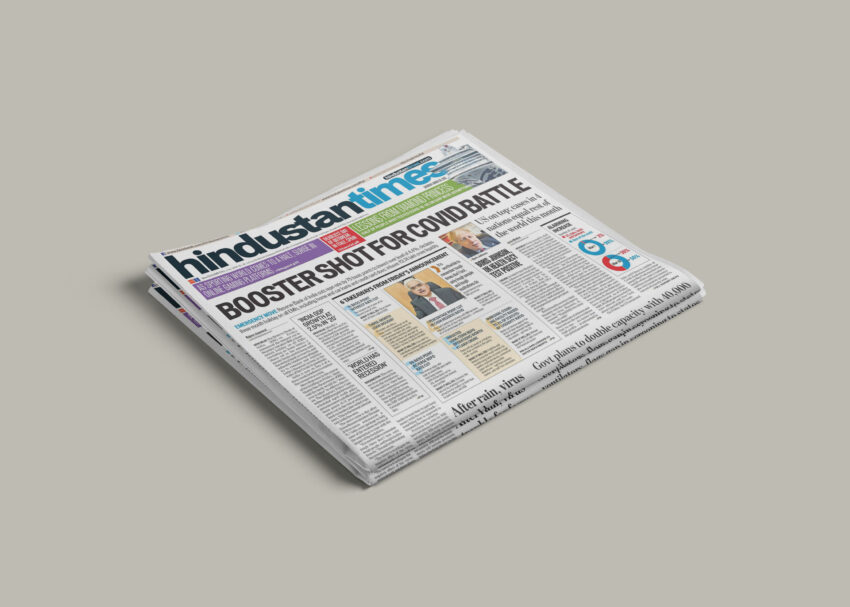
Download Realistic Newspaper Mockup Free

Downloadable Open Book Mockup Free

Download Free A4 Paper Mockup Template
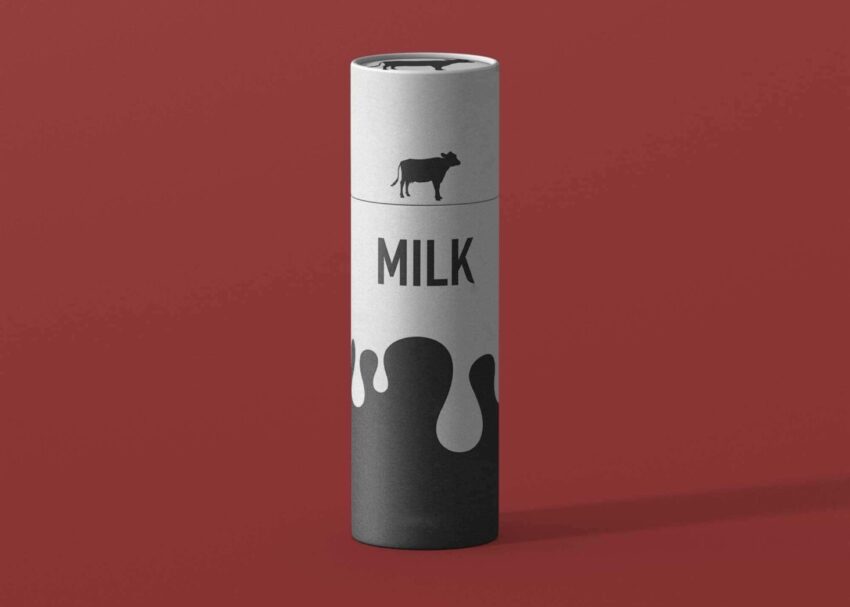
Free Tube Packaging Mockup Download

Stylish Papet CutOut Logo Mockup
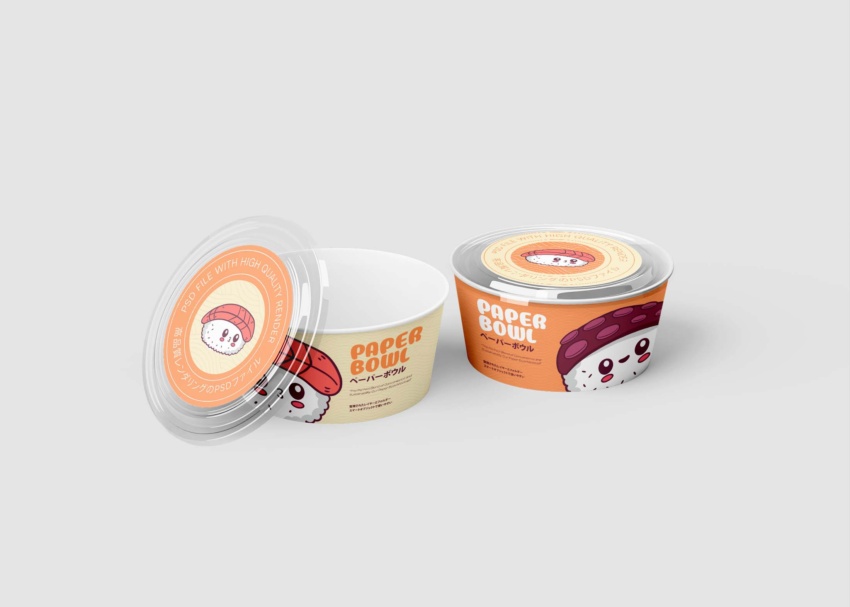
Free Paper Bowl Mockup Download

Free Logo Mockup for Overlay Designs
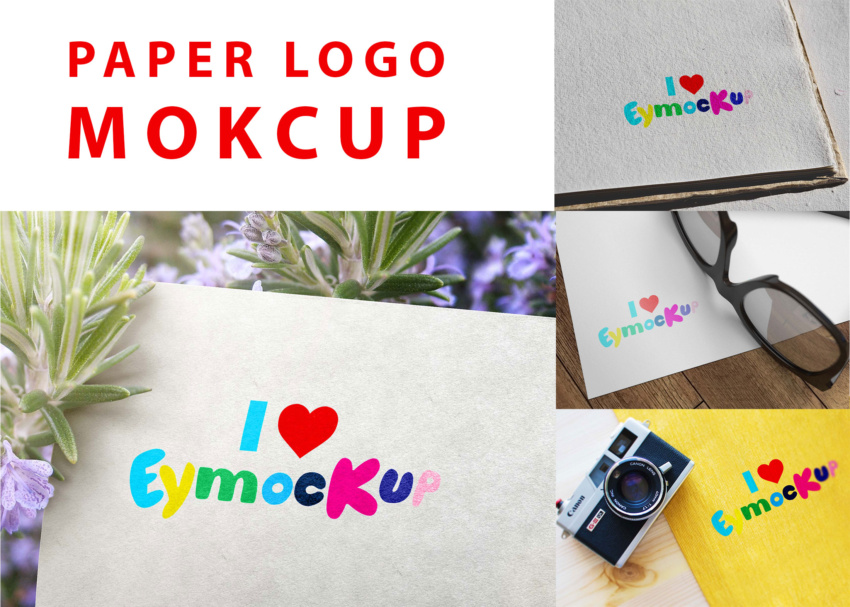
Free Paper Logo Mockup Downloadable PSD

Stylish Restaurant Menu Card Mockup

Create Your Own Fake Newspaper Mockup

Download Free Newspaper Mock-up Today

Download Free Morning Newspaper Mockup
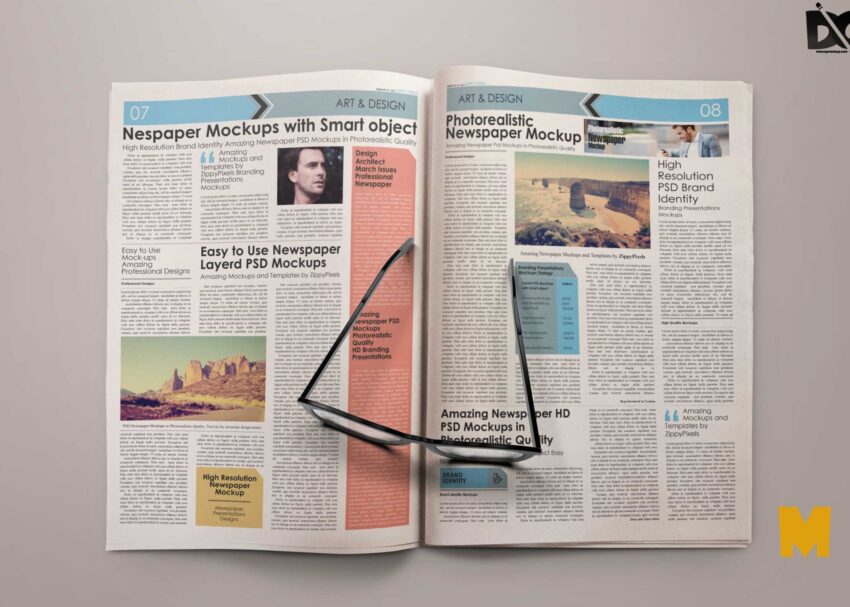
Download Free Plain Newspaper Mockup

Free Square Paper Box Mockup Download

Download Free Letterhead Mockup Easily